LinkedIn Cold Outreach: The Complete Playbook for 2026
A step-by-step LinkedIn outreach process, from defining who to reach and building the list to invites, follow-ups, handling replies and measuring results.
By Mehran Iqbal, Co-Founder & CEO of GrabProspect4 min read
Short answer
Good LinkedIn cold outreach has six steps: define a narrow target, build the list in Sales Navigator, make your profile worth accepting, send short connection notes with a real reason, follow up two or three times with something useful and stop when people reply, then answer every reply fast and track acceptance, reply and meeting rates per campaign. Steady daily volume beats bursts.
LinkedIn is still the best place to start a conversation with a specific person at a specific company. It's also crowded with lazy outreach, which is good news: a thoughtful process stands out. This is the process, start to finish.
Step 1: Decide exactly who you're reaching
Write one sentence: "[Role] at [company type, size, place] who [situation]."
- Weak: "Marketing people at tech companies."
- Strong: "Heads of marketing at 50 to 500 person B2B SaaS companies in the UK who started in the role in the last 6 months."
The narrower the sentence, the better your message fits everyone who reads it. Run one campaign per sentence.
Step 2: Build the list in Sales Navigator
Turn the sentence into filters:
| Part of the sentence | Sales Navigator filter |
|---|---|
| Heads of marketing | Current job title (Boolean) + Seniority |
| B2B SaaS | Industry, or an account list |
| 50 to 500 people | Company headcount |
| UK | Geography |
| New in role | Spotlight: Changed jobs in past 90 days |
See every filter explained and Boolean search strings. If the search is over 2,500 results, split it.
Step 3: Make your profile worth accepting
People check your profile before accepting. In 5 seconds it should answer "who is this and why would I connect?" The full checklist is in how to set up your LinkedIn profile for outreach.
- Photo: clear, friendly, recent.
- Headline: who you help and how, not just a job title. "Helping B2B SaaS teams book more demos from LinkedIn" beats "CEO".
- About: three short paragraphs: who you help, what changes for them, how to reach you.
- Featured: one useful resource, case study or post.
- Recent activity: a post or comment in the last couple of weeks.
Step 4: Send connection requests with a reason
- Under 200 characters, one specific reason, no pitch.
- 15 to 25 invites a day per LinkedIn account, spread through working hours.
- 2nd-degree connections and people active on LinkedIn accept more.
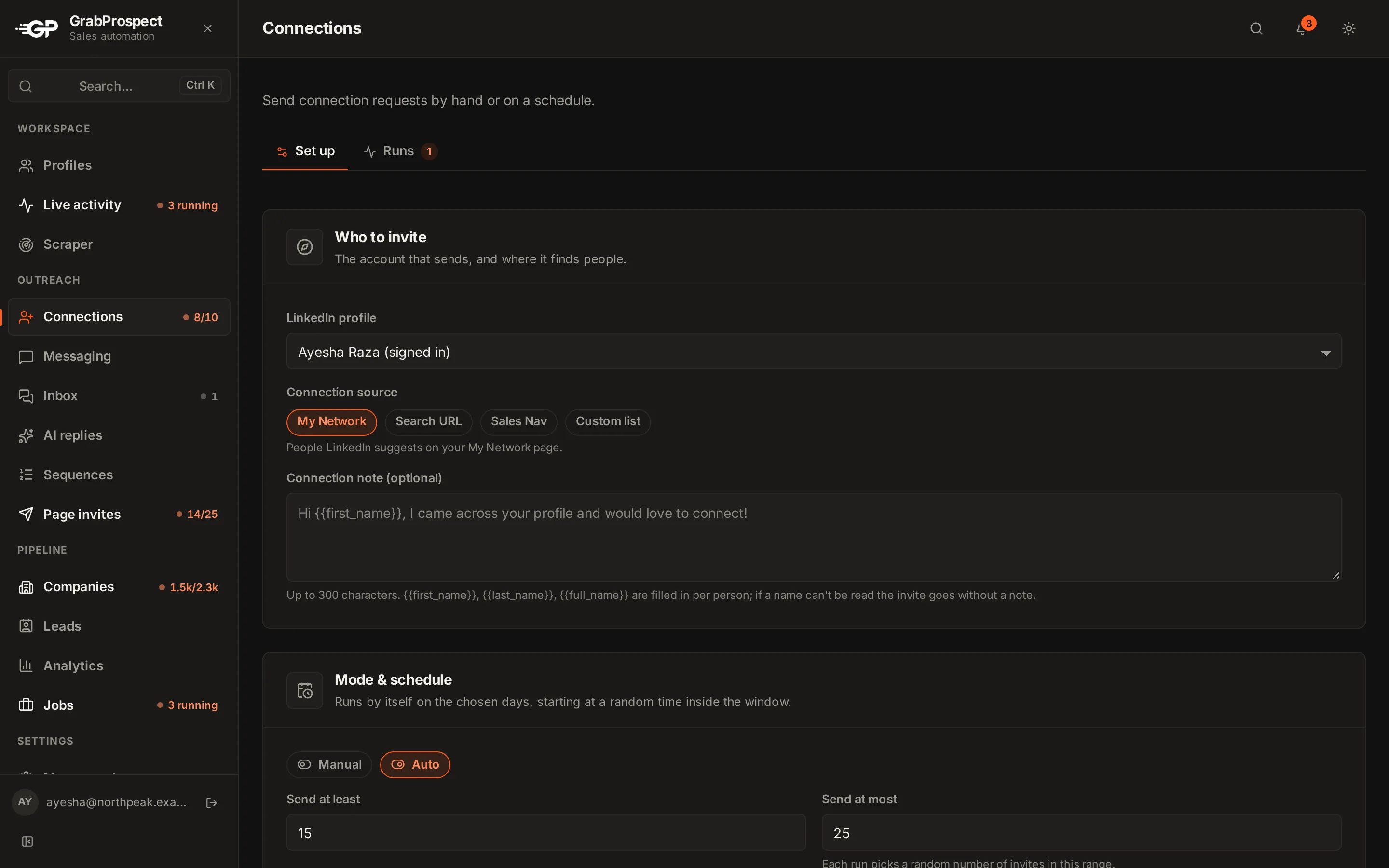
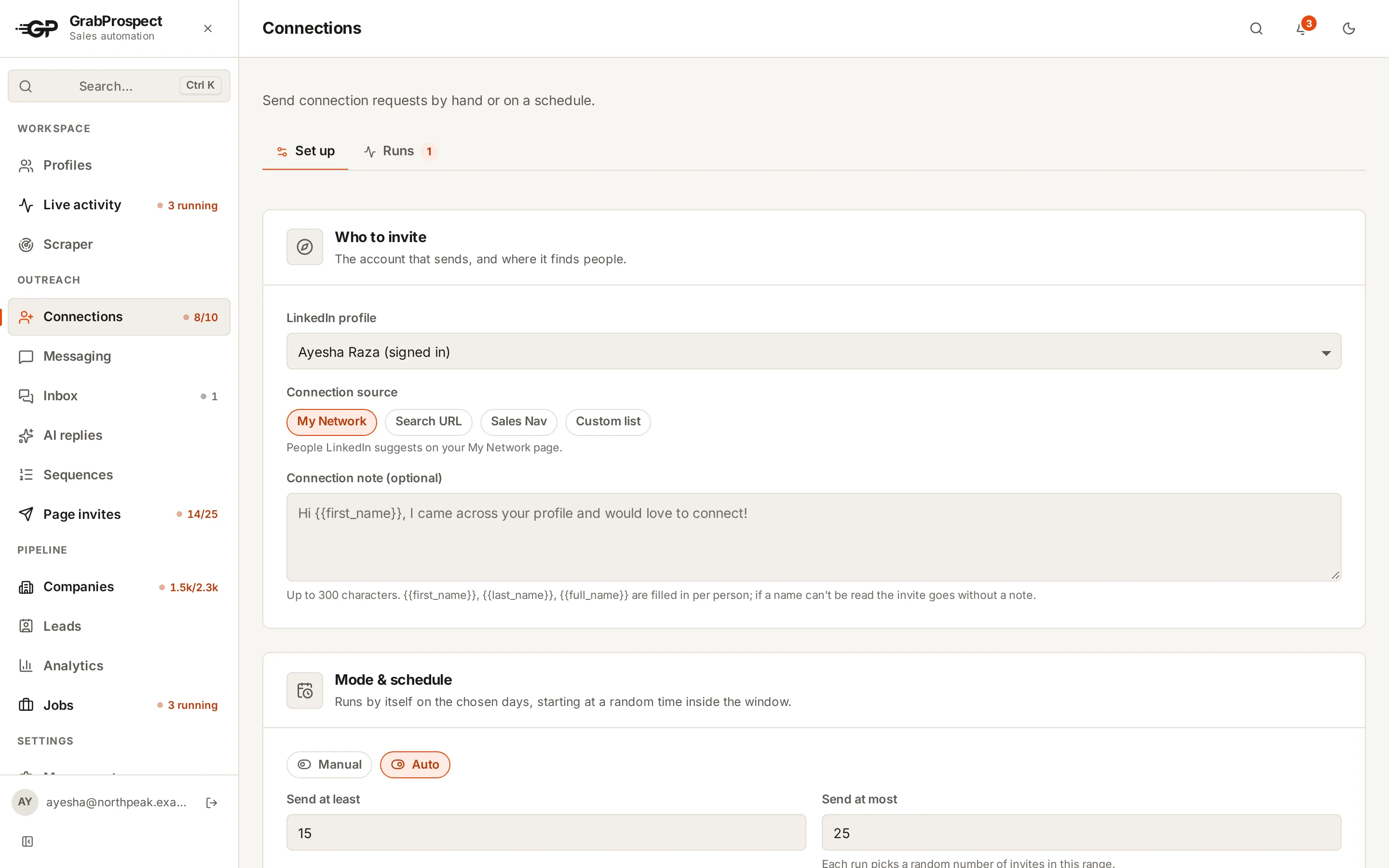
Grab a starting point from 50 connection request templates, and check it with the connection note checker.
Step 5: Follow up, then stop
- First message 1 to 2 days after acceptance: continue the reason, ask one easy question.
- Two or three follow-ups, 3 to 7 days apart, each adding something new.
- Stop the moment they reply.
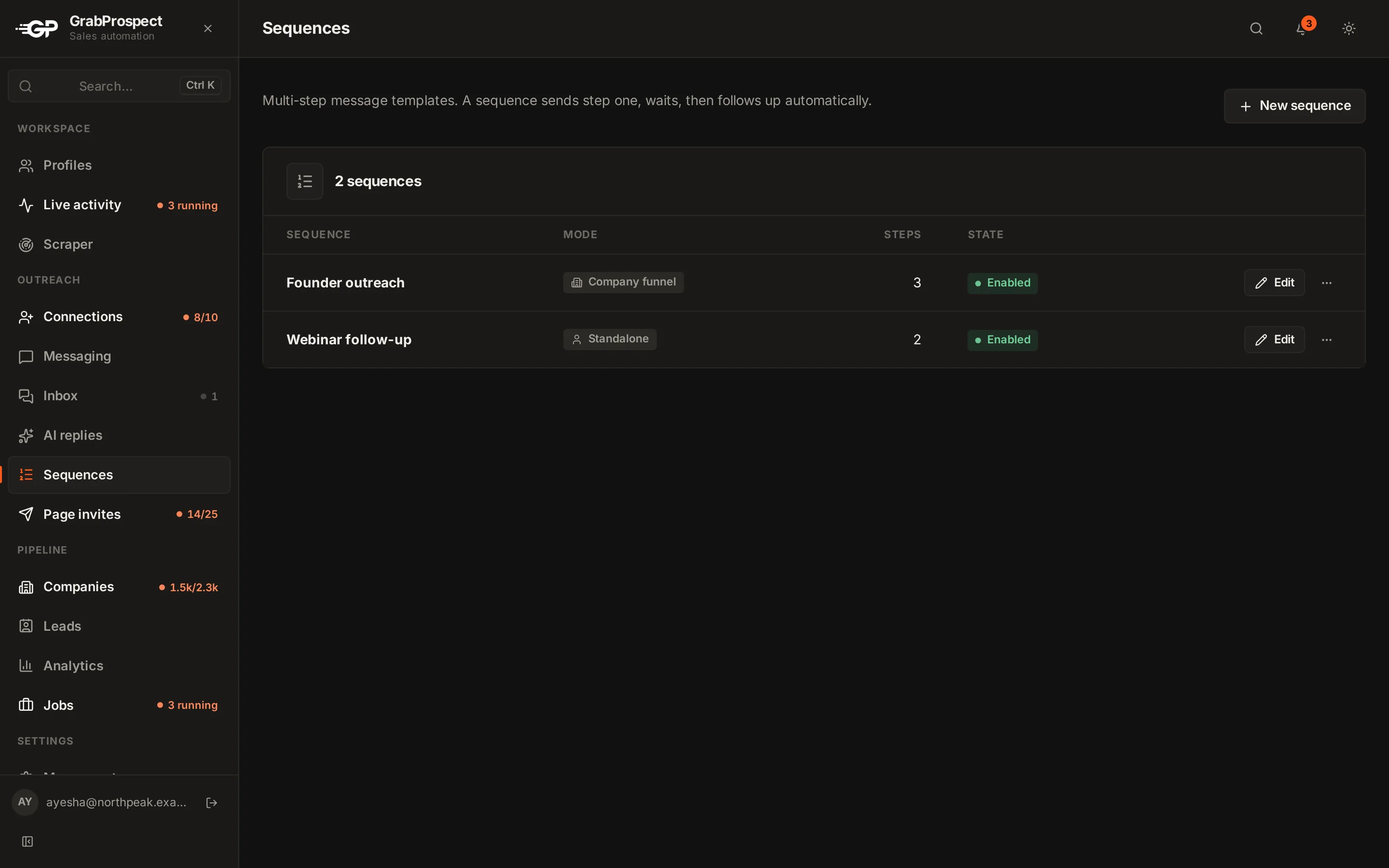
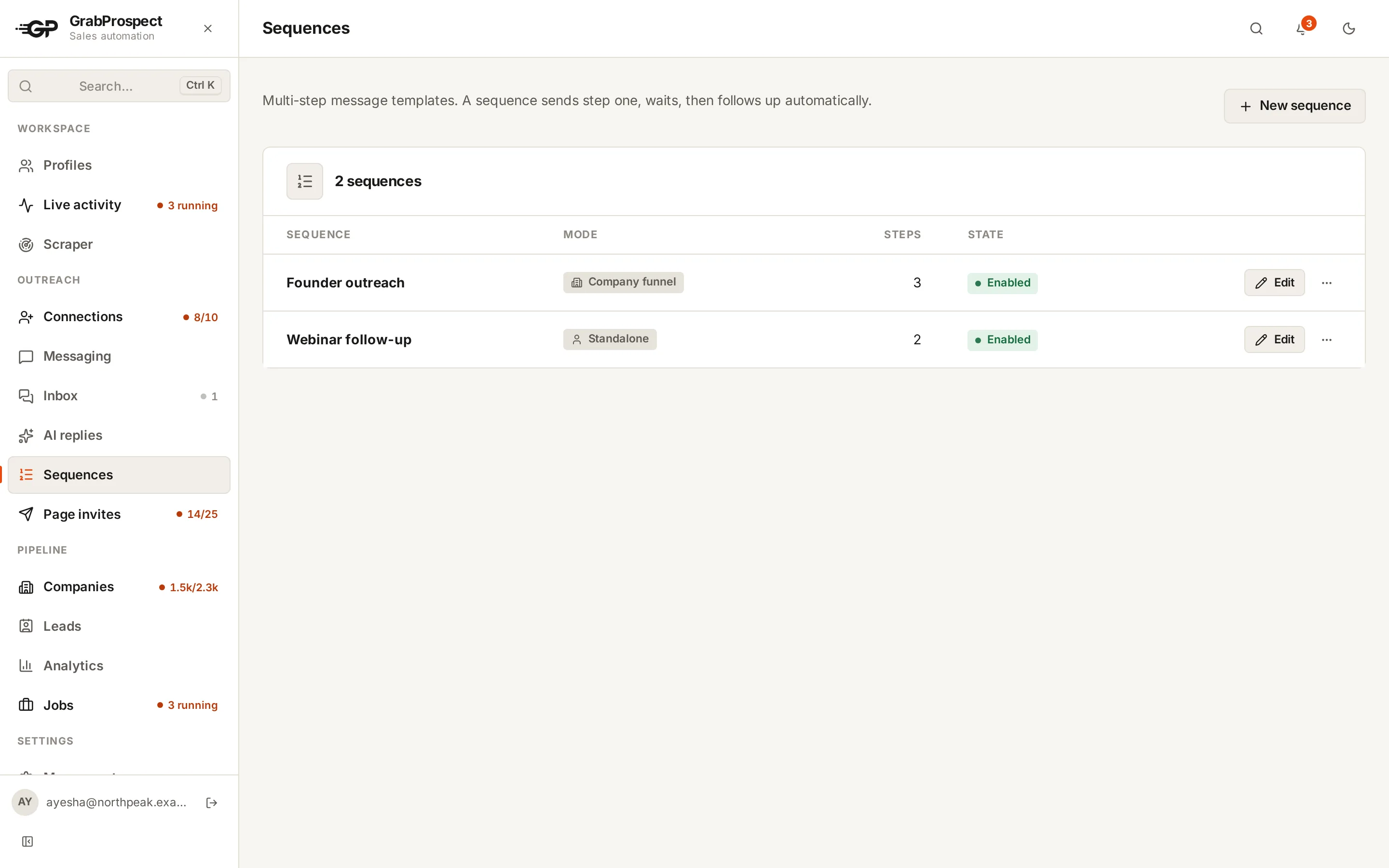
Templates for each step are in LinkedIn follow-up messages.
Do this on autopilot with GrabProspect
Scrape Sales Navigator (even searches over 2,500), send personal invites, follow up until people reply and answer every reply from one inbox. Try it free for 7 days with your own LinkedIn account.
Step 6: Answer every reply, fast
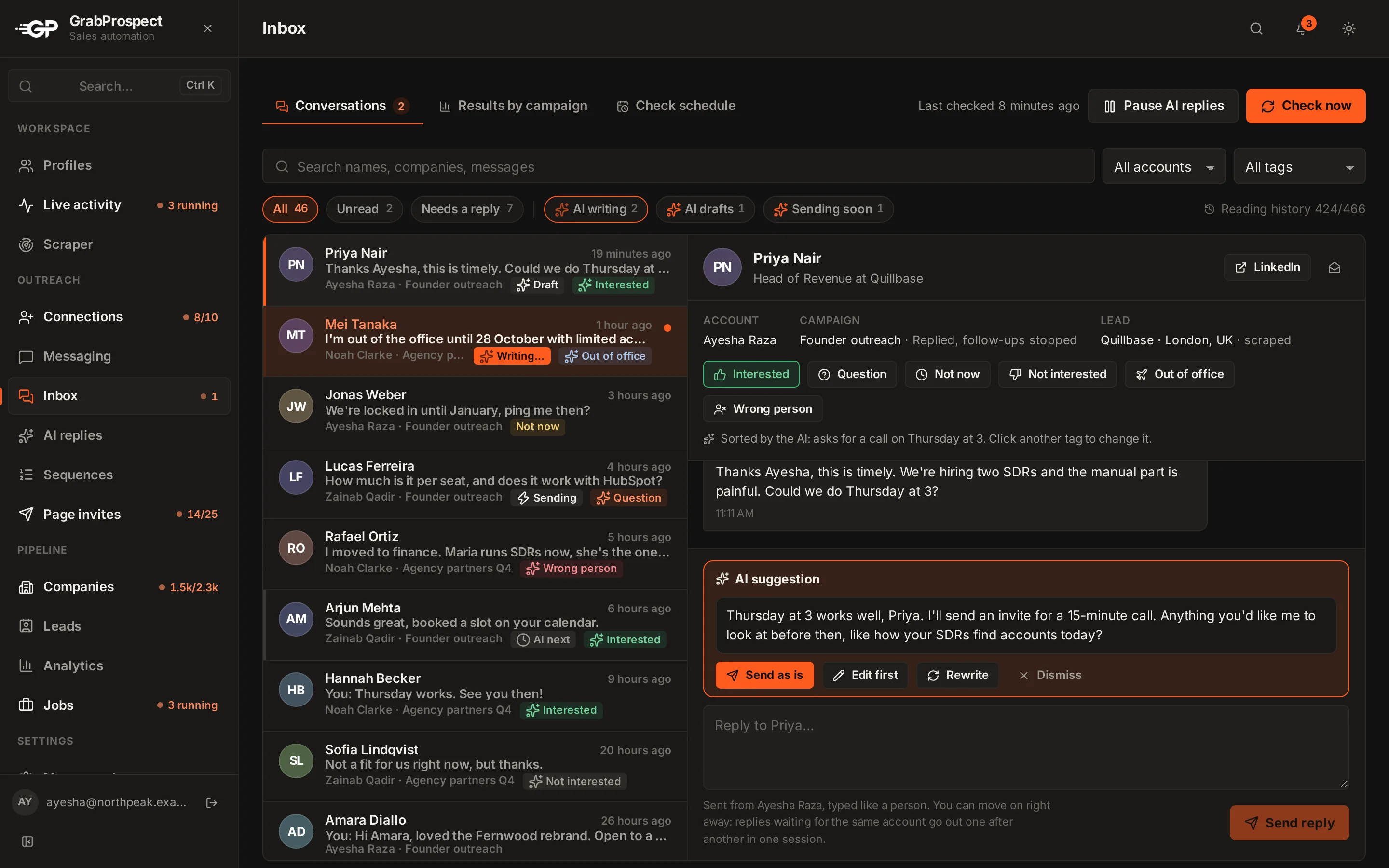
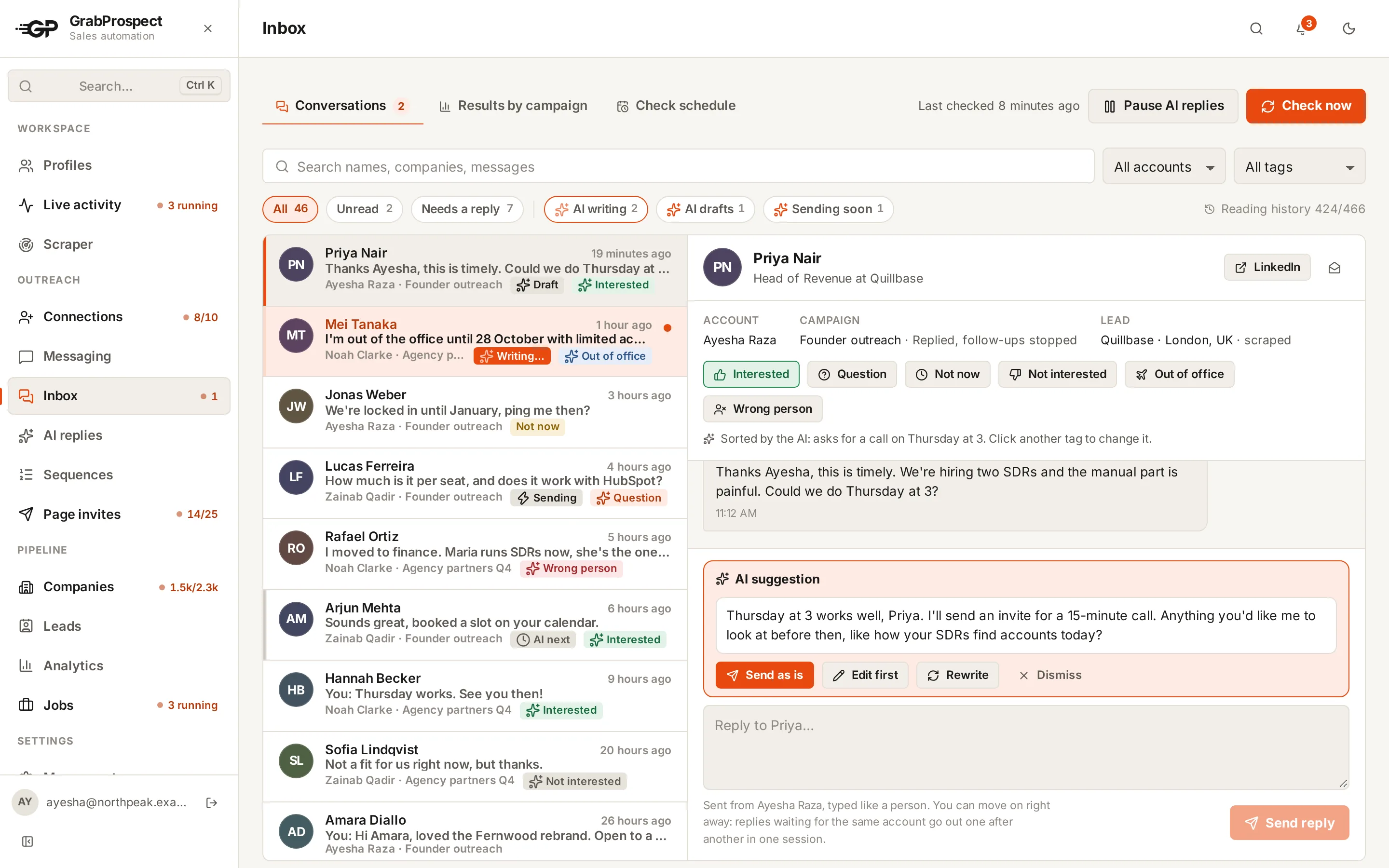
A reply answered within an hour converts far better than one answered tomorrow. Check replies at set times each day, answer from the account that sent the message, and tag each one:
- Interested: suggest a specific next step (a 15-minute call, a short demo, a resource).
- Not now: ask when to check back, and put it in your calendar.
- Not interested: thank them, stop, and never re-add them to a campaign.
If you run several LinkedIn accounts, put every reply in one inbox so nothing gets missed. GrabProspect's unified inbox collects replies from every account, checks at times you choose without marking anything as read, and shows results by campaign.
Measure the funnel
Track these per campaign, weekly:
| Metric | Healthy | If it's low |
|---|---|---|
| Acceptance rate | 30% to 50%+ | Fix targeting and the connection note |
| Reply rate (of accepted) | 10% to 20%+ | Fix the first message: shorter, more specific, better question |
| Positive replies (of replies) | 30%+ | Fix the offer or the audience |
| Meetings (of positive replies) | 40%+ | Answer faster; make the next step easy |
Plan the volume you need with the LinkedIn outreach calculator.
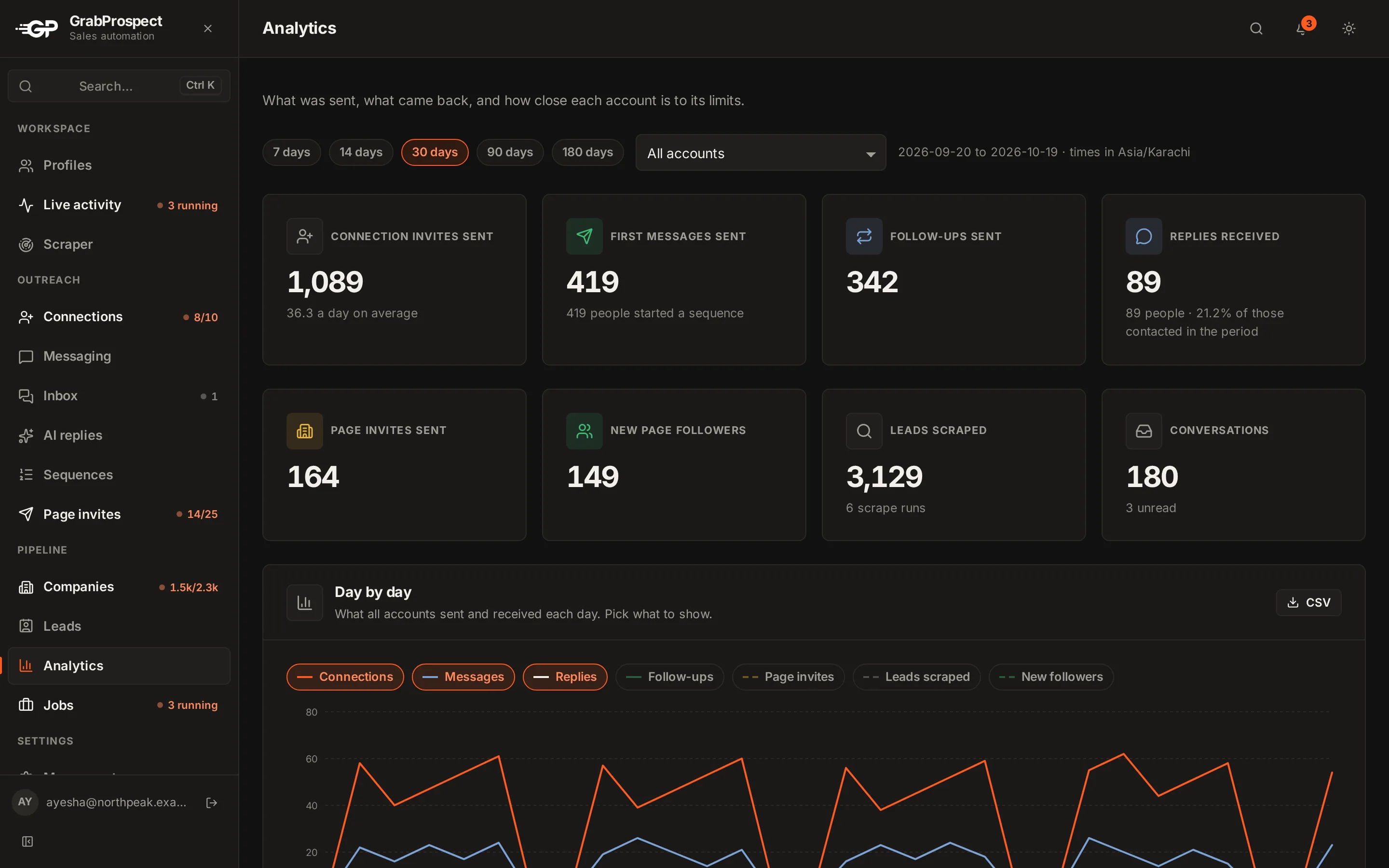
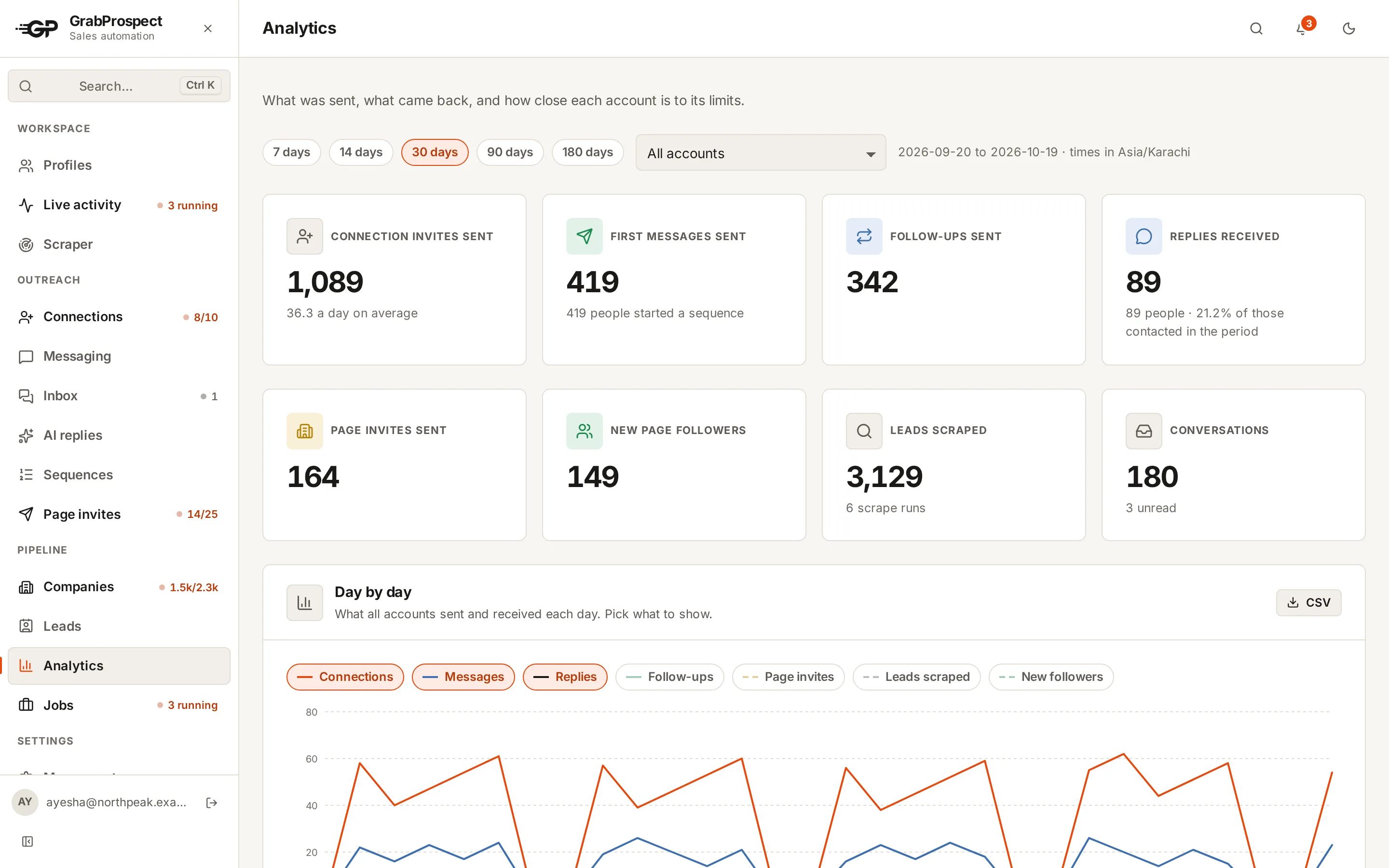
Example: what 3 accounts can do in a month
Three team members each running their own LinkedIn account, 20 invites a day on weekdays:
| Per month | |
|---|---|
| Invites (3 × 20 × 21 days) | 1,260 |
| Accepted (40%) | ~500 |
| Replies (15% of accepted) | ~75 |
| Positive (35%) | ~26 |
| Meetings (50%) | ~13 |
Thirteen qualified meetings a month from careful, human-paced outreach.
Mistakes that kill campaigns
- Pitching in the connection note.
- Messaging within minutes of acceptance.
- Sending follow-ups to people who already replied.
- One giant campaign for everyone instead of one per audience.
- Bursts: 100 invites on Monday, nothing for the rest of the week.
- Never looking at the numbers.
Frequently asked questions
Does cold outreach on LinkedIn still work in 2026?
Yes, when it's targeted and personal. Generic, automated-looking messages are ignored, which makes thoughtful outreach stand out more.
How many LinkedIn messages should I send per day?
Around 15 to 25 connection requests and 30 to 50 messages per day per account is a sustainable pace for an established account.
Should I use InMail or connection requests?
Connection requests first: they're free and lead to an ongoing connection. Use InMail (Premium or Sales Navigator credits) for high-value people who don't accept.
How long until LinkedIn outreach produces meetings?
Most campaigns show replies in the first week and meetings in the first two to three weeks, as acceptances and follow-ups build up.
Written by Mehran Iqbal, Co-Founder & CEO of GrabProspect, who builds LinkedIn outreach software and runs outreach with it. Facts checked on 2026-10-13. Spotted something out of date? Email contact@grabprospect.com.