For recruiters
Reach more candidates without living in your LinkedIn inbox
Recruiting on LinkedIn is the same few steps, hundreds of times a week: search, invite, follow up, answer. GrabProspect does the repetitive part at a human pace, so you spend your time on the conversations.
7 days free. No card needed.
What gets easier
Searches cut off at 2,500
Big talent pools (all backend engineers in a country) are split into searches that each fit, so you see everyone.
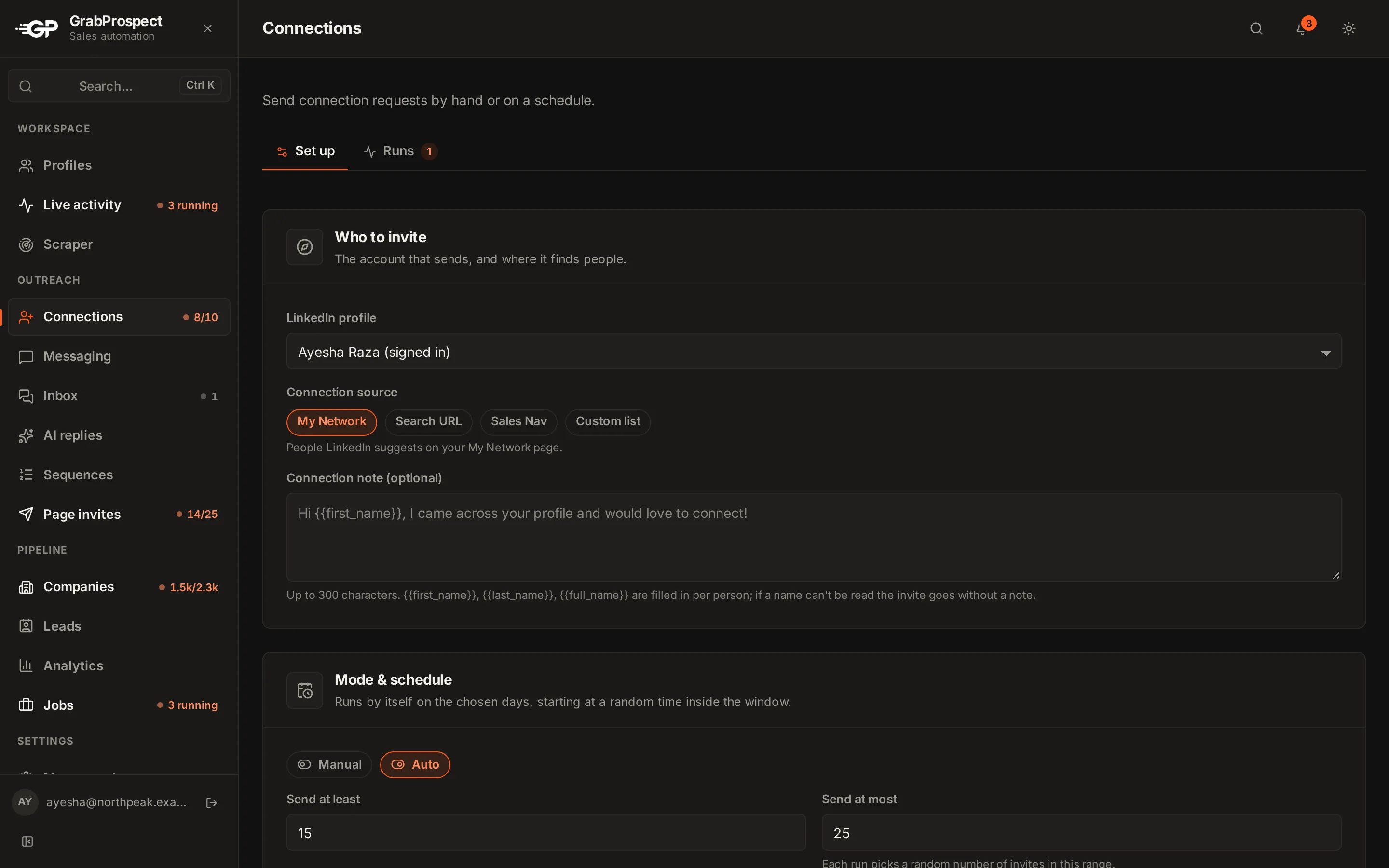
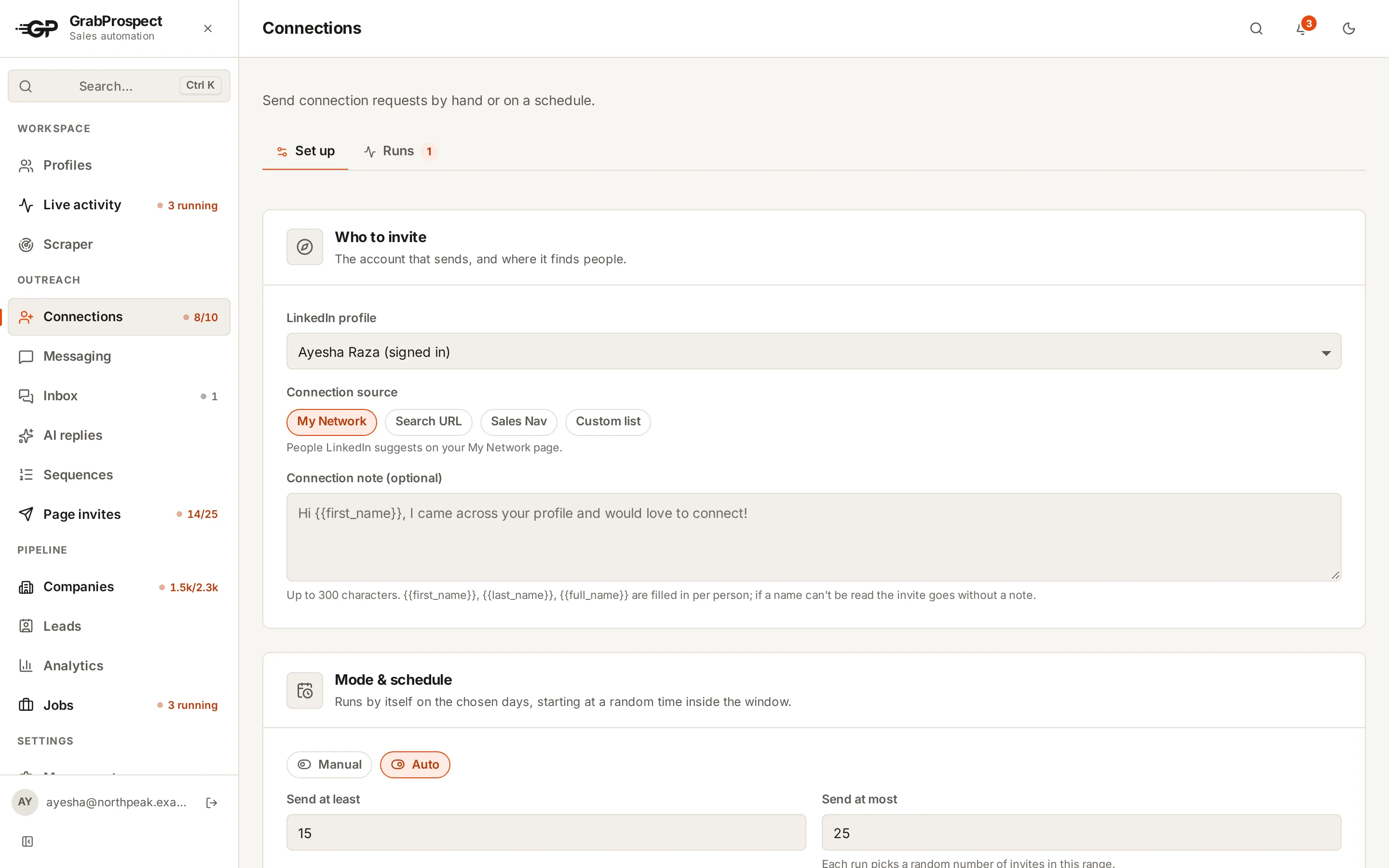
Invites take all morning
Notes with each candidate's first name go out through the day, inside LinkedIn's weekly limit.
Follow-ups slip
A short sequence follows up for you and stops the moment a candidate replies.
Replies across accounts
Every recruiter's replies in one inbox, answered from the right account and tagged.
Searches that work
Passive talent, new in role elsewhere
Search your target title with 'Changed jobs in past 90 days' excluded and 2 to 4 years in role: settled, open to a next step.
Alumni of a strong team
Past company filter on a company known for great engineers, current title your role.
Active on LinkedIn
'Posted on LinkedIn in past 30 days' for candidates who actually read messages.
Built with: sales navigator scraper, query splitter, connection invites, message sequences, unified inbox.
Questions people ask
Can recruiters use LinkedIn automation with Recruiter seats?
GrabProspect works with LinkedIn and Sales Navigator accounts. It doesn't automate LinkedIn Recruiter.
How many candidates can I invite per week?
Within LinkedIn's weekly limit, about 100 for most accounts. GrabProspect's Standard caps are 25 a day and 120 a week per account.
Can several recruiters use one workspace?
Yes. Each recruiter gets a private workspace with their own LinkedIn account, lists and inbox, on one team plan.
Guides for recruiters
- OutreachLinkedIn Outreach for Recruiters: Finding and Reaching Candidates at ScaleA recruiter's playbook for LinkedIn and Sales Navigator, from searches that find passive candidates to messages that get replies and a weekly routine that fills pipelines.3 min read
- Sales NavigatorSales Navigator Boolean Search: Operators, Rules and 20 Ready-to-Use StringsHow Boolean search works in LinkedIn Sales Navigator, which fields accept it, the rules that silently break searches, and 20 strings you can copy.5 min read
- OutreachLinkedIn InMail: How Credits Work and When It Beats a Connection RequestWhat InMail is, how many credits each plan includes, how to earn credits back, Open Profile messages, and when to use InMail instead of a connection request.3 min read
See it run on your own search
Start a 7-day free trial with your own LinkedIn account, or book a call with Mehran, our co-founder, and see a Sales Navigator search split, invited and followed up, live.
7 days free. No card needed.