Every reply from every LinkedIn account, in one inbox
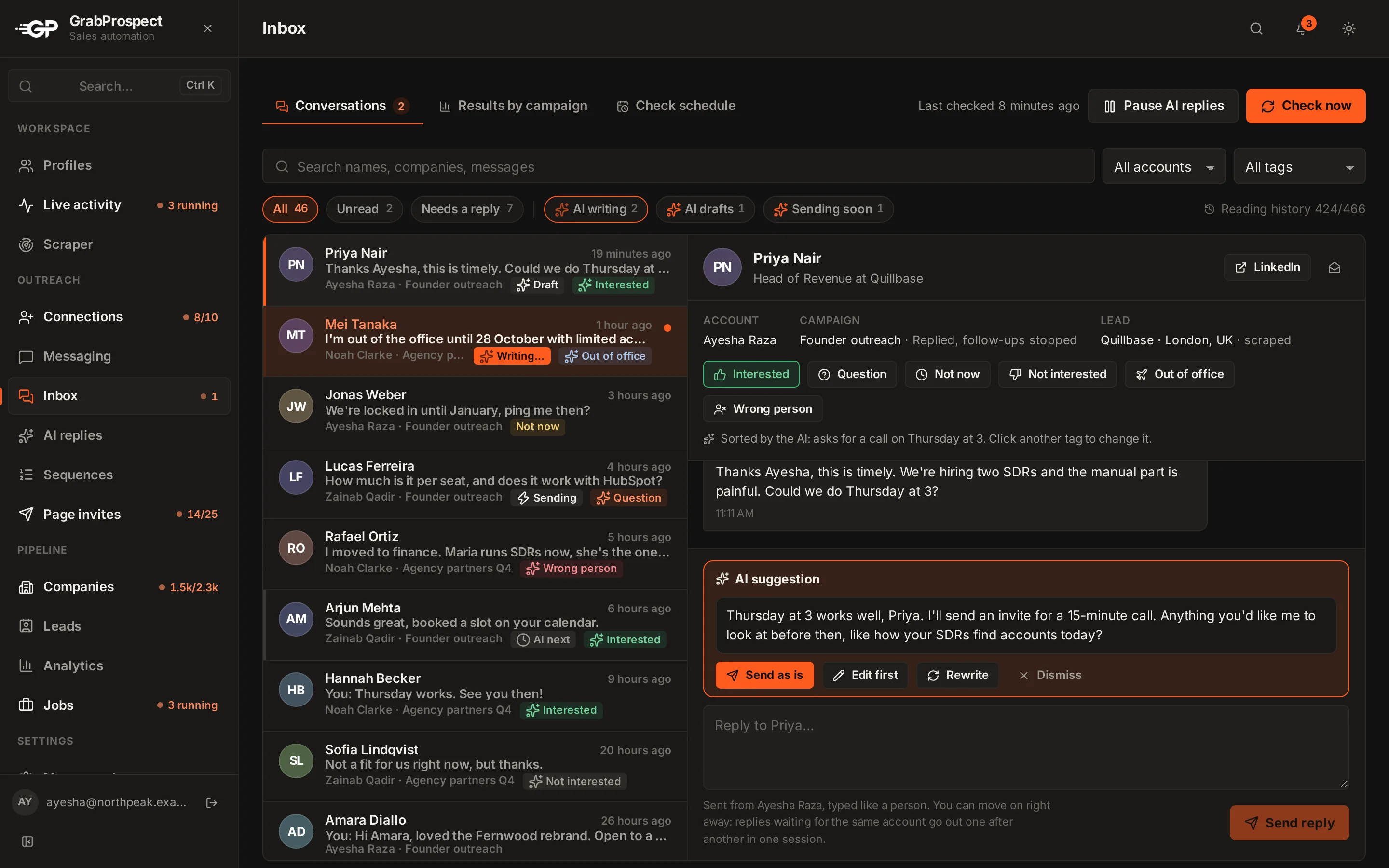
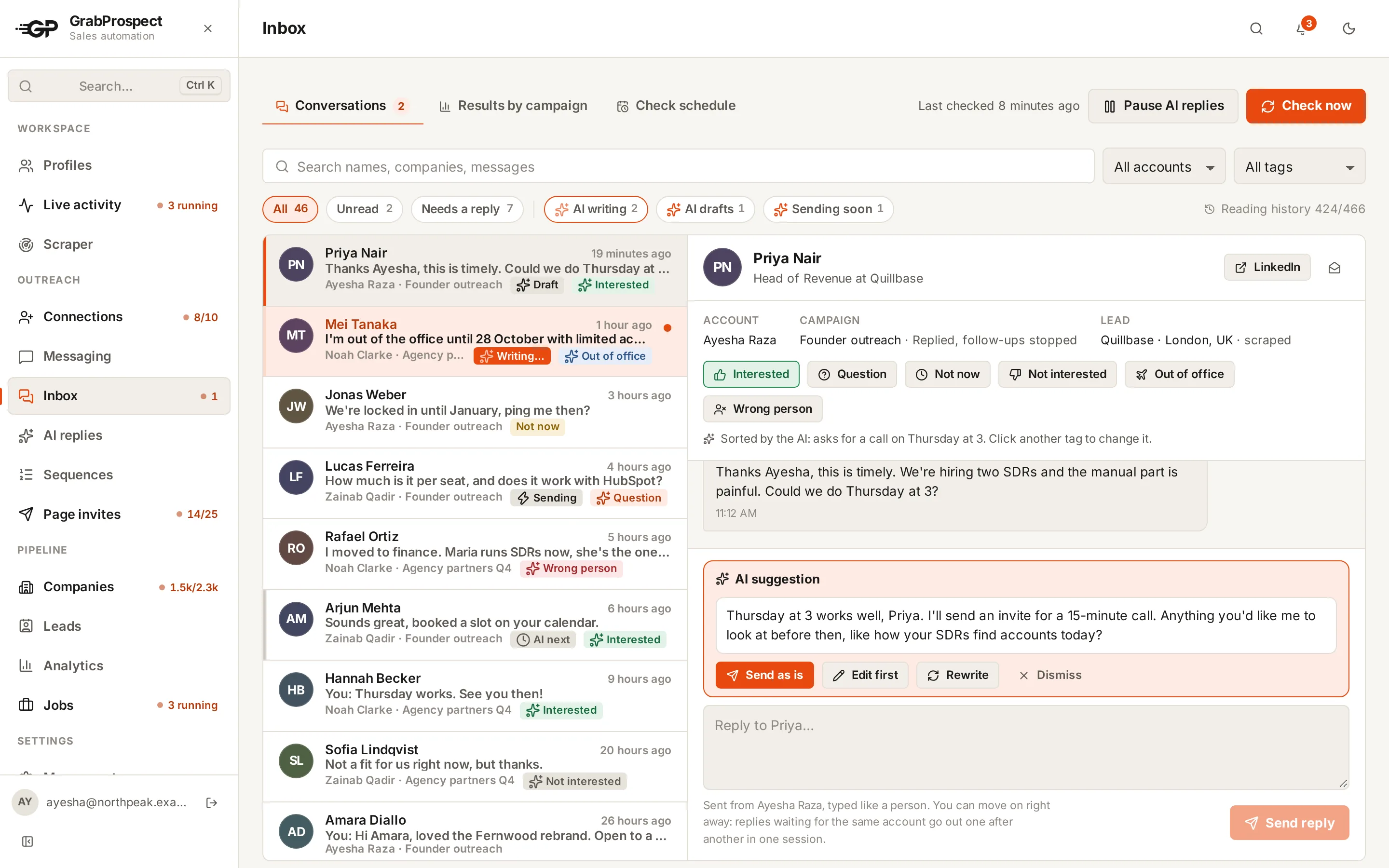
Running several LinkedIn accounts means several inboxes to check. GrabProspect brings replies from every account in your workspace into one inbox, shows which account and campaign each came from, and lets you answer from the right account.
Try every feature free for 7 days, no card needed.
How it works
- 1
Choose check times
Pick the time slots when replies are checked; each check runs at a random minute inside the slot.
- 2
Replies arrive in one place
Every reply shows its LinkedIn account and the campaign it came from.
- 3
Answer from the right account
Reply from the inbox and it goes out from the account the conversation belongs to.
- 4
Tag and learn
Tag each conversation Interested, Question, Not now, Not interested, Out of office or Wrong person (or let the AI replies add-on do it) and see which campaigns turn into meetings.
The details
Nothing marked as read
Checking for replies never marks a conversation as read on LinkedIn.
The whole conversation
Every conversation is read back to its first message once, in the background, and new messages are added on every check. Open one and it's read in full right away.
Reply without waiting
Send and move on. Replies for the same account go out one after another in one browser session, typed like a person.
Every account
Replies from all LinkedIn accounts in your workspace, labelled by account.
Stops sequences
A reply ends that person's follow-ups automatically.
Notifications
New replies show in the app's bell and, if you like, by email.
Results by campaign
Tags feed the funnel: replies, interested, meetings, by campaign.
Private per teammate
Each team member sees only their own workspace's inbox.
Unified inbox: questions
Can I see replies from multiple LinkedIn accounts in one place?
Yes. The inbox collects replies from every LinkedIn account in your workspace.
Does checking replies mark messages as read on LinkedIn?
No. Checks never mark a conversation as read.
How often are replies checked?
In the time slots you choose, each at a random minute inside the slot.
Can I reply from the inbox?
Yes, and the reply goes out from the account the conversation belongs to.
Does the inbox show the full conversation or only the last message?
The full conversation. Each one is read back to its very first message, and new messages are added on every check.
Guides on this
- OutreachHow to Handle LinkedIn Replies: Sort, Answer and Follow UpThe six kinds of replies LinkedIn outreach gets, what to answer to each, when to follow up, and what to do with out-of-office and wrong-person replies.4 min read
- TemplatesLinkedIn Follow-Up Messages: Templates and Timing That Get RepliesWhat to send after someone accepts your LinkedIn invite, how many follow-ups to send and when, with ready-to-use sequences for sales, agencies, recruiting and partnerships.5 min read
- OutreachRunning LinkedIn Outreach for Clients: An Agency Guide to Multiple AccountsHow agencies run LinkedIn outreach for several clients safely, from connecting client accounts and separating campaigns to handling sign-in codes, replies and reporting.4 min read
See it run on your own search
Start a 7-day free trial with your own LinkedIn account, or book a call with Mehran, our co-founder, and see a Sales Navigator search split, invited and followed up, live.
7 days free. No card needed.