Everything between a search and a reply
GrabProspect covers the whole LinkedIn outreach loop for every account in your workspace: finding people, inviting them, following up and showing you what happened.
Lead extraction from Sales Navigator
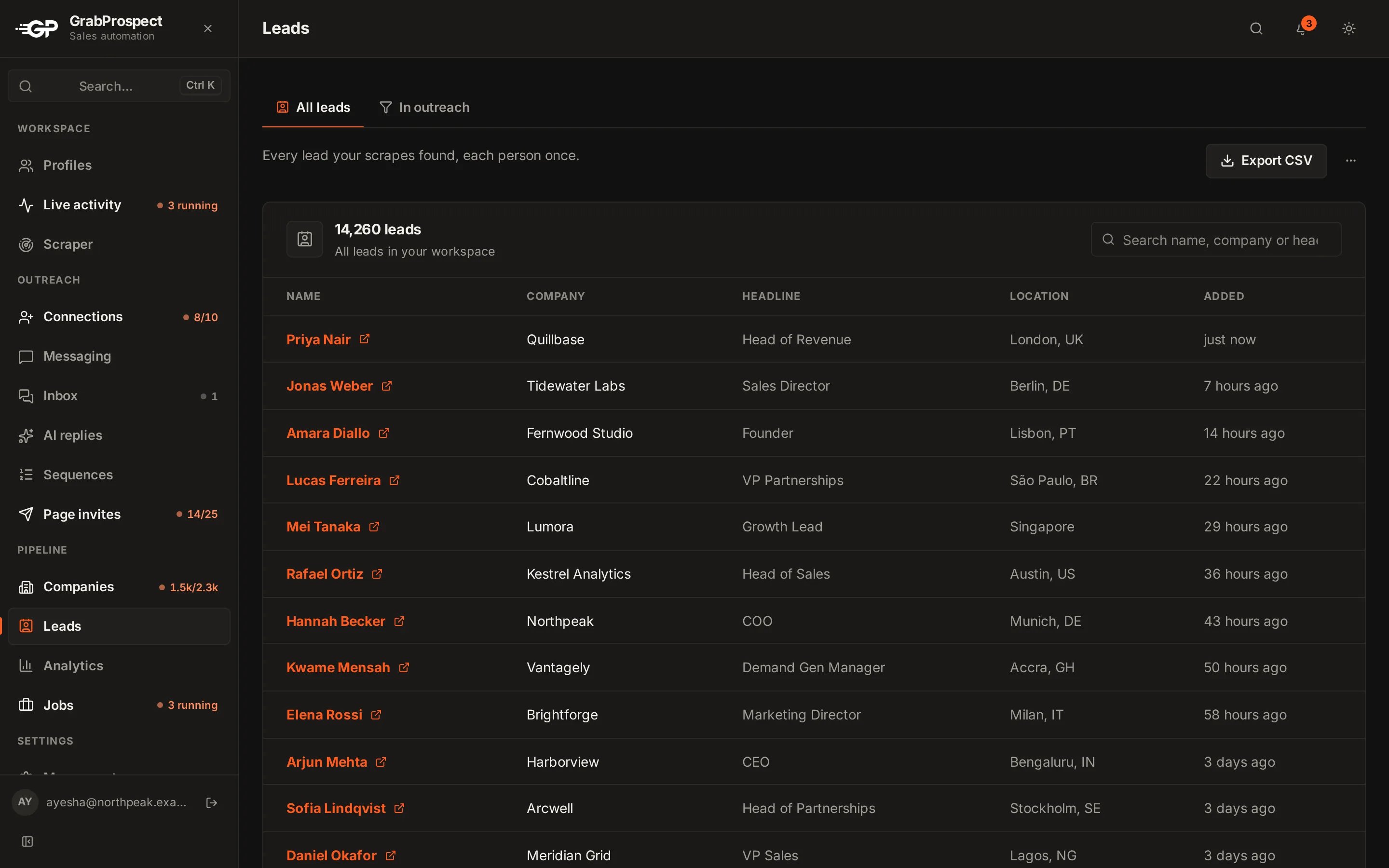
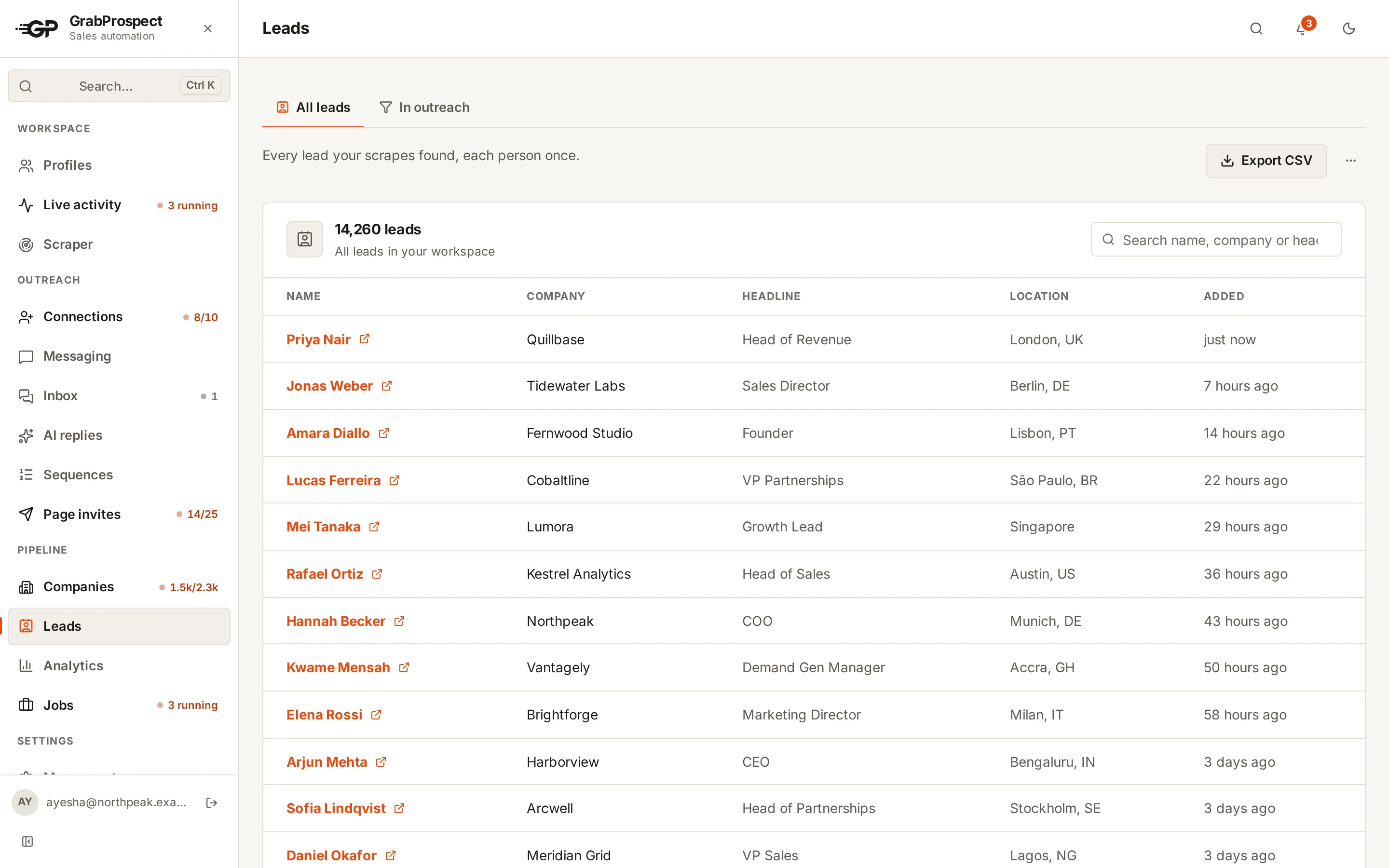
Paste a Sales Navigator search and GrabProspect pages through it at a human pace, saving each person’s name, title, company, location and profile link. Every lead is stored once, however many searches find them.
Export any list to CSV
A query splitter for searches over 2,500
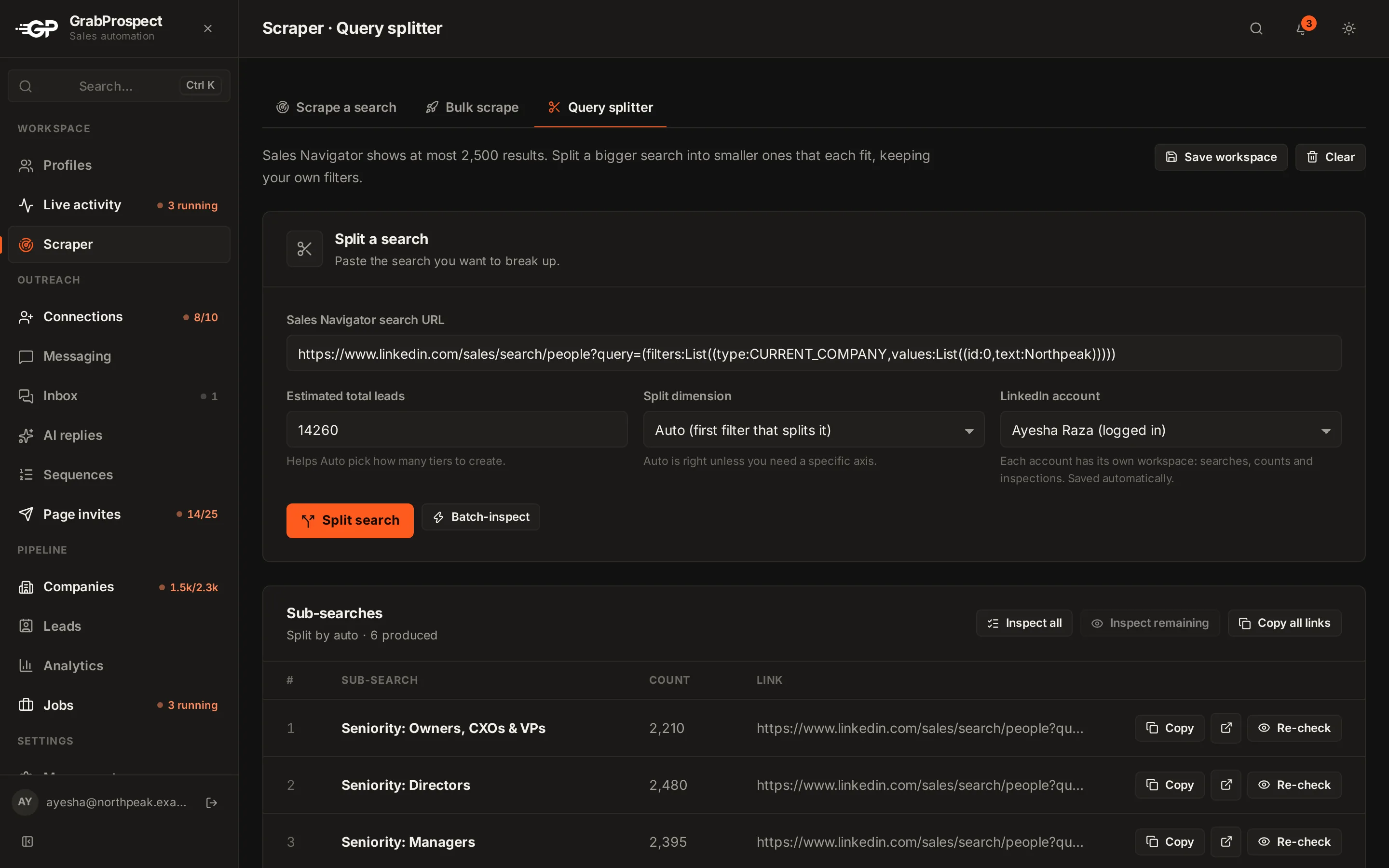
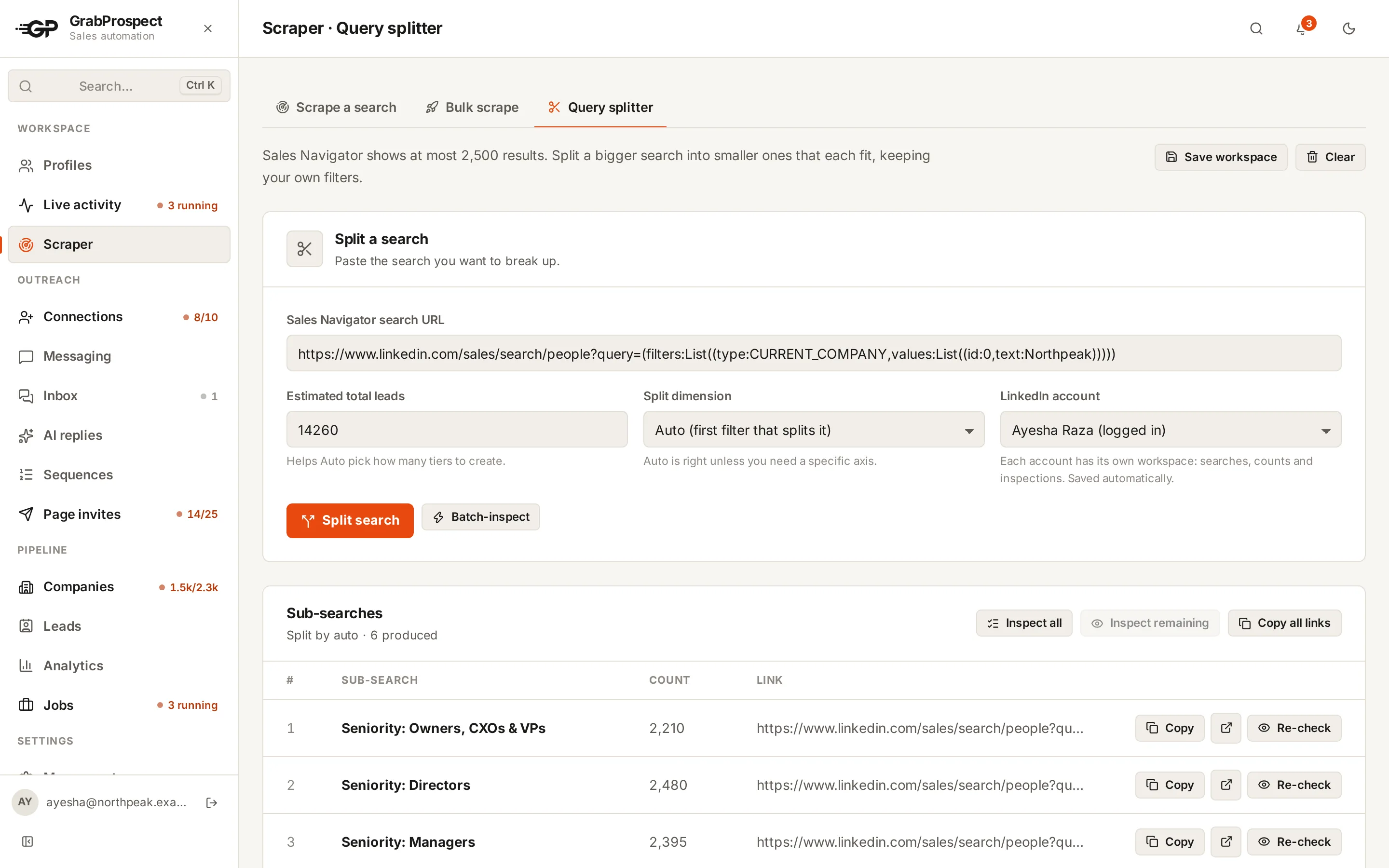
Sales Navigator only pages through the first 2,500 results. The splitter keeps your own filters, divides the search on seniority, job title, function and more, checks every piece’s live count and keeps going until each one fits. It reports how much of the original search the pieces reach, so nothing is assumed.
Invites and messages that sound like you
Connection invites
Invite from your network suggestions, a search URL, Sales Navigator or your own list. Add a short note with {{first_name}} and {{company}}, filled in for each person.
Messages to new connections
Message your connections, a filtered search, a custom list or the leads in your workspace. Each person gets the first step of a sequence, and GrabProspect remembers who was already messaged.
Sequences that know when to stop
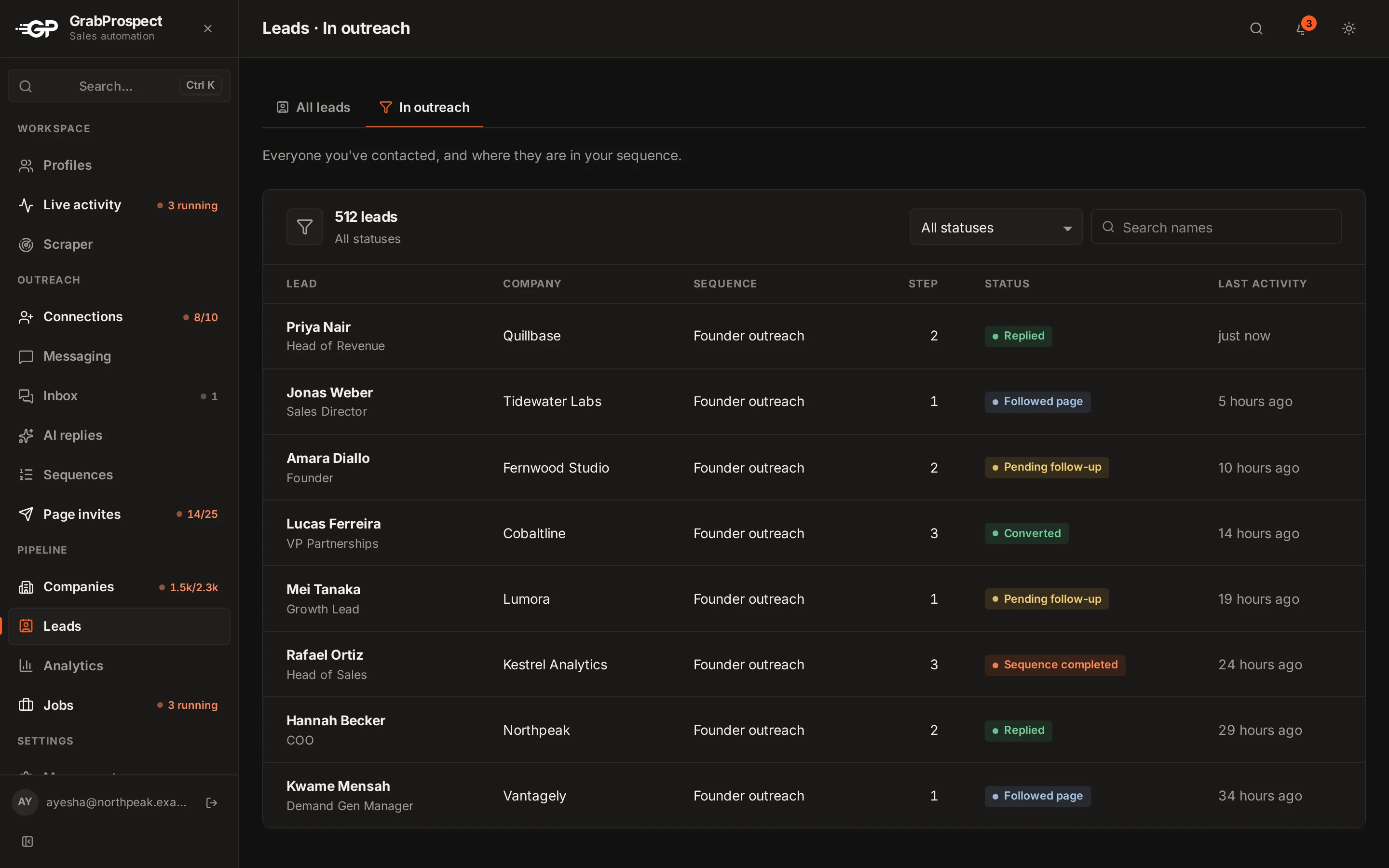
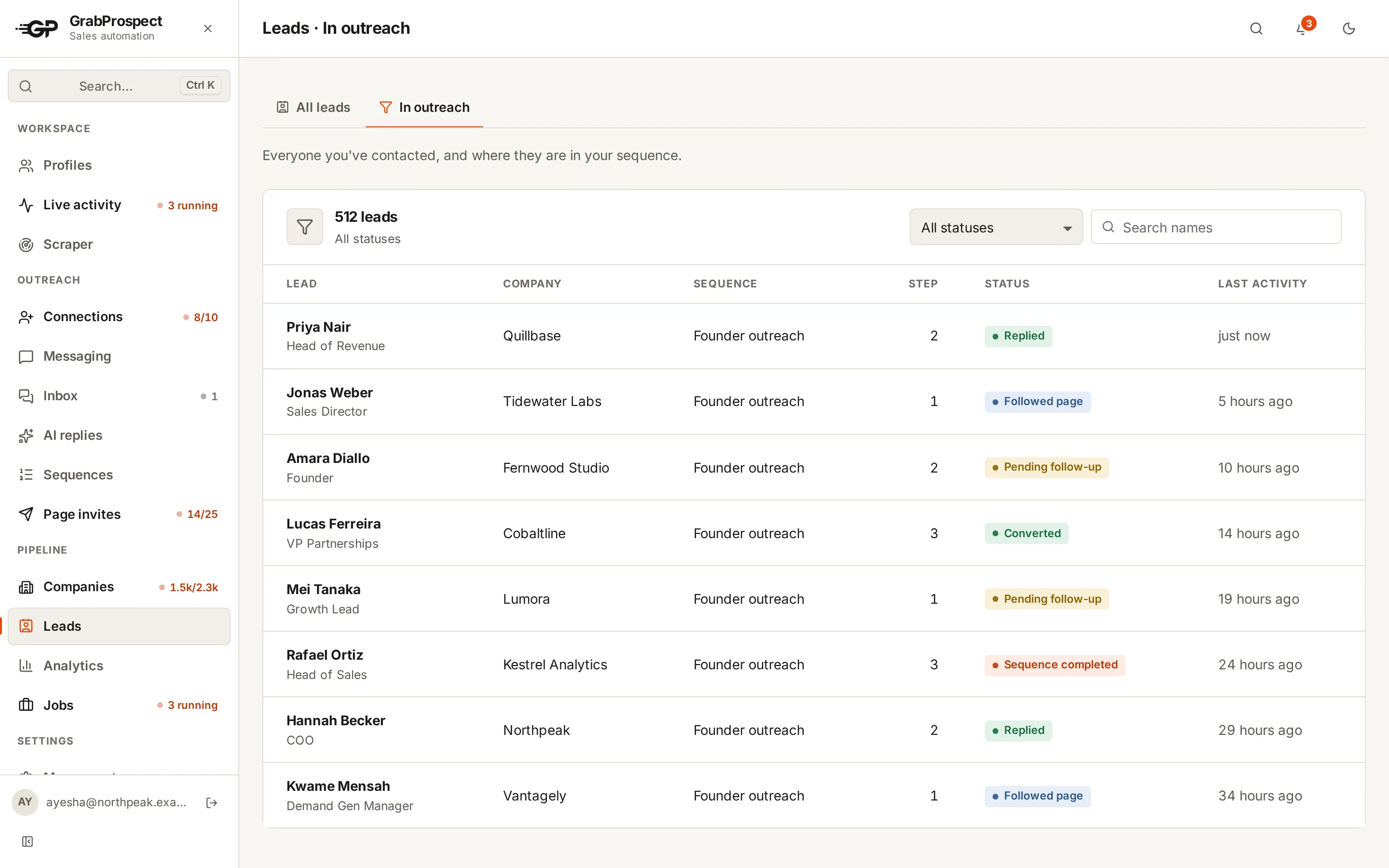
- Steps go out after the number of days you set, inside a random range.
- Each step can have several versions, picked by weight.
- A reply stops the sequence for that person.
- Steps can skip people who already follow your company page.
One inbox for every reply
Replies from all of your LinkedIn accounts land in one place, next to the lead's details and the campaign that reached them. Answer them there, and see which campaigns turn into conversations worth having.
Checked when you choose
Pick time slots for each account. Every check starts at a random minute inside a slot, so it never looks scheduled.
Nothing marked as read
A check reads the conversation list the way you would scroll it. Nobody sees a “seen” until you answer.
Answer from the right account
Write the reply in GrabProspect and it’s typed and sent from the account the conversation belongs to.
Tag how it went
Interested, Not now or Not interested. Results by campaign show reply rates and who is interested.
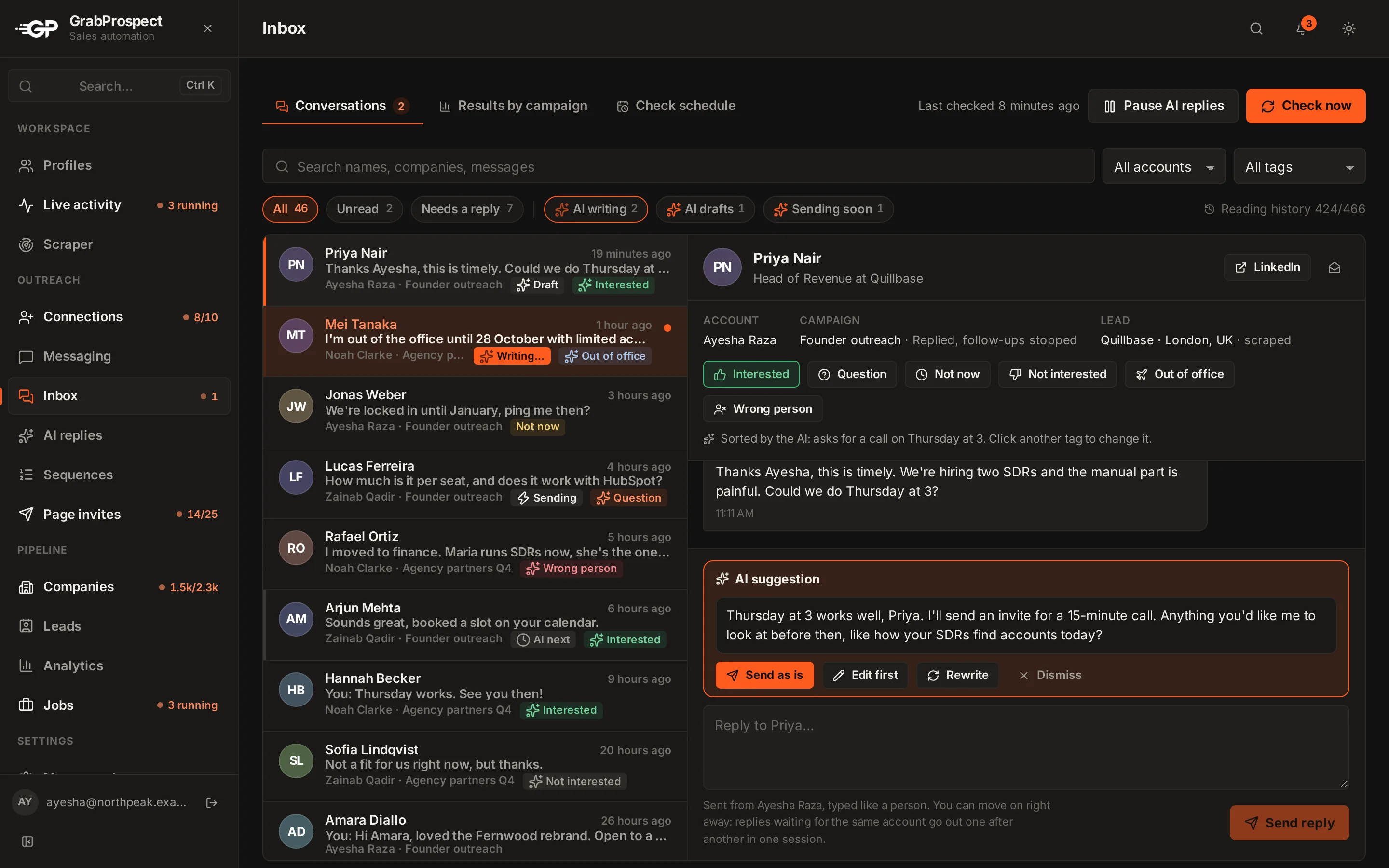
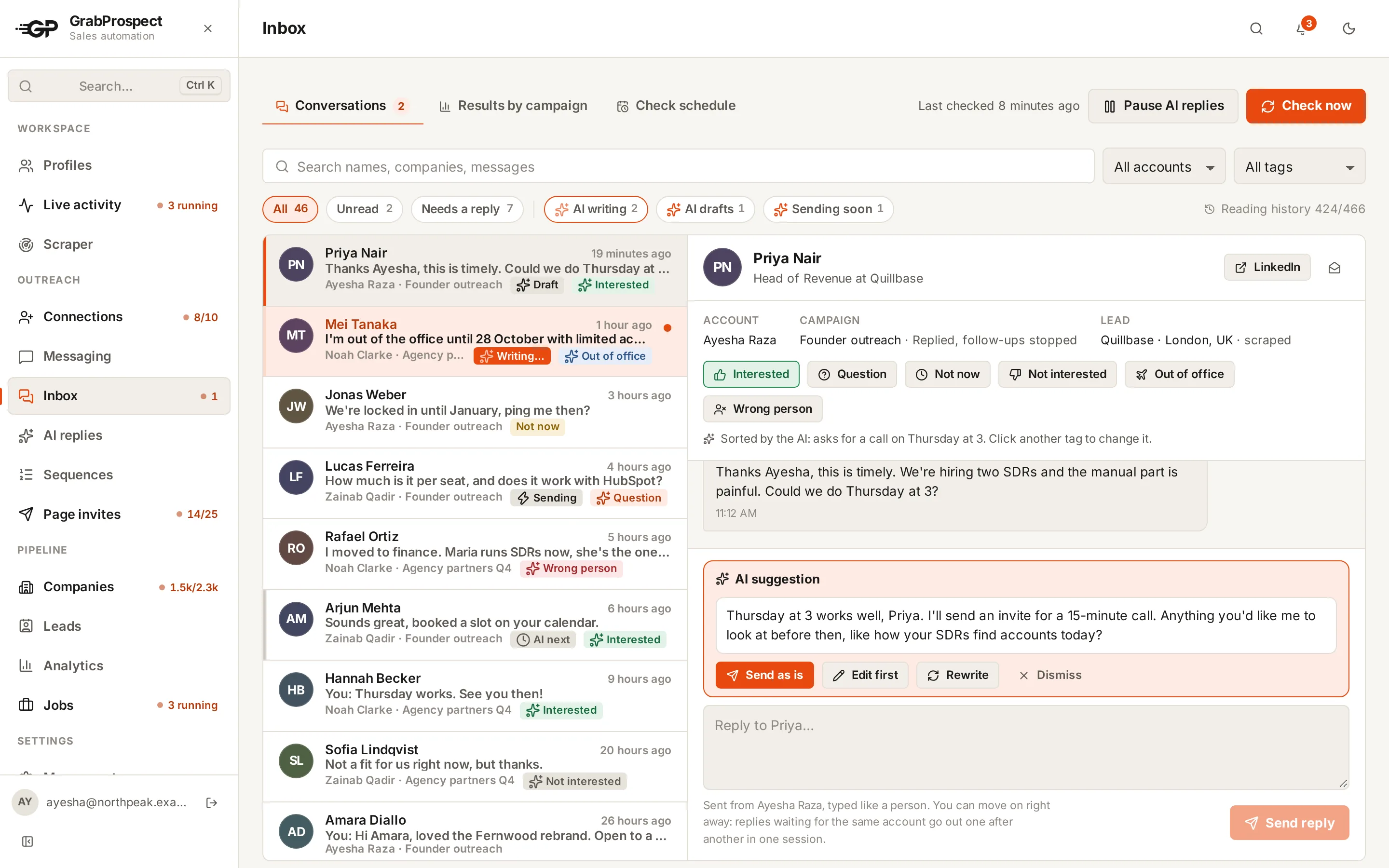
When someone replies, their follow-ups stop on their own.
Told the moment something needs you
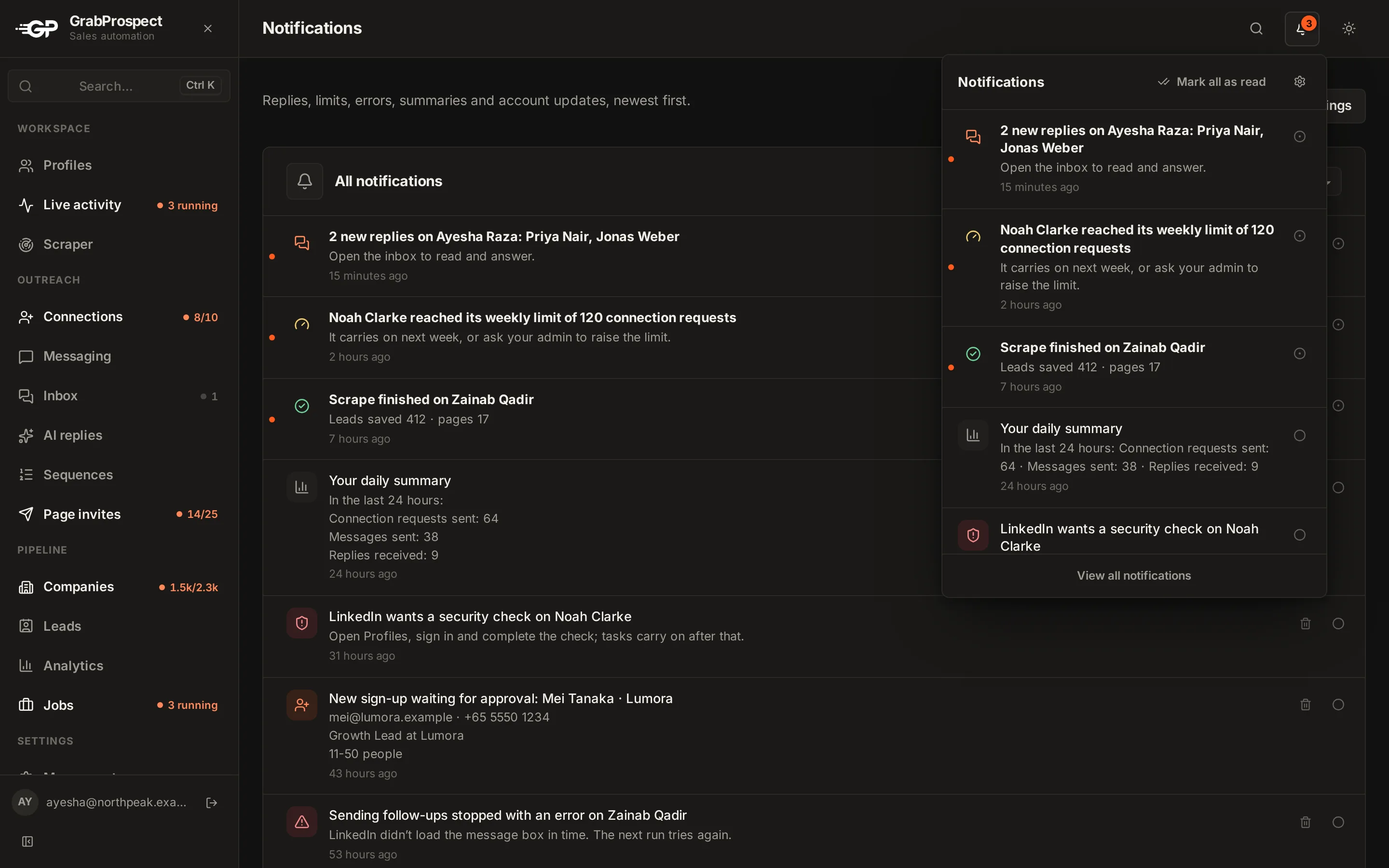
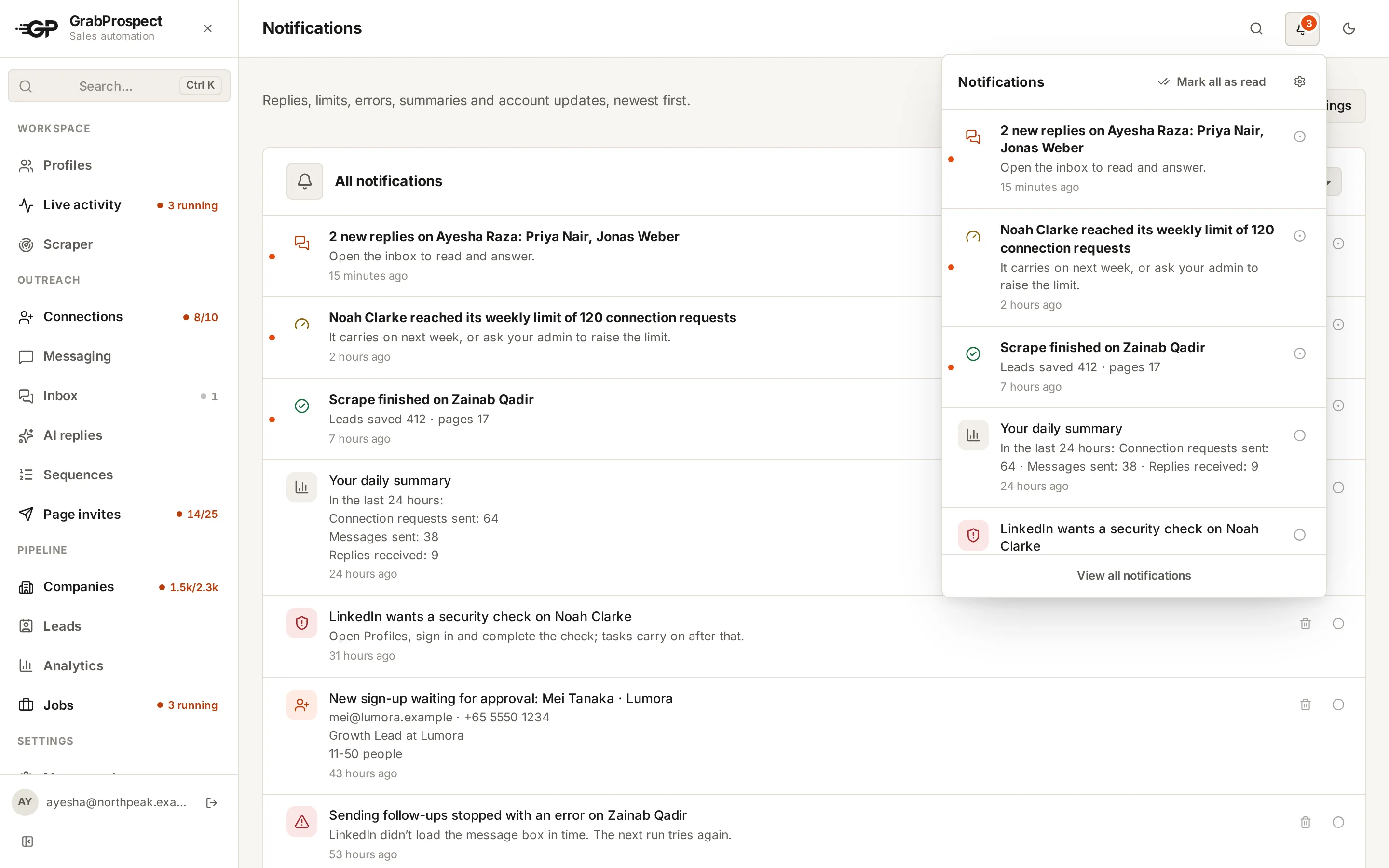
A bell in the app, and email if you want it, for the things worth stopping for. Choose each kind separately.
Replies, limits and errors
New replies, a weekly or daily limit reached, a task that stopped, a finished scrape or follower sync.
Accounts that need a hand
Signed out of LinkedIn, or LinkedIn asking for a security check: you hear about it right away.
Your daily summary
Invites, messages and replies from the last 24 hours, at the hour you pick, in your time zone.
Only what you want
Every kind has its own in-app and email switch. Mark read or unread, and see everything on one page.
Grow your company Page
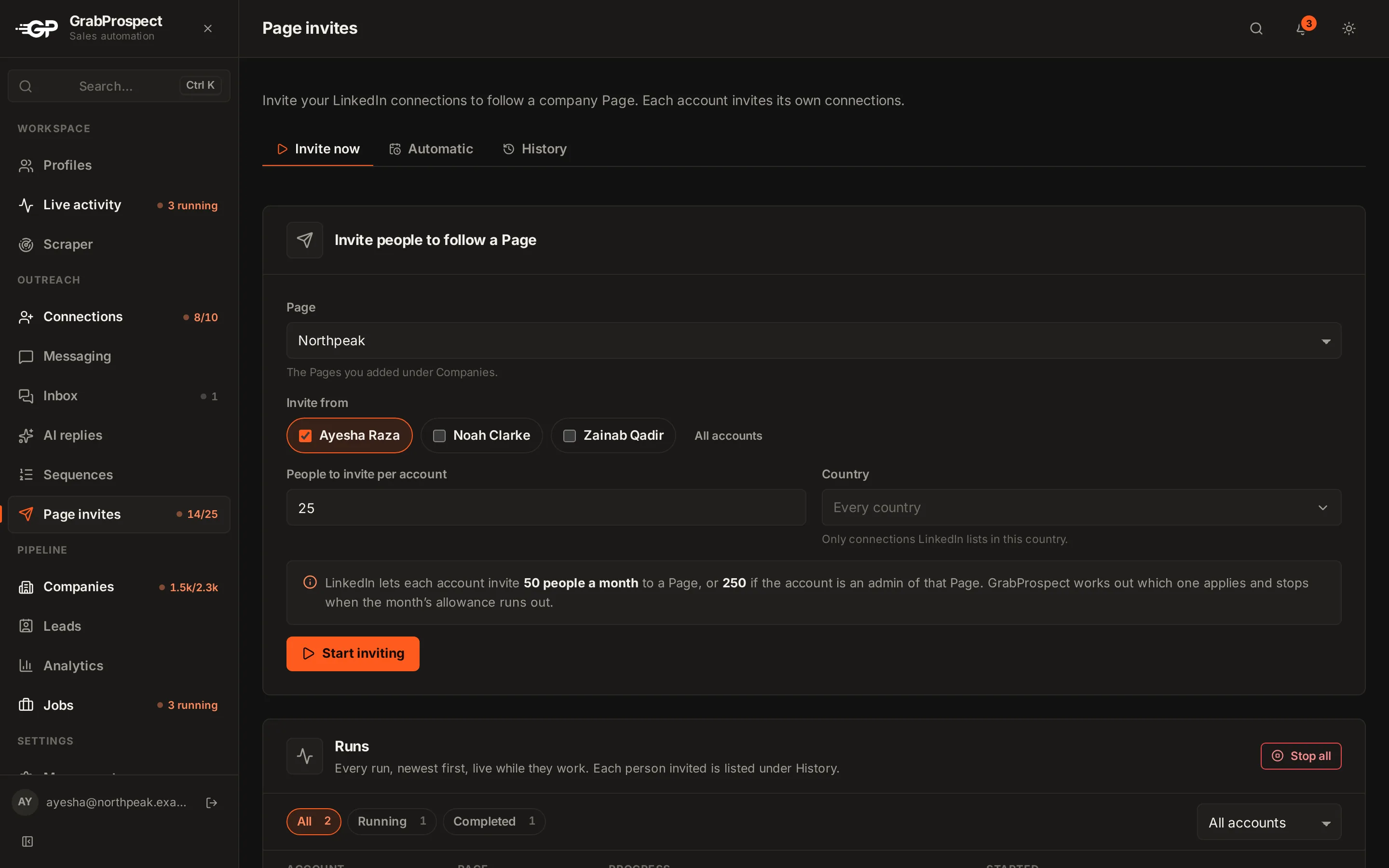
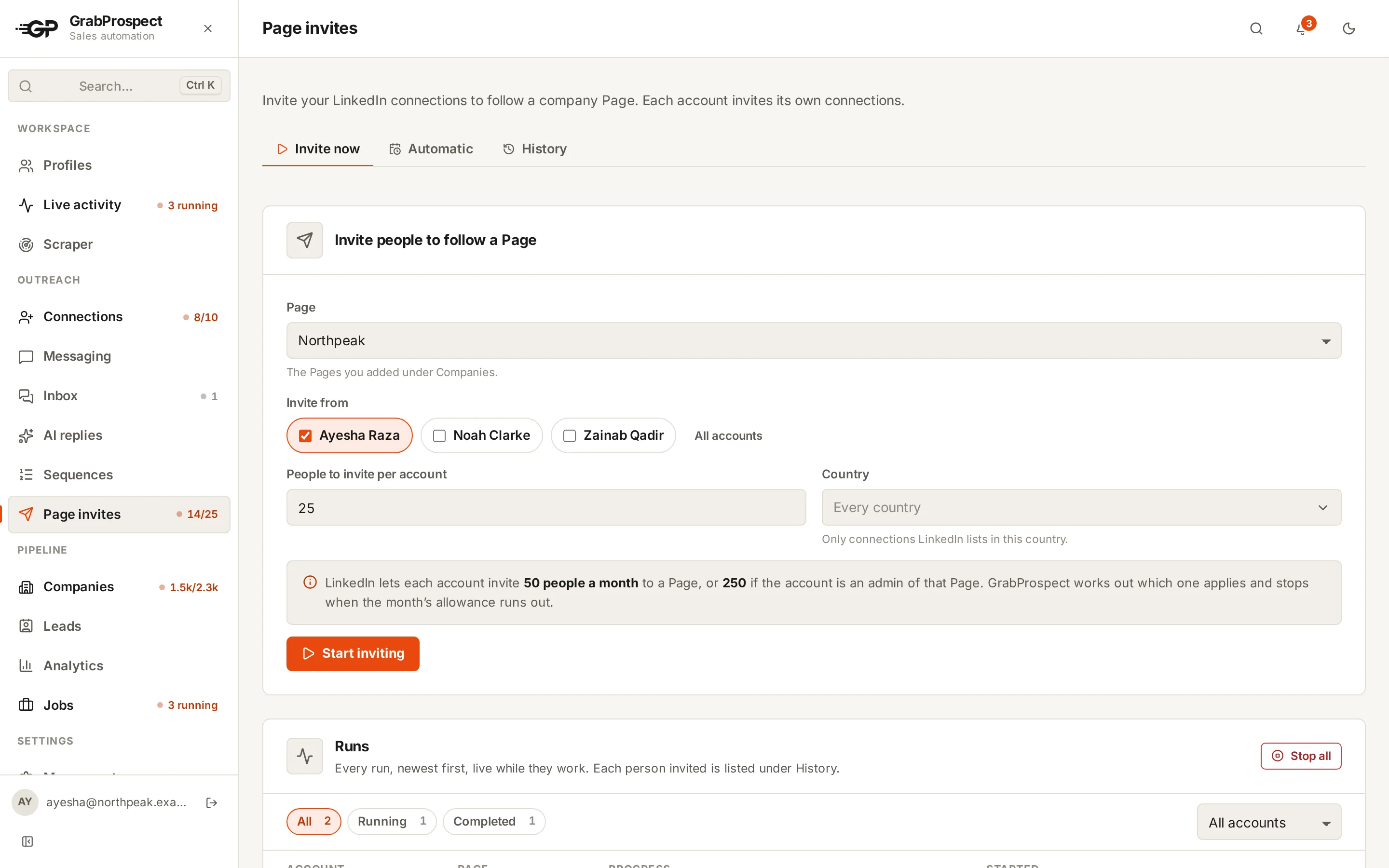
- Invite each account’s connections to follow your Page, from several accounts at once. LinkedIn allows 250 a month from a Page admin and 50 from anyone else; GrabProspect works out which applies and stops at the limit.
- Run it now, or on a schedule for every account you pick.
- Follower sync knows who already follows: a quick check for new followers on a schedule, or a deep sync that reads the whole list when you ask.
Your accounts, locked down
LinkedIn accounts are valuable, so GrabProspect treats the keys to them that way.
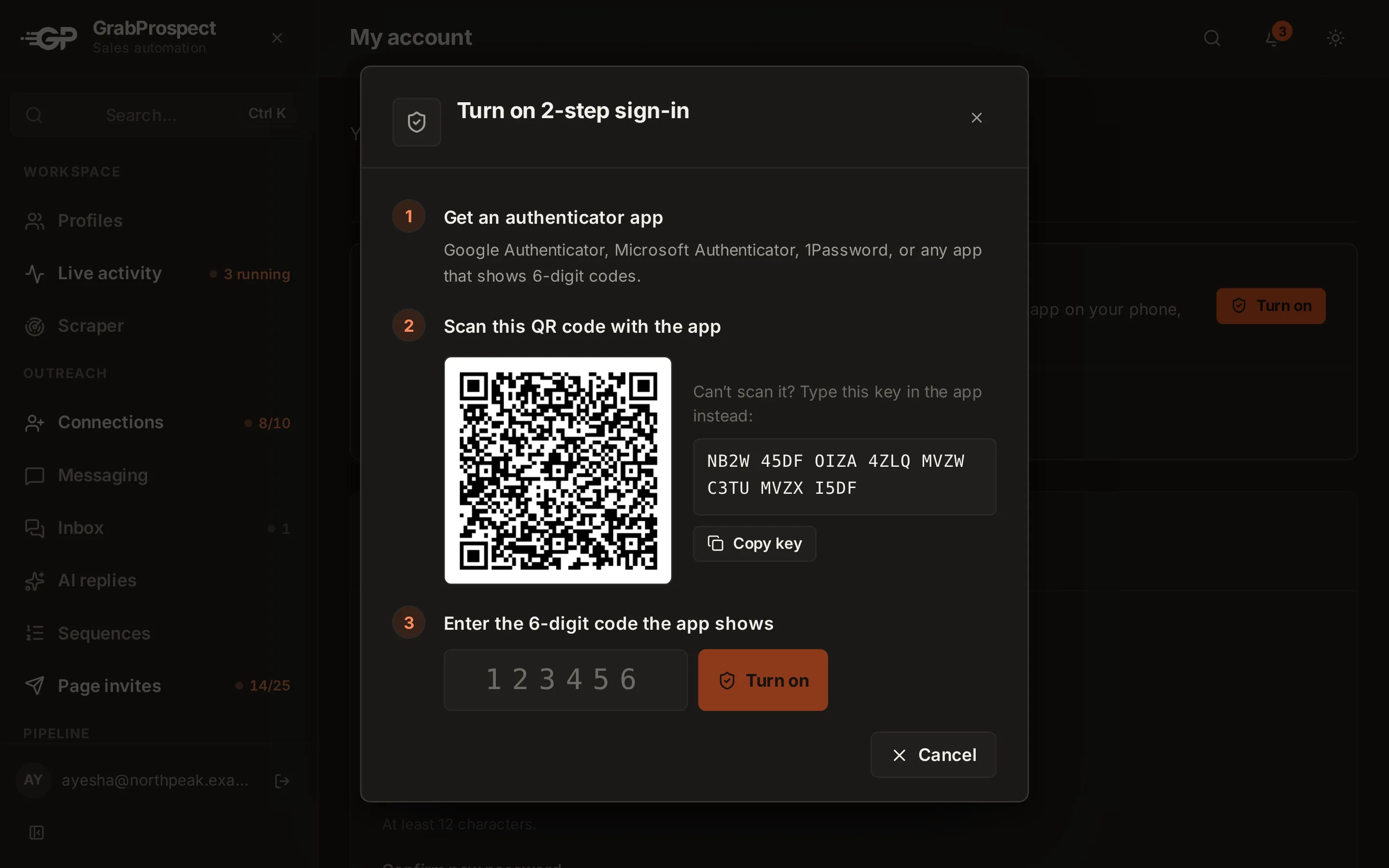
2-step sign-in
A code from an authenticator app after your password, with one-time recovery codes. Admins can require it for admins or for everyone.
Encrypted where it matters
Saved LinkedIn passwords are encrypted. Your own password is kept only as a slow one-way hash.
Guessing gets nowhere
Repeated wrong passwords or codes are blocked, and reset links work once, for a short time.
You hear about changes
An email whenever your password or 2-step sign-in changes, so nothing happens behind your back.
Teams, safety and the rest
Lead funnel
Every contacted lead has a status: waiting for a follow-up, followed your page, replied, converted or unreachable.
A workspace for each team member
Everyone signs in with their own login and sees only their own accounts, leads and inbox. Admins add people or approve sign-ups, set each one’s features and daily limits, and keep the team on one plan and one bill.
Account safety
Human-length gaps between actions, a random daily start and caps per account. Sign-in codes pause the account until you enter them.
Live activity
Each account’s current step, progress, pauses and recent actions, updated as they happen. The sidebar shows what’s running, like 8 of 10 invites sent.
Your data, exportable
Leads and results stay in your workspace and export to CSV whenever you need them.
Browser extension
Connect a LinkedIn account in one click from Chrome or Edge: no password, no cookie exports. Now on Microsoft Edge Add-ons. Included with paid plans.
Get the extension
Analytics and live activity
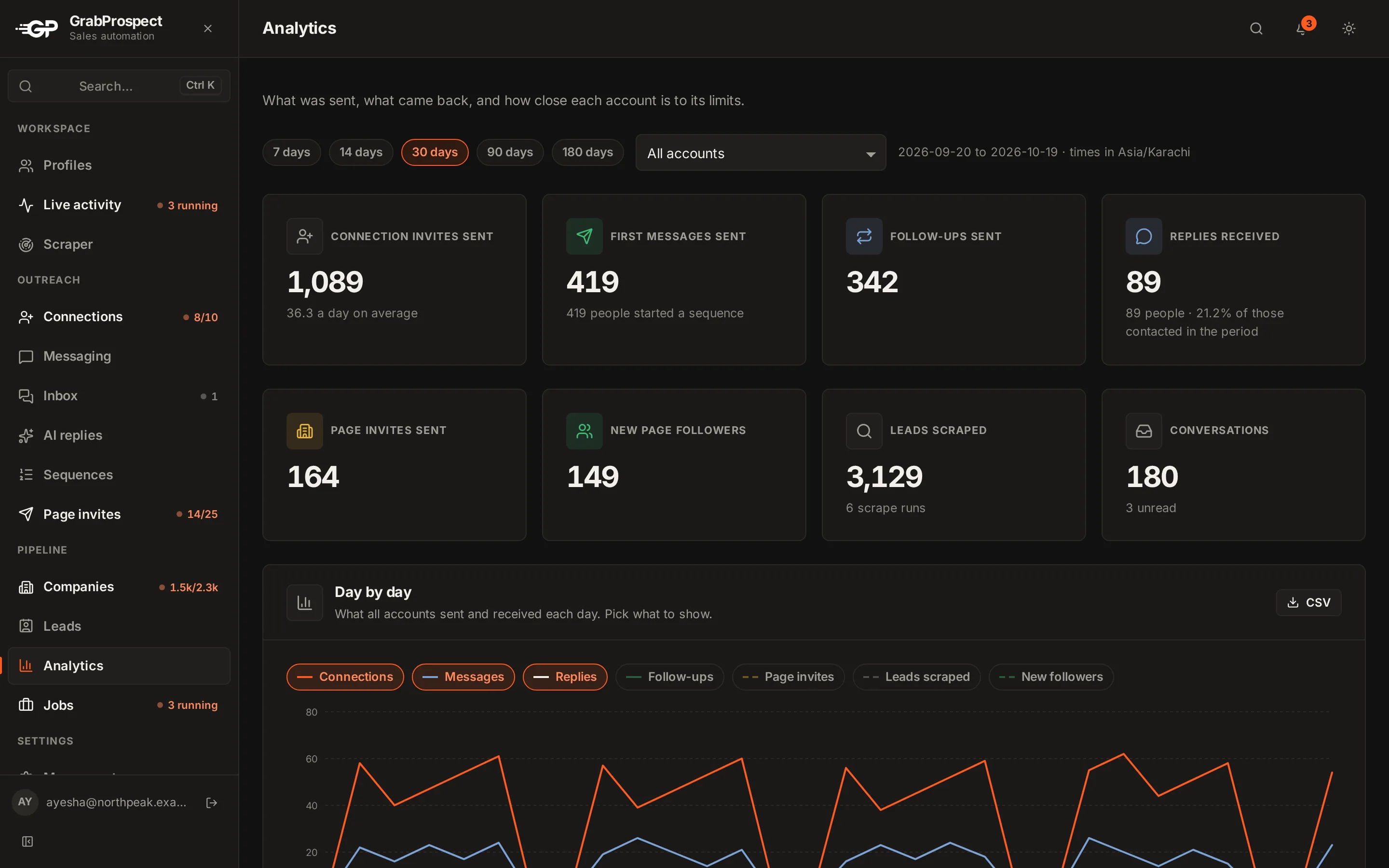
Daily activity and results across accounts.
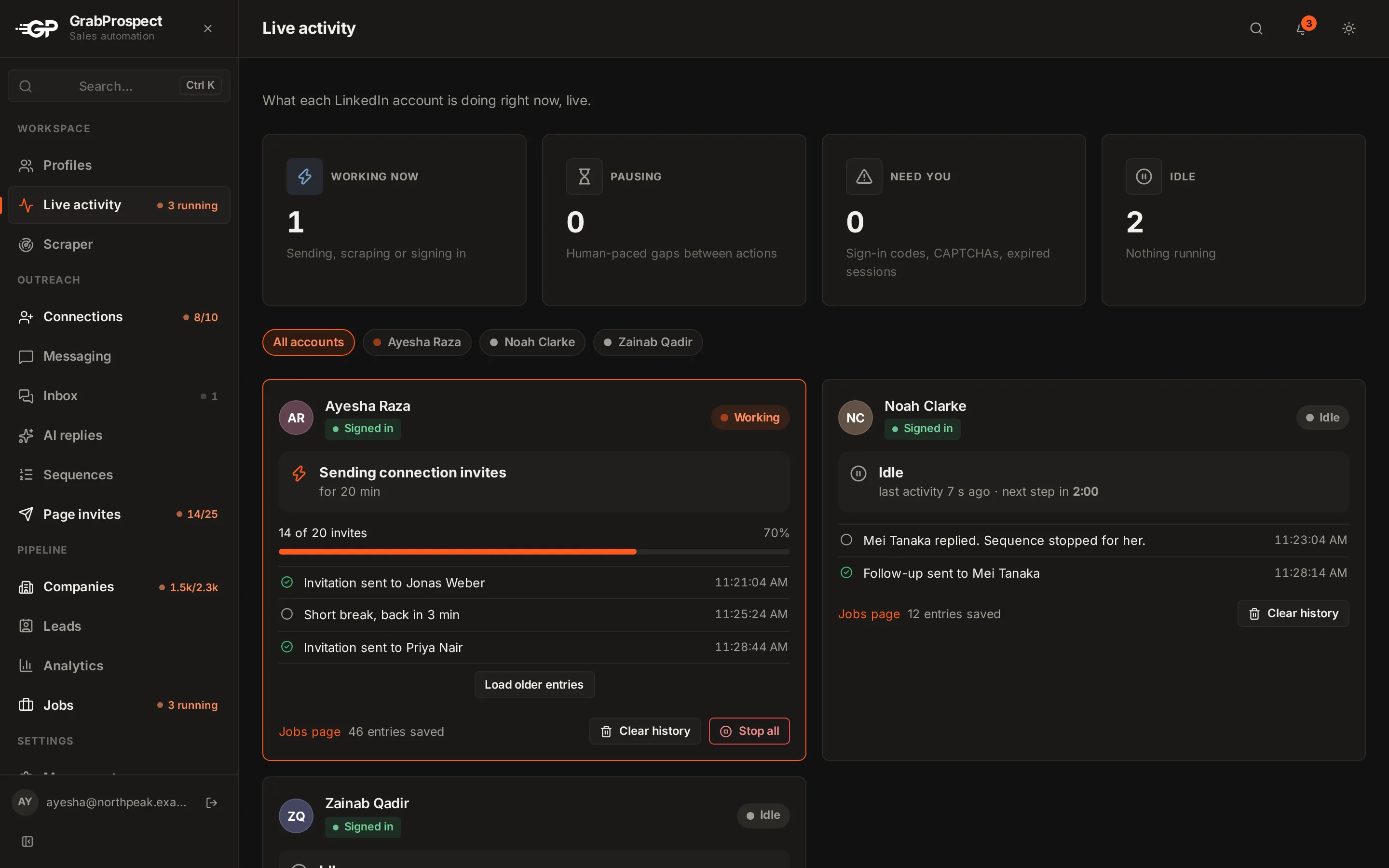
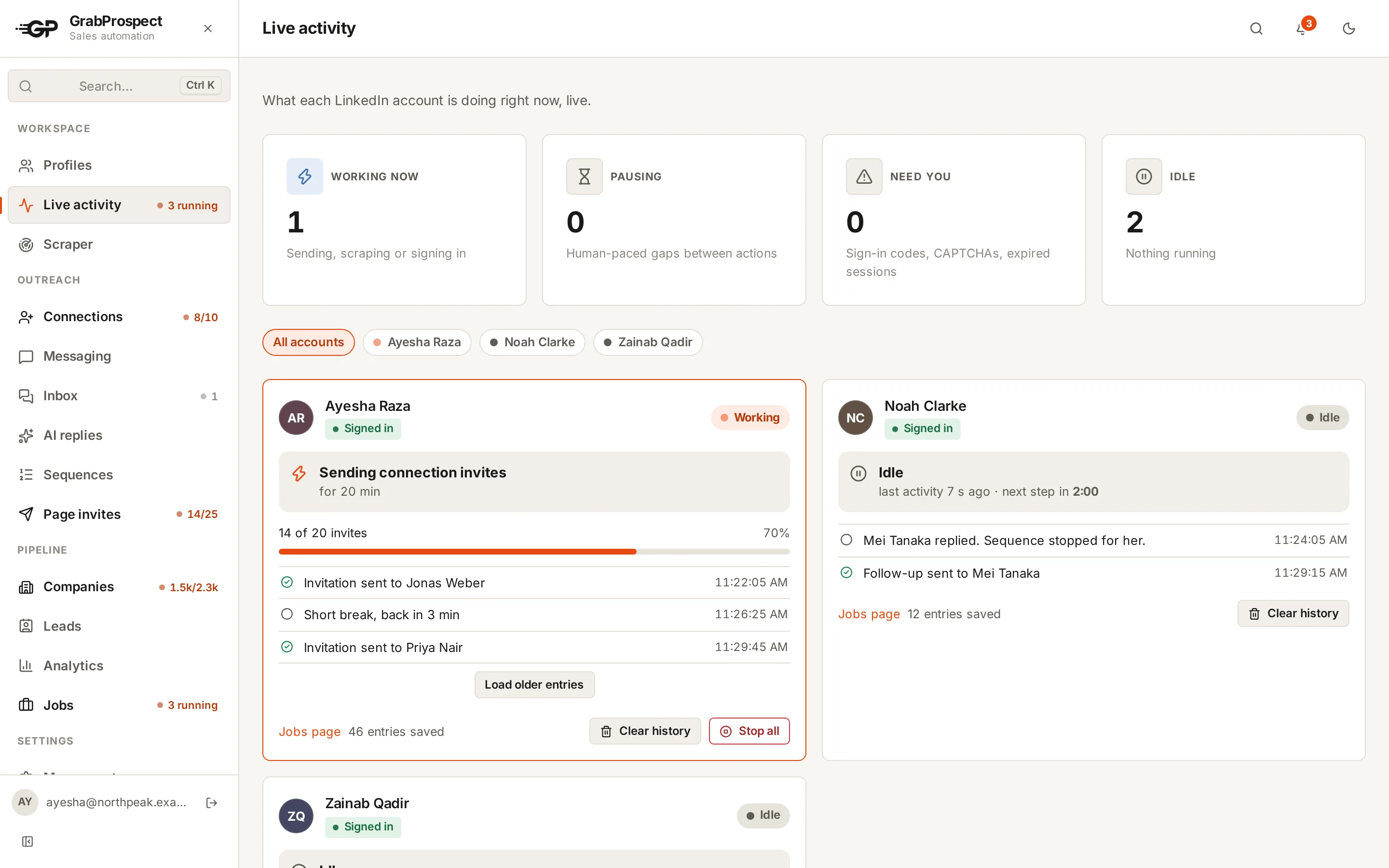
What every account is doing right now.
See it run on your own search
Start a 7-day free trial with your own LinkedIn account, or book a call with Mehran, our co-founder, and see a Sales Navigator search split, invited and followed up, live.
7 days free. No card needed.