Find buyers on Sales Navigator, send personal invites and follow-ups at human pace, answer every reply from one inbox, and watch every account work live.
7 days free. No card needed. Connect one LinkedIn account and see it run.
See it in a minute
From a search to a reply, in one place
Five things GrabProspect does for every LinkedIn account in your workspace.
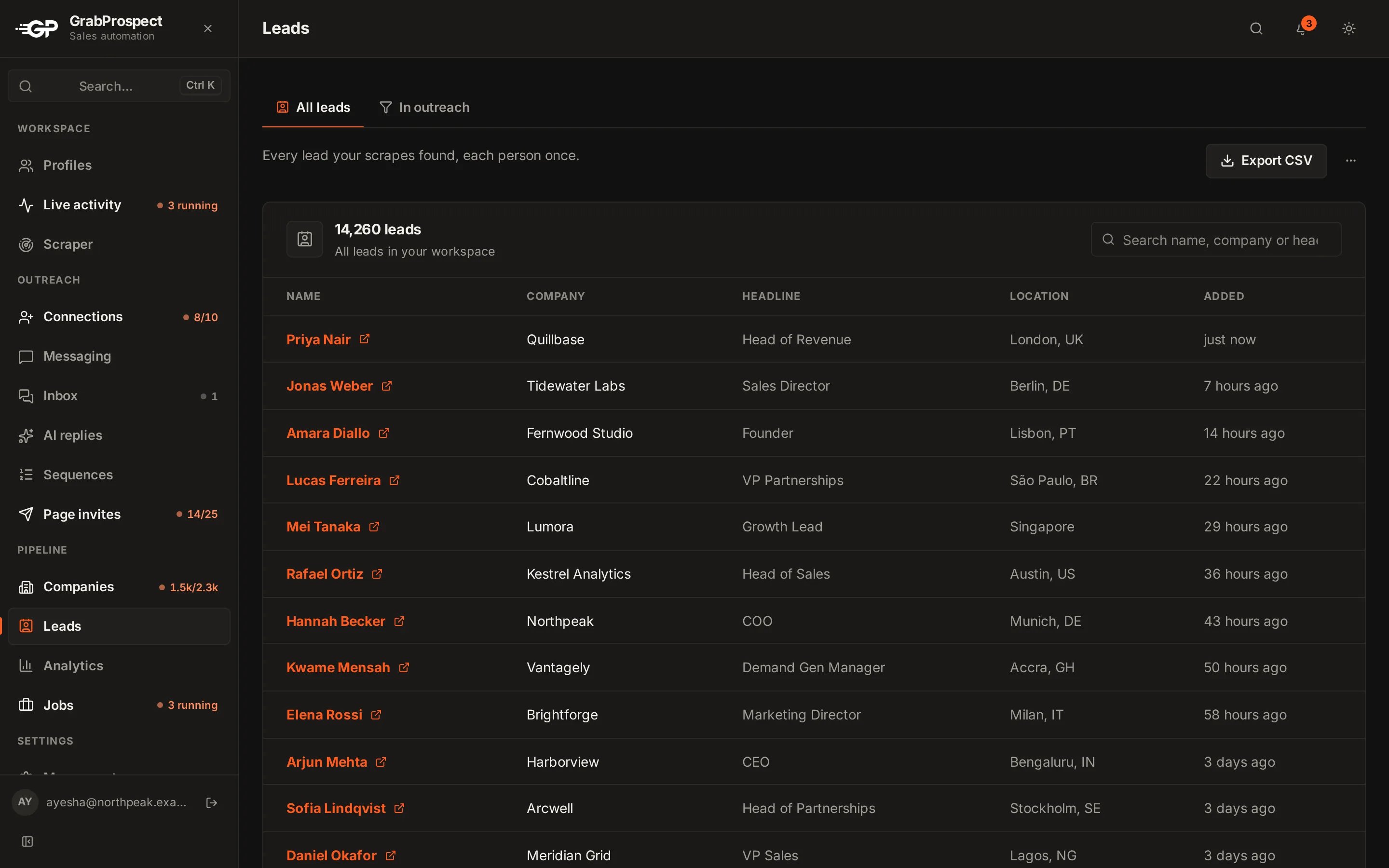
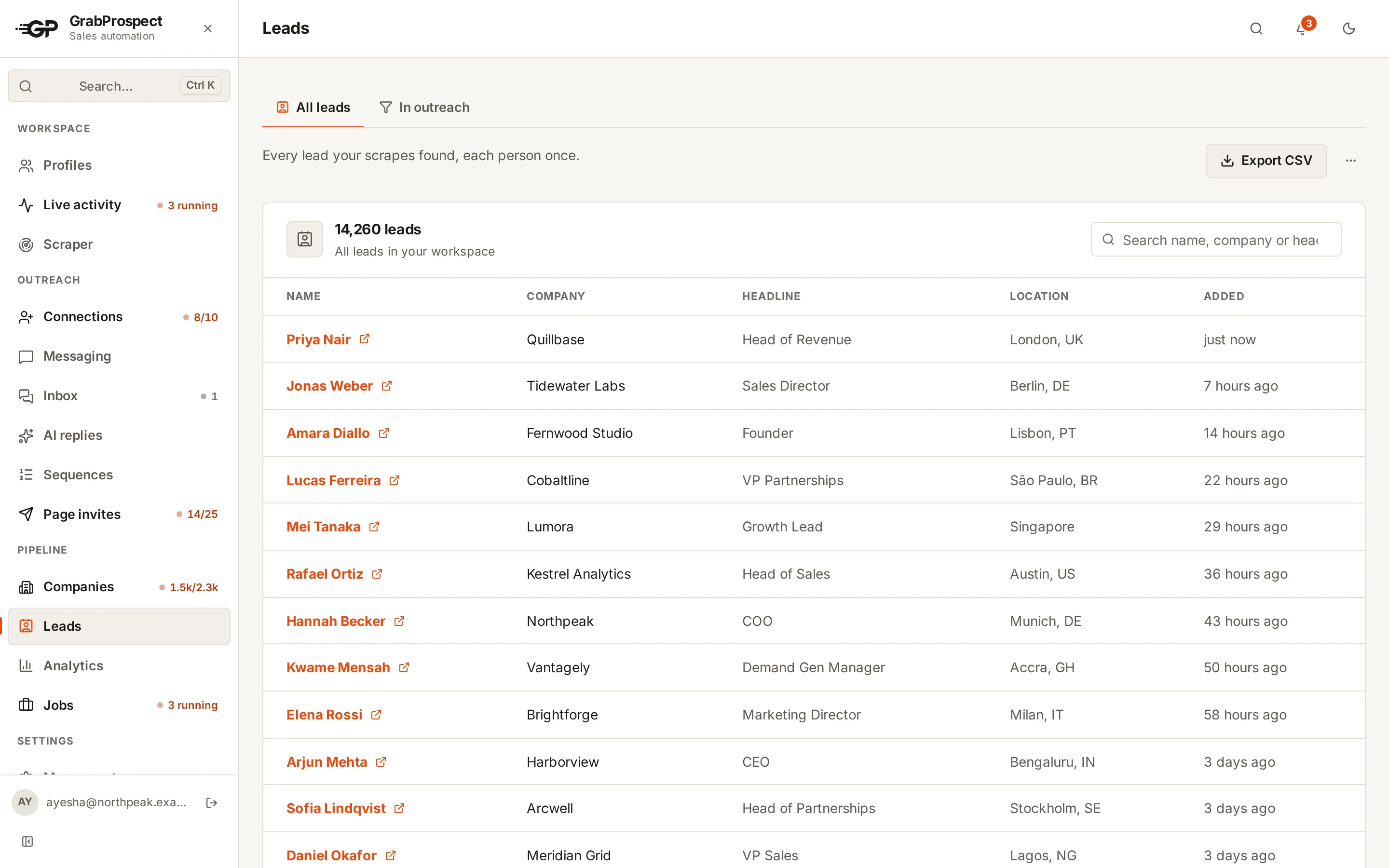
Pull your buyers from Sales Navigator
Paste a search and GrabProspect collects every lead into one deduplicated list. Searches over 2,500 people are split for you.
Built for the parts outreach tools get wrong
Searches past 2,500 people
Sales Navigator stops at 2,500 results. The query splitter keeps your filters, splits on seniority, title and more using live counts, and reports how much of the search the pieces reach.
7 searches, each under 2,500.
A human pace, every day
Pick the days and a start window. Each day starts at a different minute, with short, irregular gaps between actions and caps you control.
Start window 09:00 to 11:00
Example- Mon10:42
- Tue09:56
- Wed10:44
- Thu10:35
- Fri10:55
A reply ends the sequence
Nobody gets a follow-up after answering. Their reply lands in one inbox for all your accounts, ready to answer and tag.
Sequence for Mei Tanaka
Example- Day 1Sent
Thanks for connecting, Mei. Quick question about Lumora’s pipeline?
- Day 4Due
Following up, Mei. Happy to share what’s working for similar teams.
- Day 8Scheduled
Last note from me. If the timing is off, no worries at all.
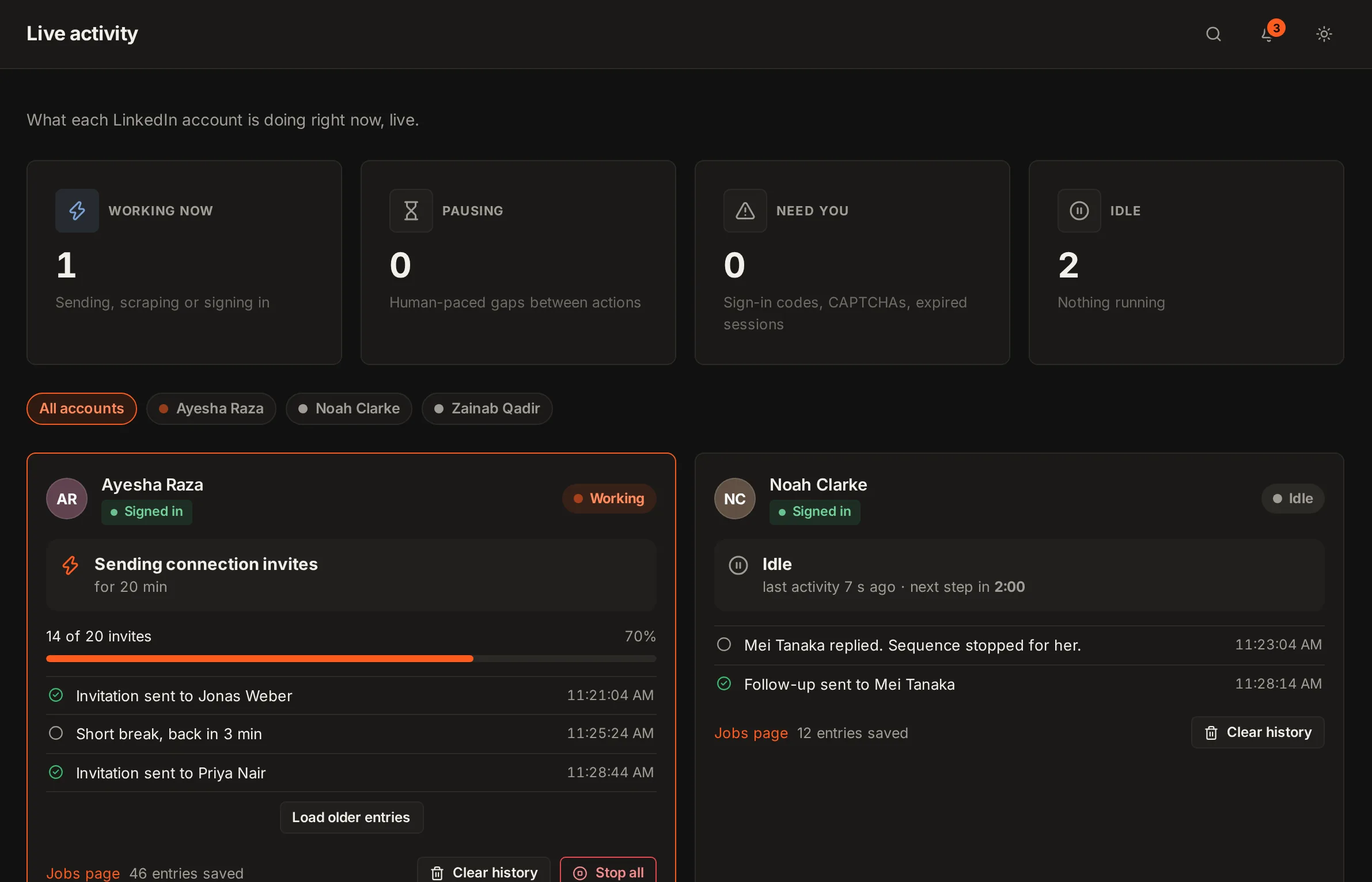
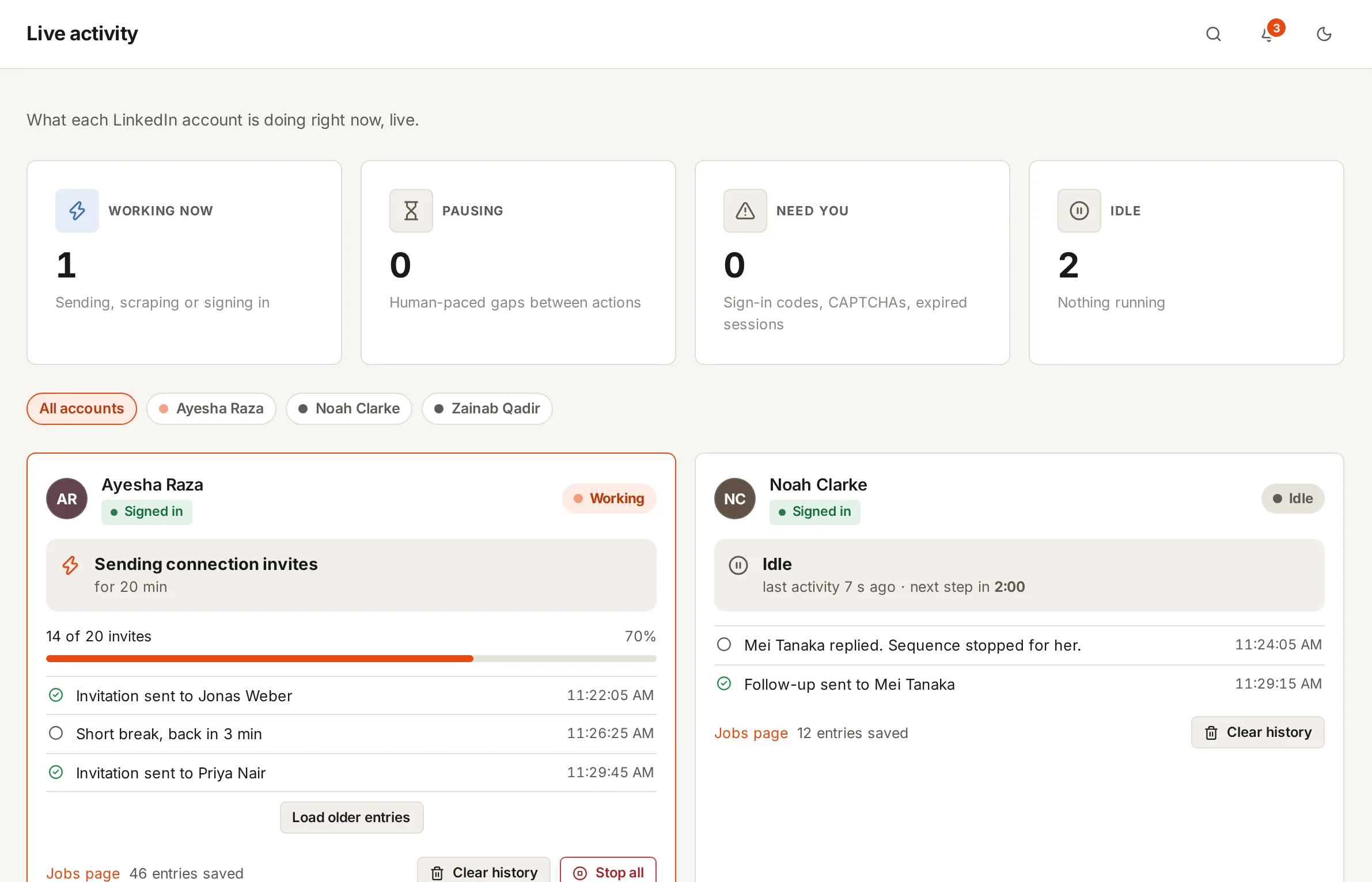
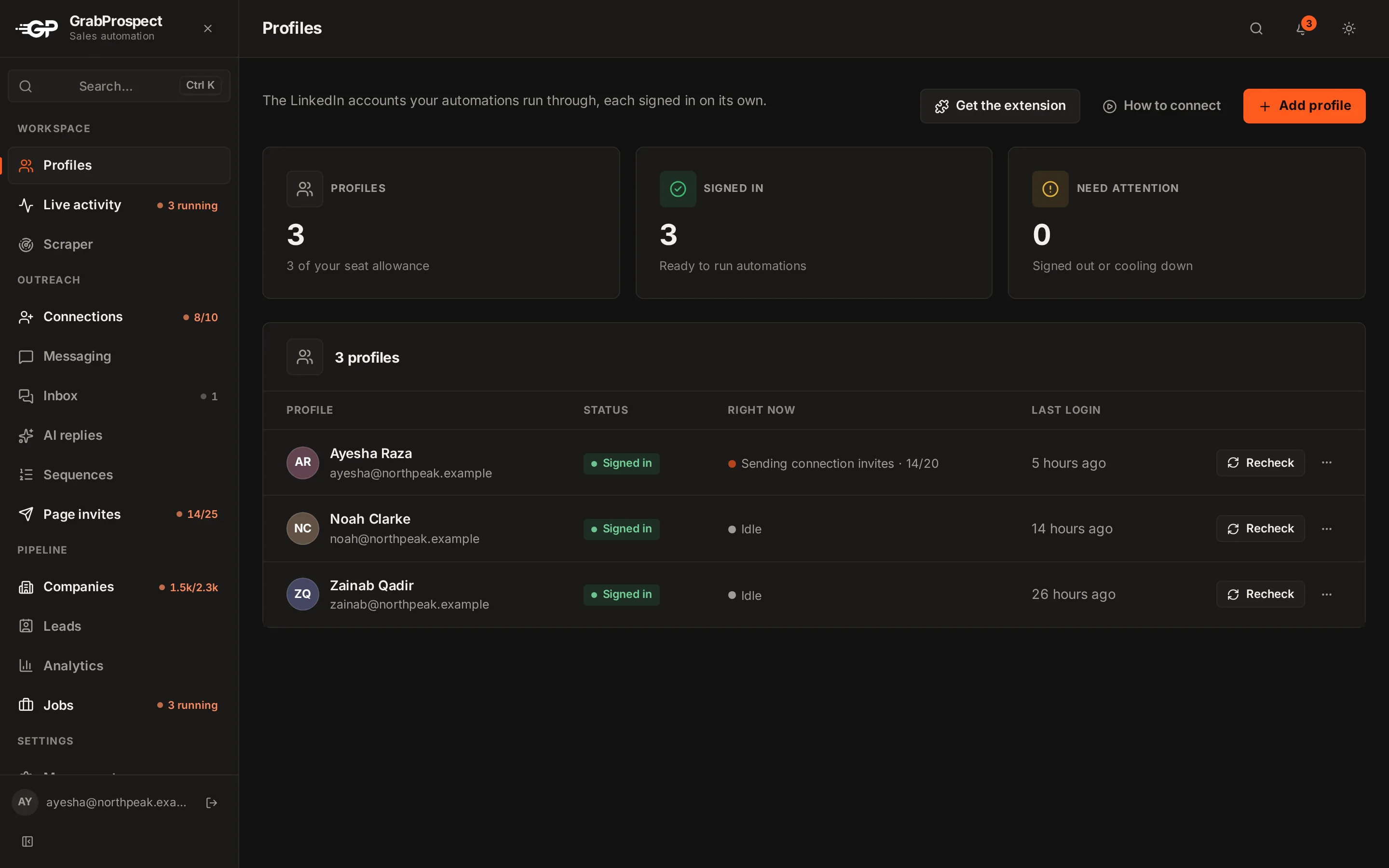
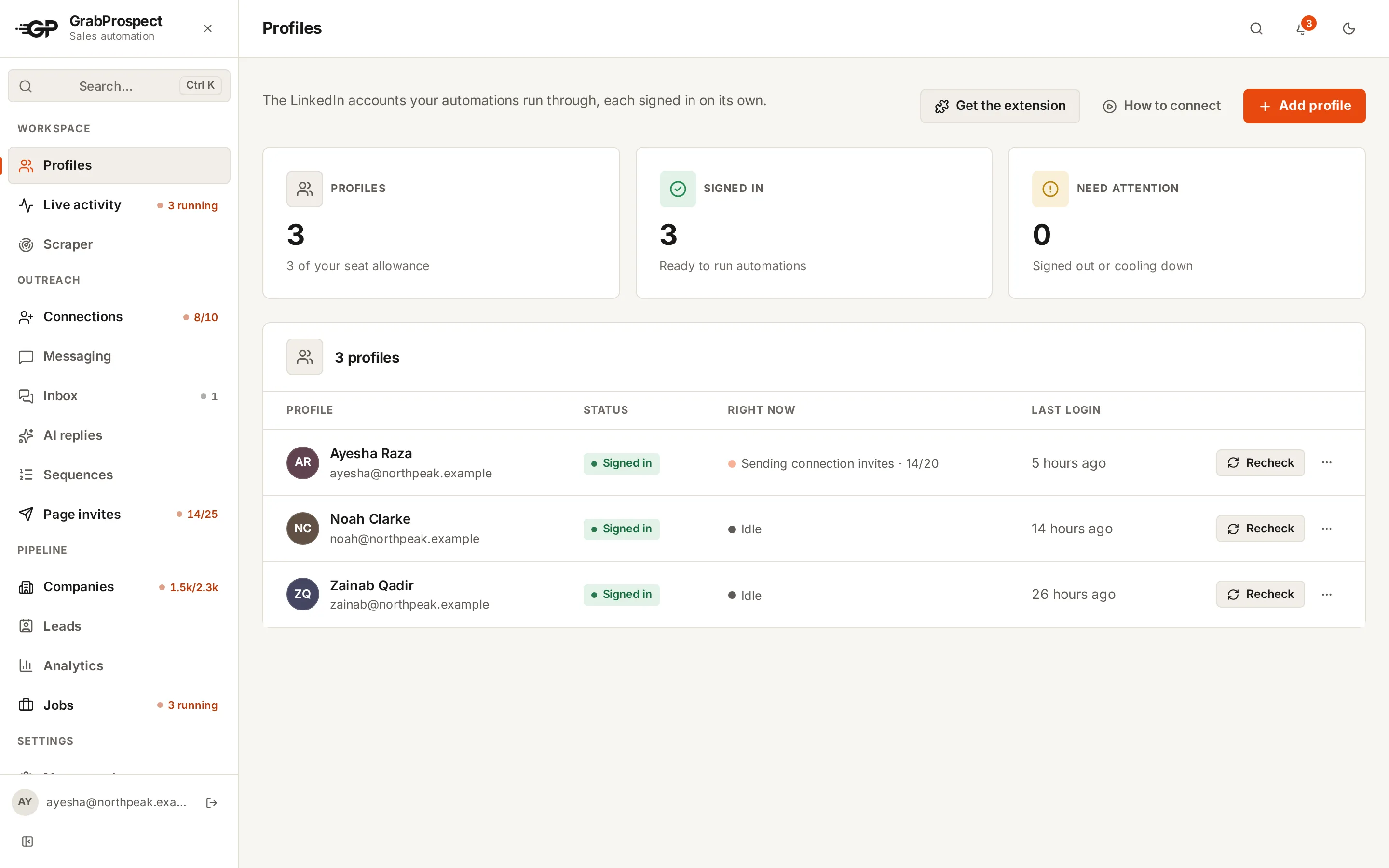
Every account, live
See what each LinkedIn account is doing right now: working, on a break, or waiting for you. Each keeps its own signed-in session.
- Ayesha: Working, 14 of 20 invites
- Noah: On a break, back in 2:05
- Zainab: Needs you, sign-in code
AI replies, in your voice
An optional add-on reads the whole conversation, tags each reply (interested, a question, not now, out of office) and writes an answer from your own facts for you to check. It stays on topic, and you choose what it does in each situation.
How AI replies work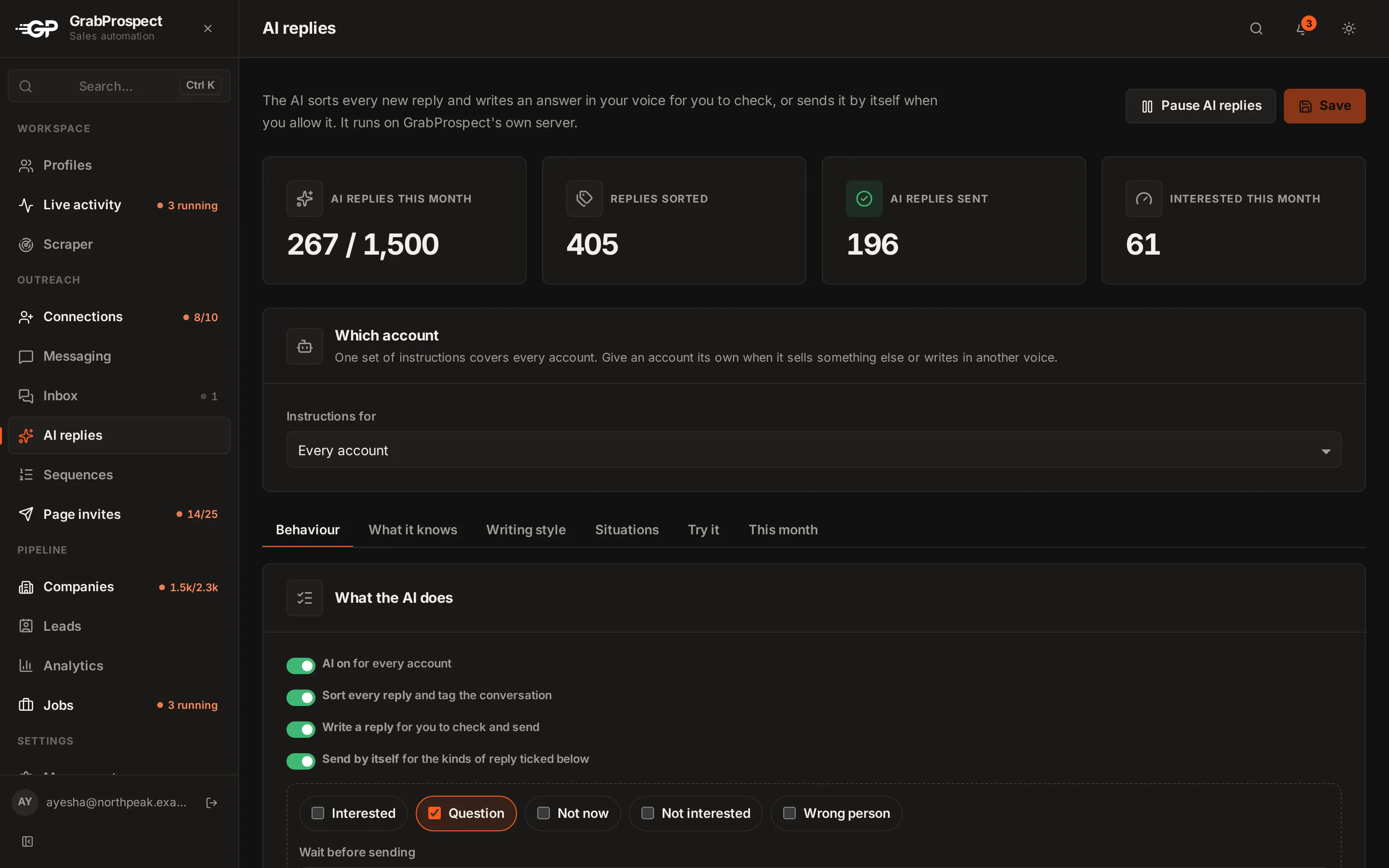
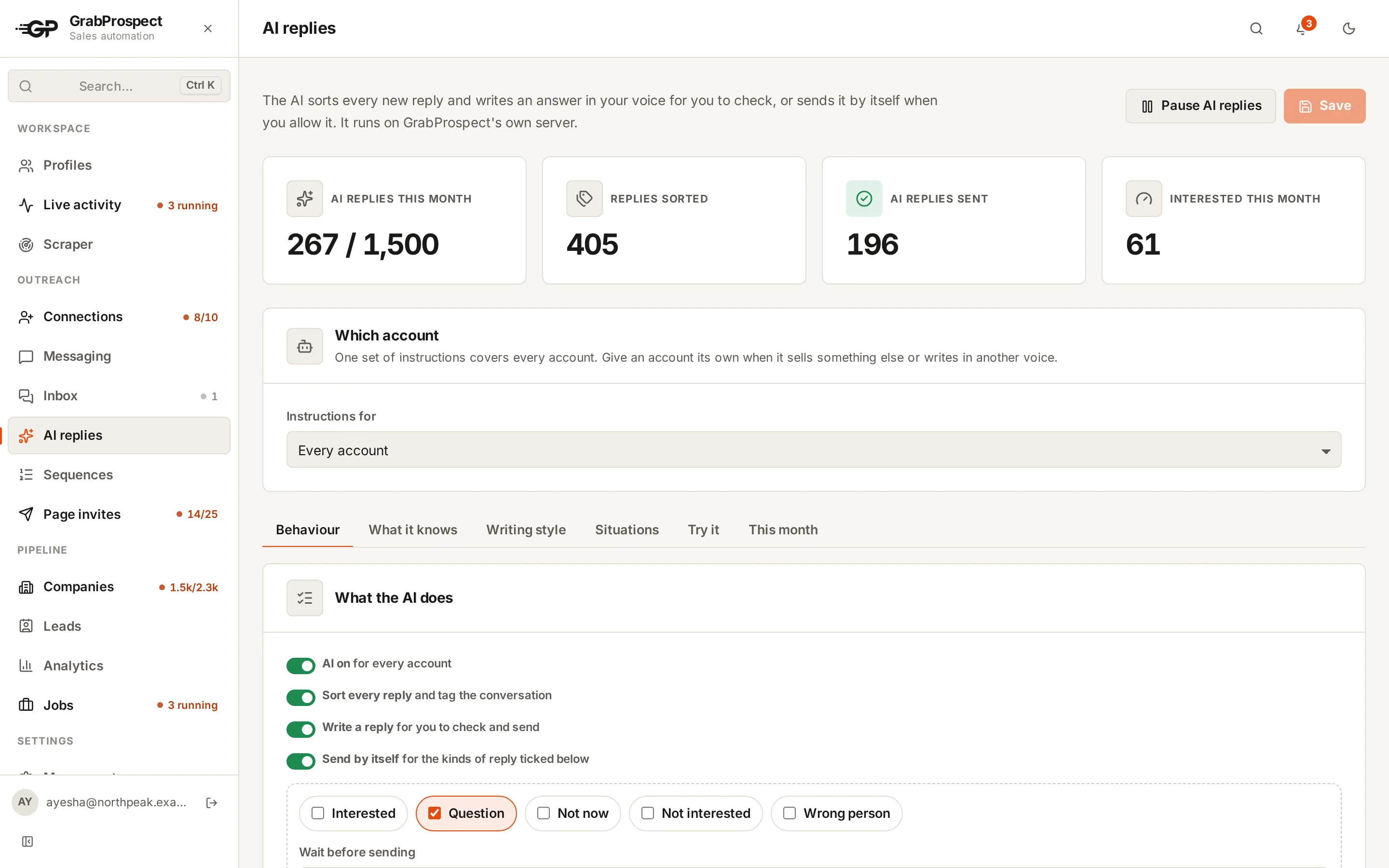
One plan for the whole team
Every team member signs in to their own private workspace with their own LinkedIn accounts, leads and inbox. Admins add people, choose which features each one can use, set their daily limits and keep everyone on one bill.
Careful with the accounts you depend on
LinkedIn accounts are hard to replace, so GrabProspect works the way a careful person would.
Gaps between actions
Every invite and message waits a varied, human-length gap before the next one.
Read like a person
Each results page is scrolled and read at a reading pace before the next one opens.
A different start each day
Runs and reply checks begin at a random minute inside the windows you set.
Limits you control
Daily and weekly caps per account for invites, messages and page invites.
Sign-in codes handled
When LinkedIn asks for a code, the account waits for you instead of failing.
Stops when it should
Expired sessions and security checks pause the account and notify you, in the app and by email.
Running outreach for clients?
Keep each client’s LinkedIn account, sequences, page followers and results separate, and give each account manager their own private workspace.
GrabProspect for agenciesLearn how to do LinkedIn outreach well
All resources- OutreachLinkedIn Cold Outreach: The Complete Playbook for 2026A step-by-step LinkedIn outreach process, from defining who to reach and building the list to invites, follow-ups, handling replies and measuring results.4 min read
- Sales NavigatorHow to Export More Than 2,500 Leads From Sales NavigatorSales Navigator stops at 2,500 results per search. Here is how to split a big search into pieces that each fit, so you can export every lead.7 min read
- LinkedIn limits and safetyHow to Use LinkedIn Automation Without Getting RestrictedAn honest guide to LinkedIn automation risk, what LinkedIn actually watches for, safe daily numbers, and a checklist for running outreach that looks and behaves human.5 min read
Questions people ask
What is GrabProspect?
GrabProspect is LinkedIn outreach software. It pulls leads from Sales Navigator, sends personal connection invites and follow-up messages at a human pace, stops a sequence when someone replies, brings every reply from every account into one inbox, and shows every LinkedIn account working live. It runs in the cloud, so it keeps working when your laptop is closed.
Who is GrabProspect for?
Founders and freelancers doing their own outreach, small sales teams where each person runs their own LinkedIn account, and agencies running LinkedIn outreach for several clients. Students get a discount.
How much does GrabProspect cost?
$29 a month for one LinkedIn account with every feature, $19 for each extra account and $15 from the 10th. You can switch off modules you don’t need to pay less. Annual billing gives 2 months free, and students get 30% off for up to 2 accounts.
Is there a free trial?
Yes, 7 days free, no card needed. Create an account with the email your LinkedIn account uses, then connect that one LinkedIn account by signing in with its email and password. During the trial every module is on, with trial limits of 20 connection requests a day (100 a week), 30 messages a day and 500 scraped leads. Each email and each LinkedIn account can have one trial. When it ends, your leads, campaigns and settings are kept until you choose a plan.
Do I need a Sales Navigator subscription?
Only to pull leads from Sales Navigator searches. Connection invites and messages can also go to your own network, a search URL or a list you upload.
Does it keep running when my laptop is closed?
Yes. Each LinkedIn account runs in its own signed-in browser session on GrabProspect’s servers, on the days and hours you choose.
Can using it get my LinkedIn account restricted?
LinkedIn limits automated activity, and no tool can promise an account will never be restricted. GrabProspect keeps every account at a human pace: a different start minute each day, short, irregular gaps between actions, and daily and weekly caps you set.
How do you handle Sales Navigator’s 2,500-result limit?
The query splitter breaks a large search into smaller ones, checks each one’s live count and keeps splitting until every piece fits. It tells you how much of the original search the pieces cover.
What happens when someone replies?
Their sequence stops right away, so they never get a follow-up after answering. The reply lands in the Inbox with the account and campaign it came from, and you can answer it there.
Can I see replies from all my LinkedIn accounts in one place?
Yes. The Inbox collects replies from every account in your workspace. You pick the time slots when GrabProspect checks for new replies, and each check runs at a random minute inside a slot. Checking never marks a conversation as read on LinkedIn. Each conversation is read back to its first message, so you see the whole thing, not just the last message. Reply from the Inbox and it goes out from the right account, then tag each conversation (Interested, Question, Not now, Not interested, Out of office or Wrong person) to see which campaigns turn into meetings.
Does GrabProspect use AI to answer replies?
With the AI replies add-on, yes: it sorts every reply (interested, question, not now, not interested, out of office, wrong person), stops or reschedules the sequence (an out-of-office reply pushes the follow-up to after they're back), and writes an answer in your voice from facts and rules you give it. You send, edit or rewrite it, or let it send by itself for the kinds of reply you choose. The AI runs on GrabProspect's own server, so conversations don't go to an outside AI company. It costs $15 per LinkedIn account a month on top of Messaging, with 500 AI-written replies per account.
How will I know when something needs me?
A bell at the top of the app shows new replies, limits reached, errors, finished scrapes and accounts that need a sign-in or a security check, with an optional daily summary. Each kind can go to the app, to your email, or both, and you switch each one on or off in Settings.
What if LinkedIn asks for a sign-in code?
The account is marked “Needs you” and the app asks for the code LinkedIn sent. Once you enter it, the account picks up where it left off.
Can my team or my clients have their own logins?
Yes. Each team member signs in with their own email and password and gets a private workspace: their own LinkedIn accounts, leads, sequences and inbox, which teammates can’t see. An admin adds people (they get a welcome email to choose a password) or approves sign-ups, switches features on or off for each person, sets their daily limits, and keeps the whole team on one plan and one bill. The plan’s LinkedIn accounts are shared out between team members.
Can I invite people to follow my company Page?
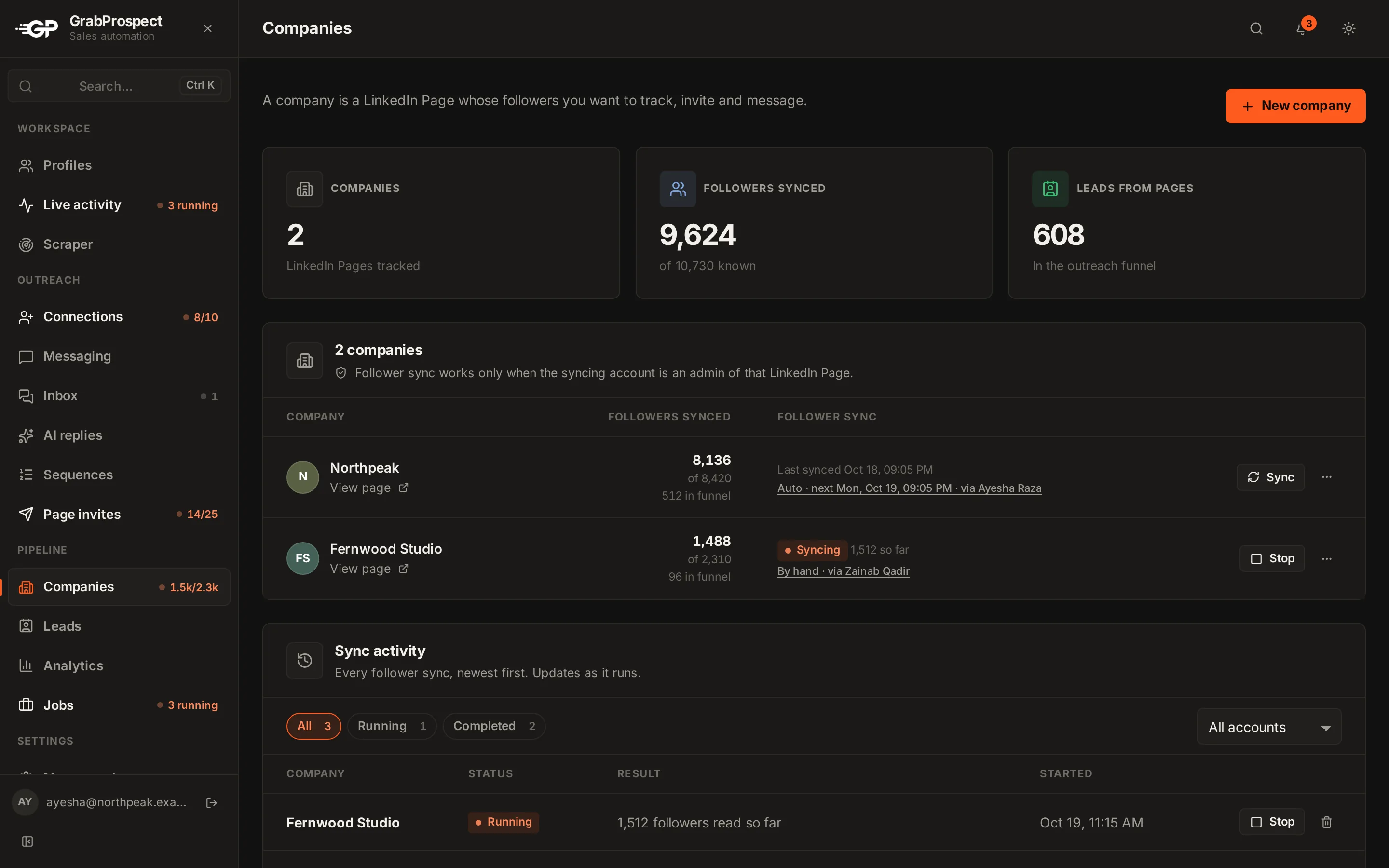
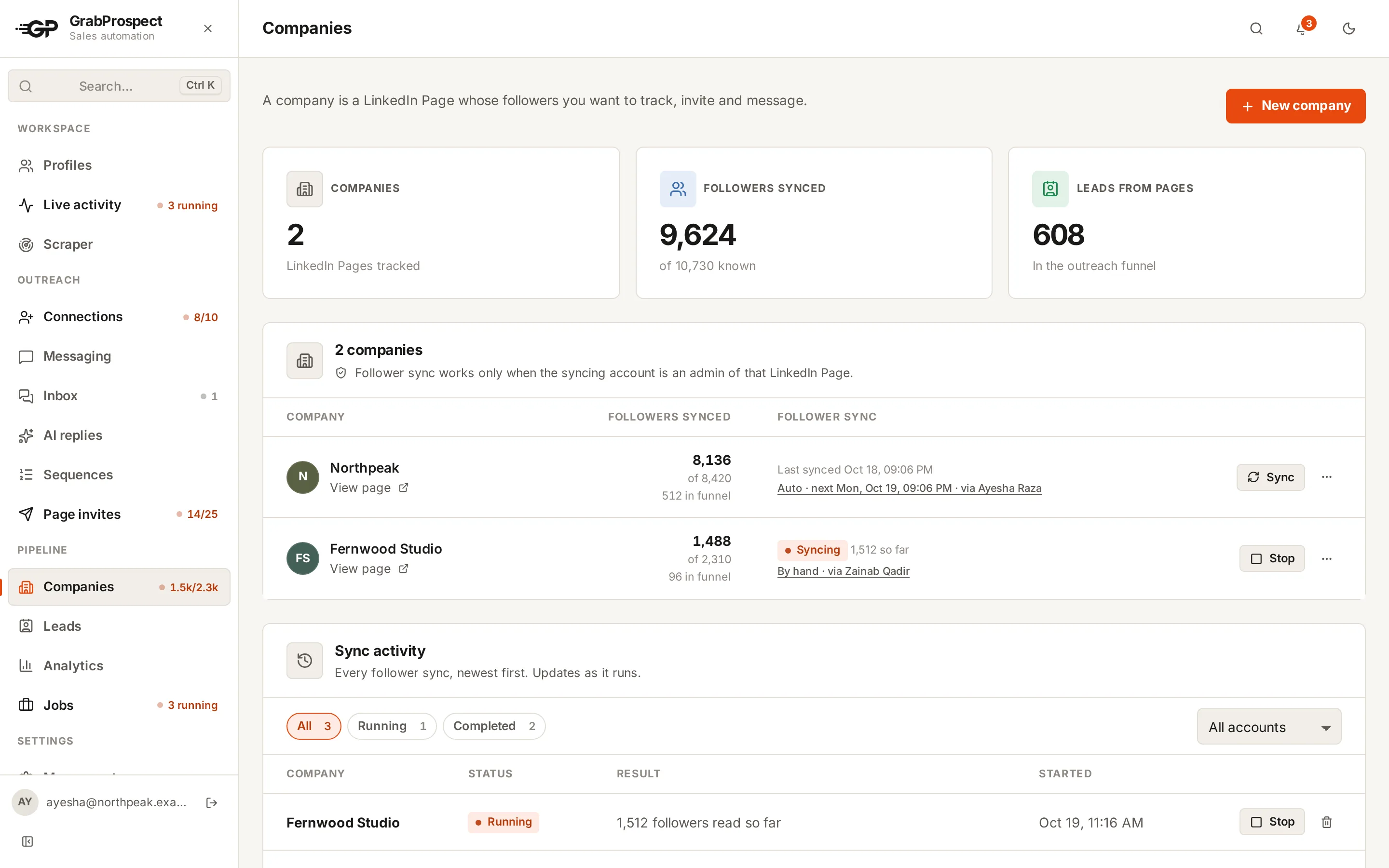
Yes. Pick the Page and the LinkedIn accounts to invite from, and GrabProspect invites each account’s connections to follow it, within LinkedIn’s monthly allowance: 250 people a month from a Page admin’s account, 50 from anyone else’s. Run it now or on a schedule for several accounts at once. A follower sync keeps track of who already follows, with a quick check for new followers or a deep sync that reads the whole list.
How do you keep my account secure?
Turn on 2-step sign-in and every sign-in also needs a code from an authenticator app, with one-time recovery codes in case you lose your phone. Admins can require it for admins or for everyone. Saved LinkedIn passwords are encrypted, your own password is stored as a slow one-way hash, repeated wrong passwords or codes are blocked, and you get an email whenever your password or 2-step sign-in changes. Every team member only sees their own work.
Who can see my leads?
Only your workspace. Leads are stored deduplicated in your account, and you can export them to CSV at any time.
See it run on your own search
Start a 7-day free trial with your own LinkedIn account, or book a call with Mehran, our co-founder, and see a Sales Navigator search split, invited and followed up, live.
7 days free. No card needed.