LinkedIn Account Restricted? What It Means and What to Do
Why LinkedIn restricts accounts, the difference between a warning, a temporary restriction and a permanent one, and the steps that give you the best chance of getting back in.
By Mehran Iqbal, Co-Founder & CEO of GrabProspect3 min read
Short answer
If LinkedIn restricts your account, stop every automation tool and extension first, don't keep trying to sign in, and complete any verification LinkedIn asks for (often a photo ID). Temporary restrictions usually lift after verification or a few days. Then come back slowly: a week of light manual use, and half your previous outreach volume.
A restricted LinkedIn account is stressful, especially if your pipeline lives there. Most restrictions are temporary and recoverable if you respond calmly. Here's what's happening and what to do.
Warning, temporary or permanent?
| What you see | What it means | Typical outcome |
|---|---|---|
| "Weekly invitation limit reached" | A limit, not a restriction | Wait for the week to roll over |
| A security check or CAPTCHA | LinkedIn wants to confirm you're human | Complete it yourself; carry on carefully |
| "Your account is temporarily restricted" | Unusual activity detected | Verify your identity; usually lifted in hours to days |
| Repeated restrictions | A pattern LinkedIn noticed before | Longer restrictions; stricter review |
| Permanently restricted | Serious or repeated violations | Rarely reversed; appeal through support |
Why it happens
The usual causes:
- Automation patterns: bursts of actions, perfectly regular timing, activity around the clock.
- Low-quality invites: many ignored or "I don't know this person" responses.
- Too many profile views in a short time, often from scraping too fast.
- Unusual sign-ins: many locations or devices in a short time.
- Reports from members about spammy messages.
What to do, in order
- Stop every tool. Pause campaigns in any automation tool, remove LinkedIn extensions from your browser and disconnect cloud tools. Don't let anything act on the account while it's under review.
- Don't keep signing in or retrying. Repeated attempts during a restriction can make it worse.
- Follow LinkedIn's instructions exactly. Usually that's identity verification with a photo ID. Use the official LinkedIn screens only.
- Contact LinkedIn Support if asked, politely and briefly. Don't argue about tools; say you'll follow the User Agreement.
- Wait. Temporary restrictions are usually lifted within a few days of verification.
Coming back after a restriction
When access returns, LinkedIn watches the account more closely for a while.
- Week 1: use LinkedIn by hand only. Read, comment, accept invites, reply to messages.
- Week 2: if you restart outreach, run it at a third to a half of your old volume.
- Weeks 3 to 4: build up slowly, watching your acceptance rate.
- Clean up: withdraw old pending invitations; fix whatever caused it (pace, targeting, messages).
Do this on autopilot with GrabProspect
Scrape Sales Navigator (even searches over 2,500), send personal invites, follow up until people reply and answer every reply from one inbox. Try it free for 7 days with your own LinkedIn account.
How to avoid the next one
- 15 to 25 invites a day, under about 100 a week, spread over working hours.
- Irregular gaps between actions and a different start time each day.
- Notes that give a real reason; well-targeted people; acceptance above 30%.
- Follow-ups that stop when people reply.
- Stop immediately at any warning.
The full checklist is in how to use LinkedIn automation without getting restricted.
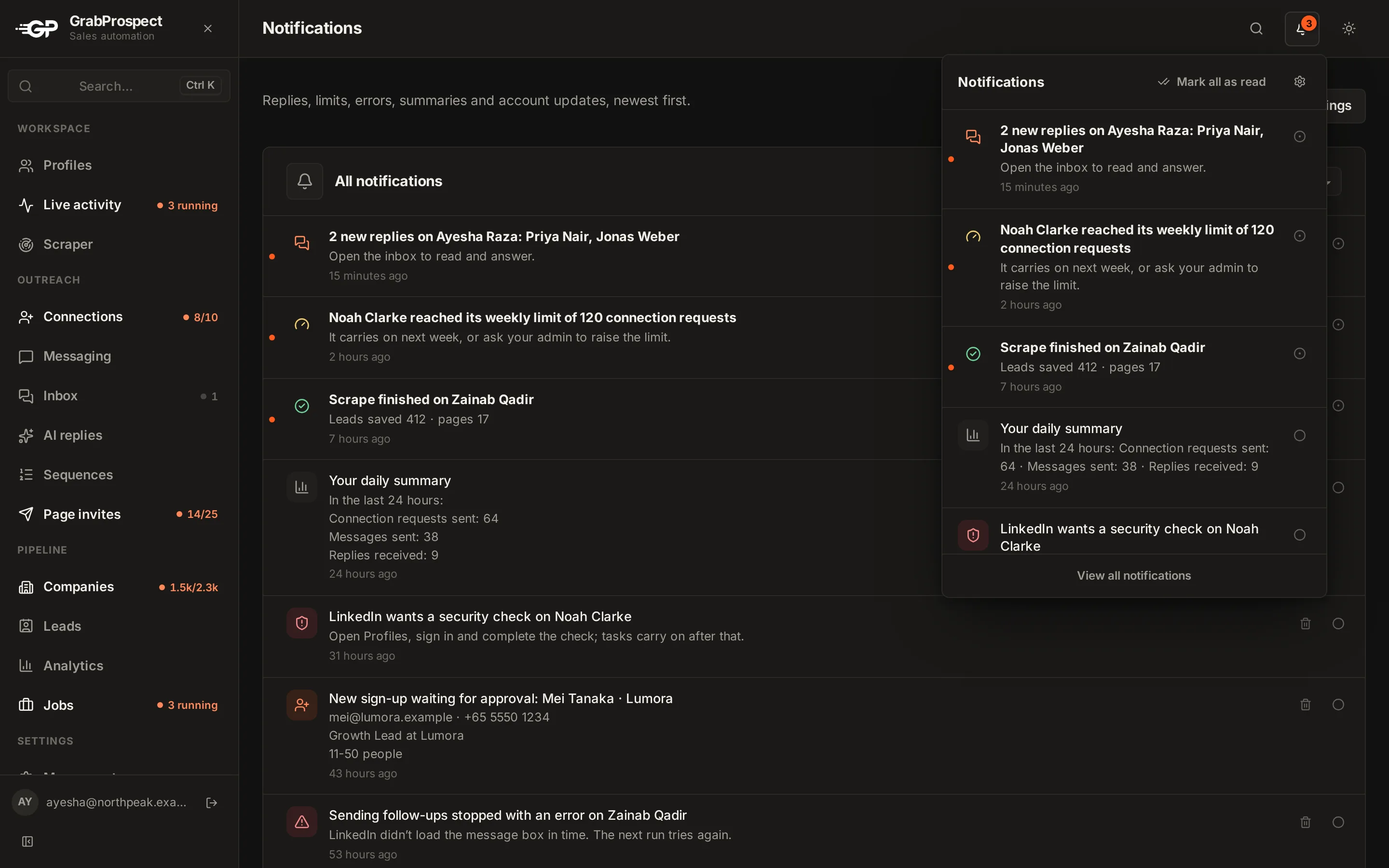
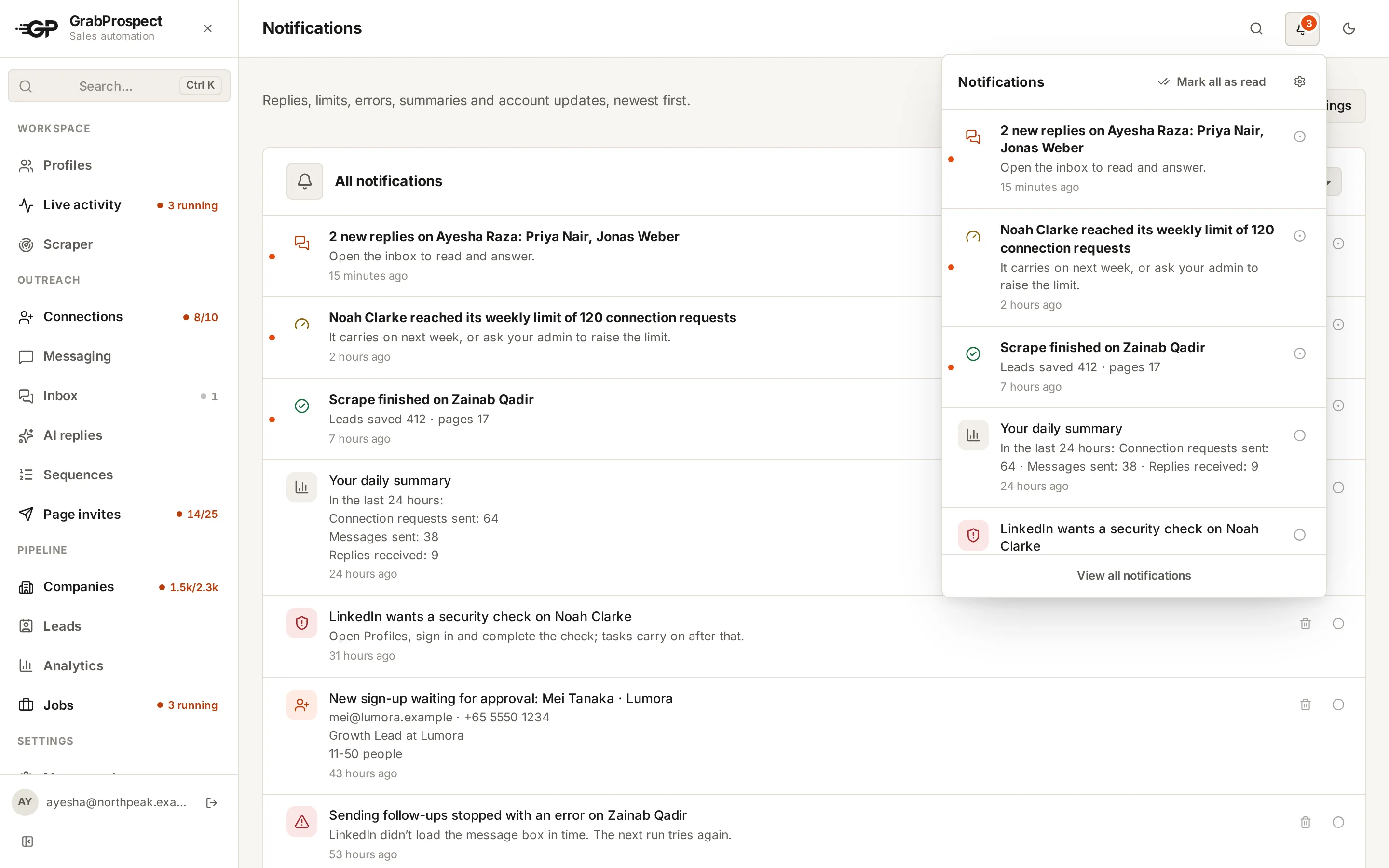
GrabProspect's live activity view shows what every account is doing and flags accounts that need you, so you can stop before LinkedIn has to.
Frequently asked questions
How long does a LinkedIn restriction last?
Temporary restrictions usually lift within hours to a few days after you complete the verification LinkedIn asks for. Repeated restrictions last longer, and permanent ones are rarely reversed.
Can I appeal a LinkedIn restriction?
Yes, through LinkedIn's Help Center and support. Be brief and polite, and complete any identity verification they ask for.
Will I lose my connections if my account is restricted?
A temporary restriction doesn't delete connections or messages. They're there when access returns. A permanent restriction means losing access to them.
Should I create a new LinkedIn account after a restriction?
No. Having more than one personal account breaks LinkedIn's rules, and new accounts get lower limits and less trust. Recover the original one.
Written by Mehran Iqbal, Co-Founder & CEO of GrabProspect, who builds LinkedIn outreach software and runs outreach with it. Facts checked on 2026-10-13. Spotted something out of date? Email contact@grabprospect.com.