LinkedIn's Weekly Invitation Limit in 2026: How It Works and What to Do
How many connection requests LinkedIn lets you send per week, why the number differs between accounts, what happens when you hit it, and how to get more from every invite.
By Mehran Iqbal, Co-Founder & CEO of GrabProspect5 min read
Short answer
LinkedIn doesn't publish an official number, but most accounts can send about 100 connection requests per rolling 7 days, with some well-established accounts going higher. When you hit the limit, LinkedIn shows a message and blocks new invites until the week rolls over. The way to grow faster isn't to push the limit but to raise your acceptance rate and withdraw old pending invites.
At some point every active LinkedIn user sees a message like "You've reached the weekly invitation limit." This guide explains what that limit is, why it differs between accounts, and how to get more connections without fighting it.
How many invitations can you send per week?
LinkedIn has never published an exact number, and it changes over time. What users consistently observe:
| Account | Typical weekly limit |
|---|---|
| Most accounts | About 100 invitations per week |
| New or little-used accounts | Often lower; start with 30 to 50 |
| Established accounts with high acceptance rates | Can be higher, sometimes up to around 200 |
The window is rolling: it isn't Monday to Sunday, but the last 7 days. Invites you sent 7 days ago free up a slot today.
Paying for Premium or Sales Navigator doesn't buy a fixed higher number. What moves your limit is how LinkedIn sees your behaviour: how many of your invites are accepted, how many are ignored or marked "I don't know this person", and how old and active your account is.
What counts toward the limit
- Connection requests you send, with or without a note.
- Requests sent from LinkedIn search, My Network, a profile, or Sales Navigator's Connect: all the same pool.
What doesn't count:
- Messages to people you're already connected to (they have their own, separate limits).
- InMail (Premium and Sales Navigator credits).
- Follows and profile views.
- Company Page invites (those use the Page's own monthly credits; see Company Page invites).
What happens when you hit it
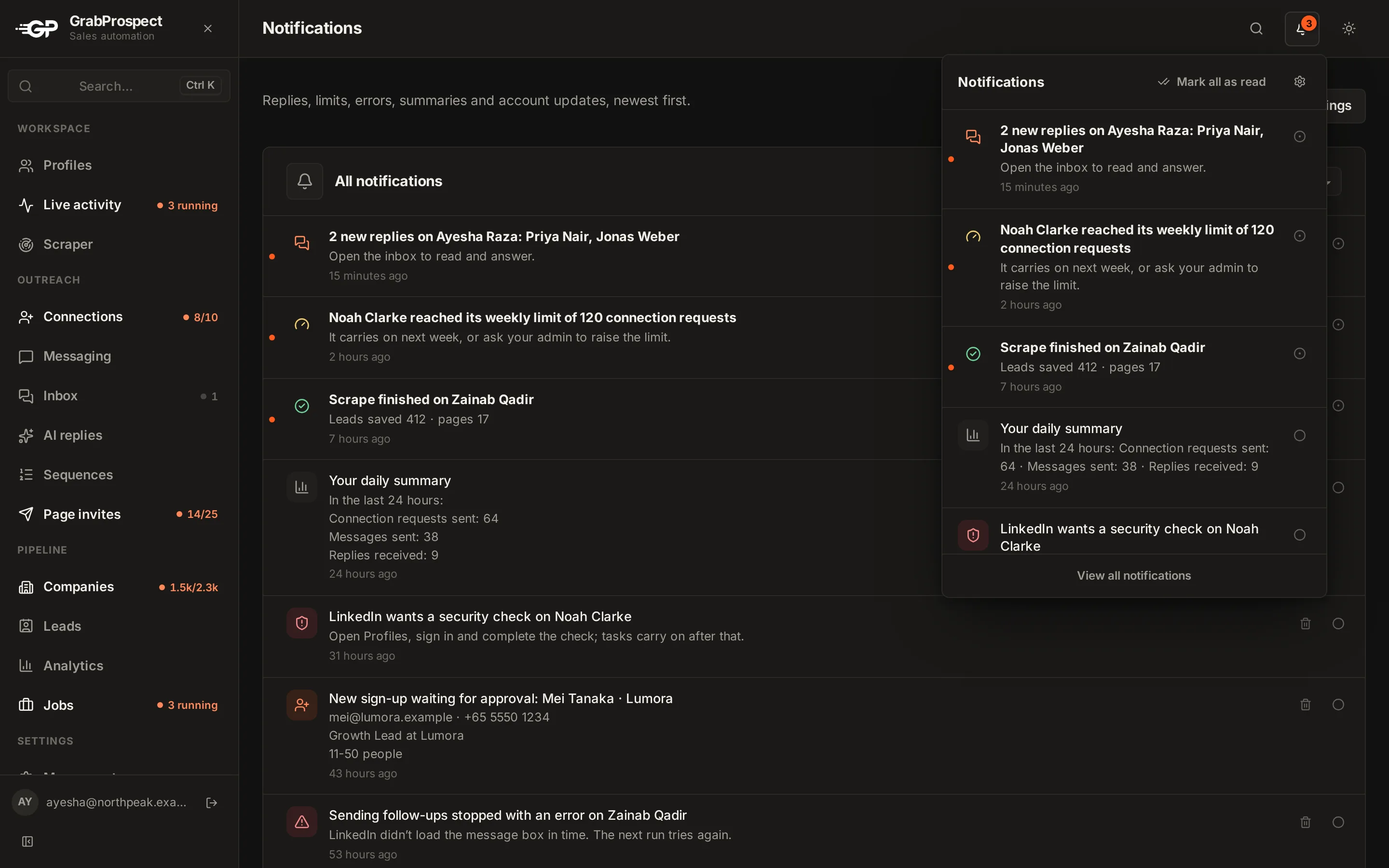
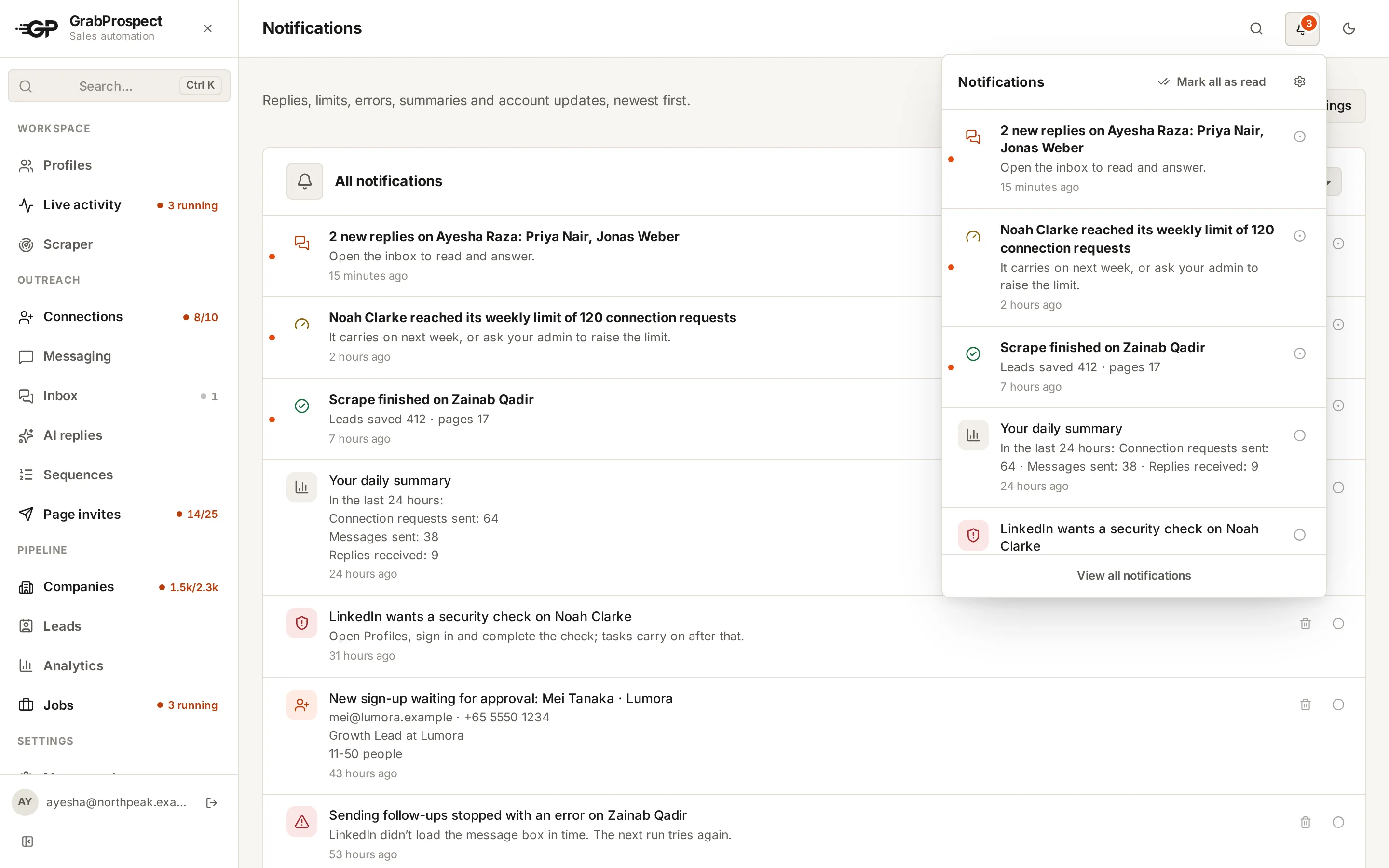
LinkedIn shows a notice (the wording varies: "You've reached the weekly invitation limit", "You're out of invitations for now") and the Connect button stops working until enough of the week has rolled over.
Hitting the limit by itself is not a restriction. Your account is fine. What you shouldn't do is keep trying, or look for ways around it, because repeated attempts after the warning are exactly the kind of behaviour that leads to actual restrictions.
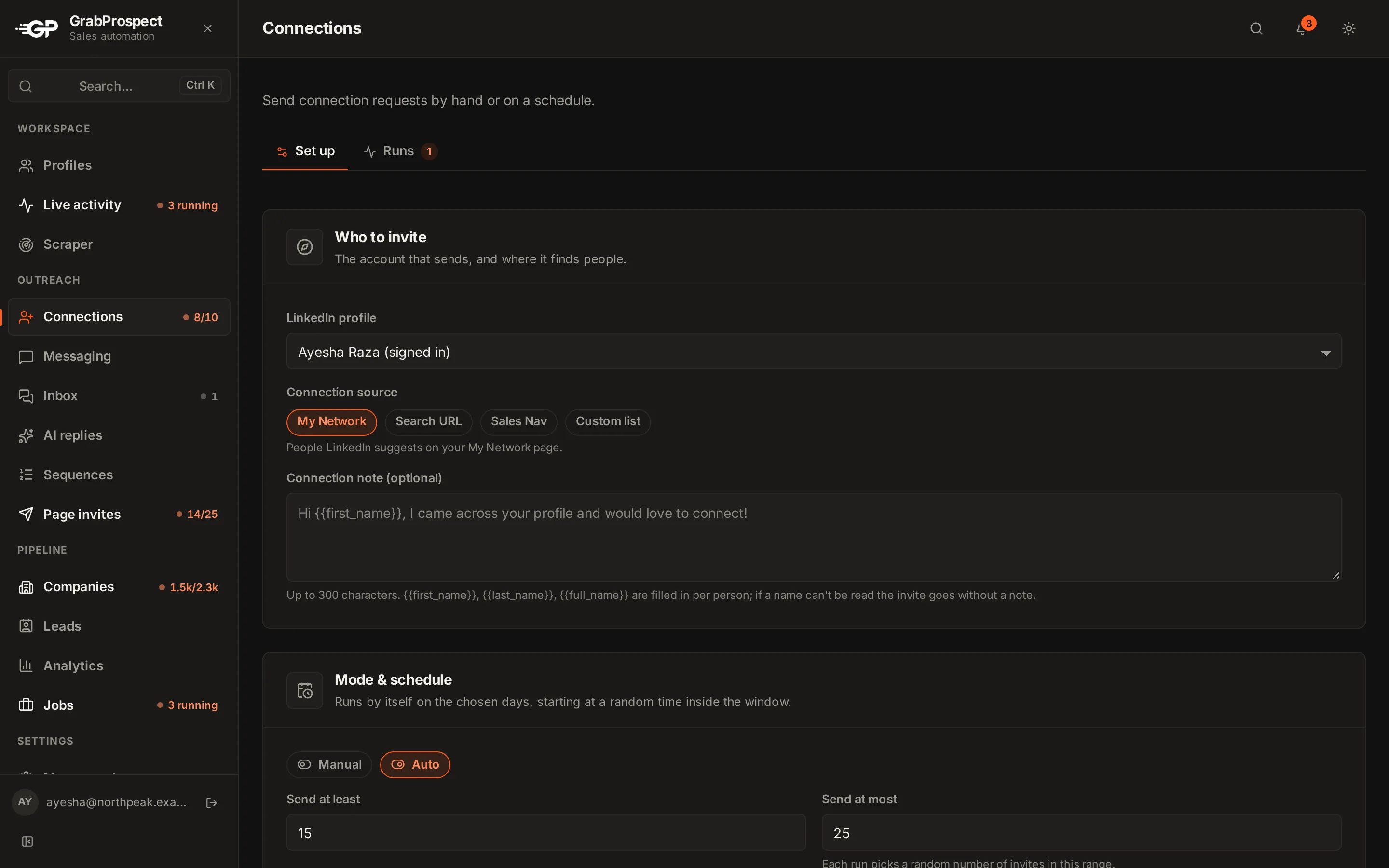
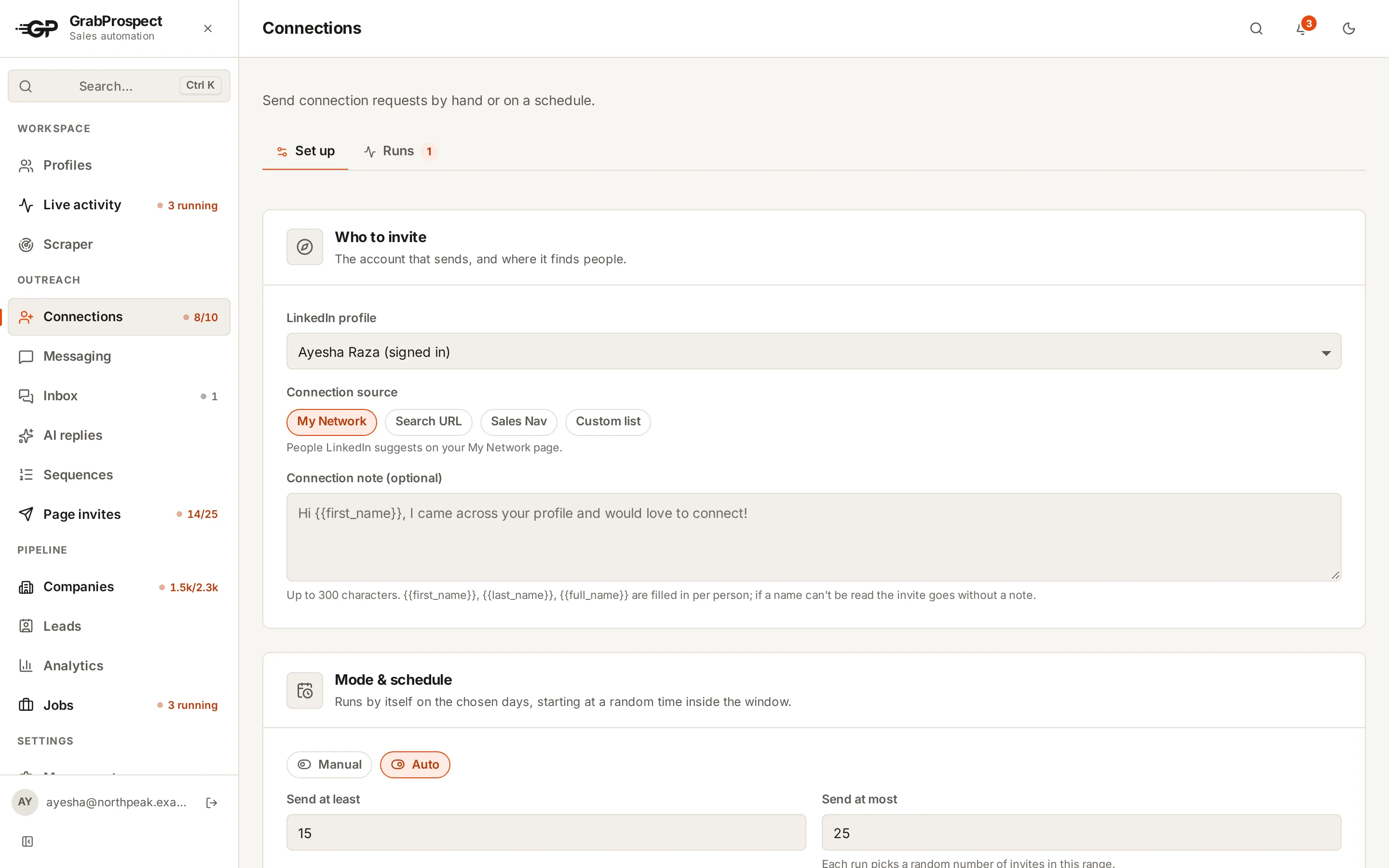
Read more about connection invites in GrabProspect: the four sources, notes with first names, and daily and weekly caps per account.
Why some accounts get more invitations
LinkedIn's limit responds to signals. The ones that matter most:
- Acceptance rate. If most of your invites are accepted, you're clearly inviting people who know of you or want to connect. Aim for over 30%; good targeting gets 40% to 60%.
- "I don't know this person" reports. Each one is a strong negative signal. Inviting complete strangers with no note is the fastest way to collect them.
- Pending invitations. Thousands of unanswered invites look like spam. Keep pending invites under a few hundred.
- Account age and activity. A real, active profile with posts, comments and a full profile gets more trust than a new, empty one.
- Steady pace. 15 to 20 invites spread over the day looks human. 100 in ten minutes doesn't.
How to get more out of every invitation
Target people likely to accept
- 2nd-degree connections accept far more often than 3rd-degree: you have people in common.
- People active on LinkedIn (Sales Navigator's "Posted on LinkedIn in past 30 days" filter) actually see your invite.
- Shared ground: same school, group, past company, event or industry.
Write a short, specific note
A note that says why you're connecting lifts acceptance. Keep it under 200 characters, mention something real, and don't pitch. See 50 connection request templates, and check yours with the free connection note checker.
Free LinkedIn accounts can only add a note to a few invites a month. Premium and Sales Navigator accounts can add one to every invite, up to 300 characters.
Withdraw old pending invitations
Go to My Network > Manage > Sent and withdraw invitations older than 2 to 3 weeks. They're unlikely to be accepted, and a long pending list counts against you. See how and when to withdraw pending invitations. LinkedIn may stop you re-inviting a withdrawn person for a few weeks, so withdraw people you've given up on.
Use the slots you have, every day
Sending 15 invites every day reaches more people over a month than sending 100 on Monday and nothing the rest of the week, and it looks more natural.
Do this on autopilot with GrabProspect
Scrape Sales Navigator (even searches over 2,500), send personal invites, follow up until people reply and answer every reply from one inbox. Try it free for 7 days with your own LinkedIn account.
Plan with numbers
Say your limit is about 100 a week and your acceptance rate is 40%:
| Per week | Per month | |
|---|---|---|
| Invitations sent | 100 | ~430 |
| Accepted (40%) | 40 | ~170 |
| Replies to your follow-up (15% of accepted) | 6 | ~26 |
Raise acceptance from 40% to 55% and you get about 65 more connections a month from the same number of invites. Use the LinkedIn outreach calculator to plan with your own numbers.
If one account isn't enough, the limit is per account: a team where three people each run their own LinkedIn account has three separate weekly limits.
Frequently asked questions
What is LinkedIn's weekly invitation limit in 2026?
LinkedIn doesn't publish one. Most accounts can send around 100 connection requests per rolling 7 days; new accounts often less, and established accounts with high acceptance rates sometimes more.
When does the LinkedIn invitation limit reset?
It works on a rolling 7-day window rather than a fixed day. Invitations you sent a week ago stop counting, which frees up room for new ones.
Does Sales Navigator increase the weekly invitation limit?
Not by a fixed amount. Paid plans let you add a note to every invite and send InMail, but the connection request limit still depends mostly on your acceptance rate and account history.
Do InMails count toward the invitation limit?
No. InMail uses separate monthly credits on Premium and Sales Navigator.
Should I withdraw pending LinkedIn invitations?
Yes, regularly. Withdraw invites older than 2 to 3 weeks. A large pile of unanswered invites can lower how many LinkedIn lets you send.
Will hitting the weekly limit get my account restricted?
No, hitting the limit is normal. Repeatedly trying to send more after LinkedIn's warning, or using tricks to get around it, is what risks a restriction.
Written by Mehran Iqbal, Co-Founder & CEO of GrabProspect, who builds LinkedIn outreach software and runs outreach with it. Facts checked on 2026-10-13. Spotted something out of date? Email contact@grabprospect.com.