How (and When) to Withdraw Pending LinkedIn Invitations
Why old pending connection requests hurt your outreach, how to withdraw them, the three-week rule, and a simple routine that keeps your invitation list healthy.
By Mehran Iqbal, Co-Founder & CEO of GrabProspect2 min read
Short answer
Withdraw connection requests that have been pending for more than two to three weeks: they're unlikely to be accepted, and a large pending list can lower how many invitations LinkedIn lets you send. Go to My Network, Manage, Sent, and withdraw the oldest. The person isn't notified, but you can't invite them again for up to three weeks.
Every invitation you send either gets accepted, ignored or declined. The ignored ones sit in your "Sent" list indefinitely. A few hundred of them is normal; a few thousand tells LinkedIn your invites aren't wanted.
Why pending invitations matter
- They signal low acceptance. LinkedIn looks at how many of your invites go unanswered when deciding how many you can send.
- They rarely convert. Most acceptances happen within the first week or two.
- They clutter your tracking. You can't tell who's still a live prospect.
How to withdraw invitations
On desktop:
- Go to My Network.
- Click Manage next to Invitations (or "See all").
- Open the Sent tab.
- Click Withdraw next to each invitation, starting with the oldest at the bottom.
On mobile: My Network, Manage, Sent, then Withdraw.
The person isn't notified that you withdrew. Withdrawn invitations can't be restored.
The three-week rule
After withdrawing, LinkedIn won't let you invite the same person again for up to three weeks. So:
- Withdraw people you've given up on for now.
- If they still matter, try another route meanwhile: InMail, an introduction, or engaging with their posts.
- Re-invite later with a better note if the timing changes.
When to withdraw
| Pending for | What to do |
|---|---|
| Under 1 week | Leave it |
| 1 to 3 weeks | Leave it; most acceptances happen by now |
| Over 3 weeks | Withdraw |
| Over 3 weeks, high-value person | Withdraw, then try InMail or an introduction |
Keep your pending list under a few hundred at any time.
Do this on autopilot with GrabProspect
Scrape Sales Navigator (even searches over 2,500), send personal invites, follow up until people reply and answer every reply from one inbox. Try it free for 7 days with your own LinkedIn account.
A monthly routine
- First Monday of the month: withdraw everything older than three weeks.
- Check your acceptance rate. If it's under 30%, look at the people who didn't accept: wrong role, wrong market, weak note?
- Adjust targeting before sending the next batch.
Healthy pending lists are part of using automation safely and of getting the most out of LinkedIn's weekly invitation limit.
Prevent the pile-up
The best fix is fewer unanswered invites:
- Invite 2nd-degree connections and people active on LinkedIn.
- Add a short, specific note: see 50 connection request templates.
- Send steadily, 15 to 25 a day, rather than in bursts.
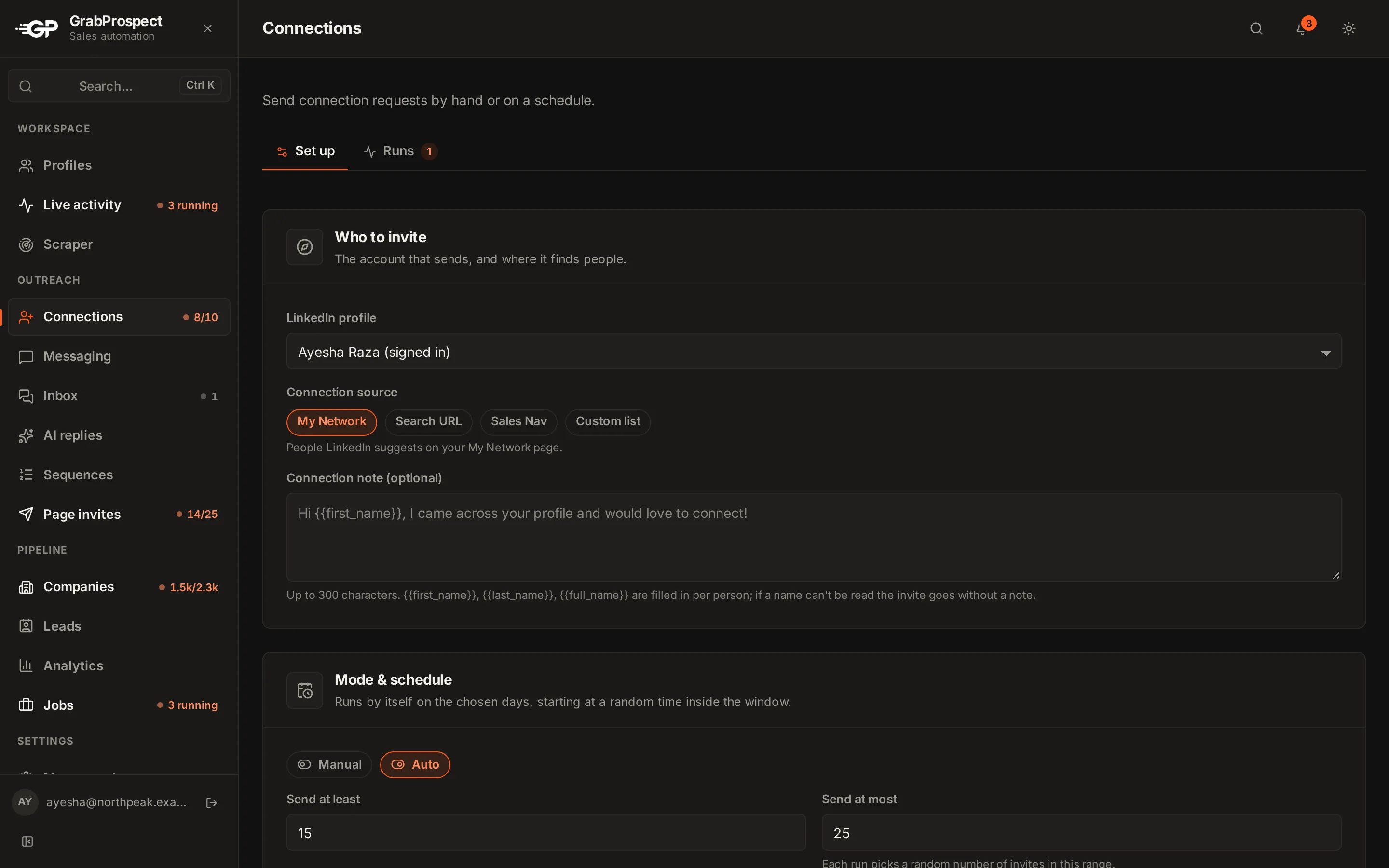
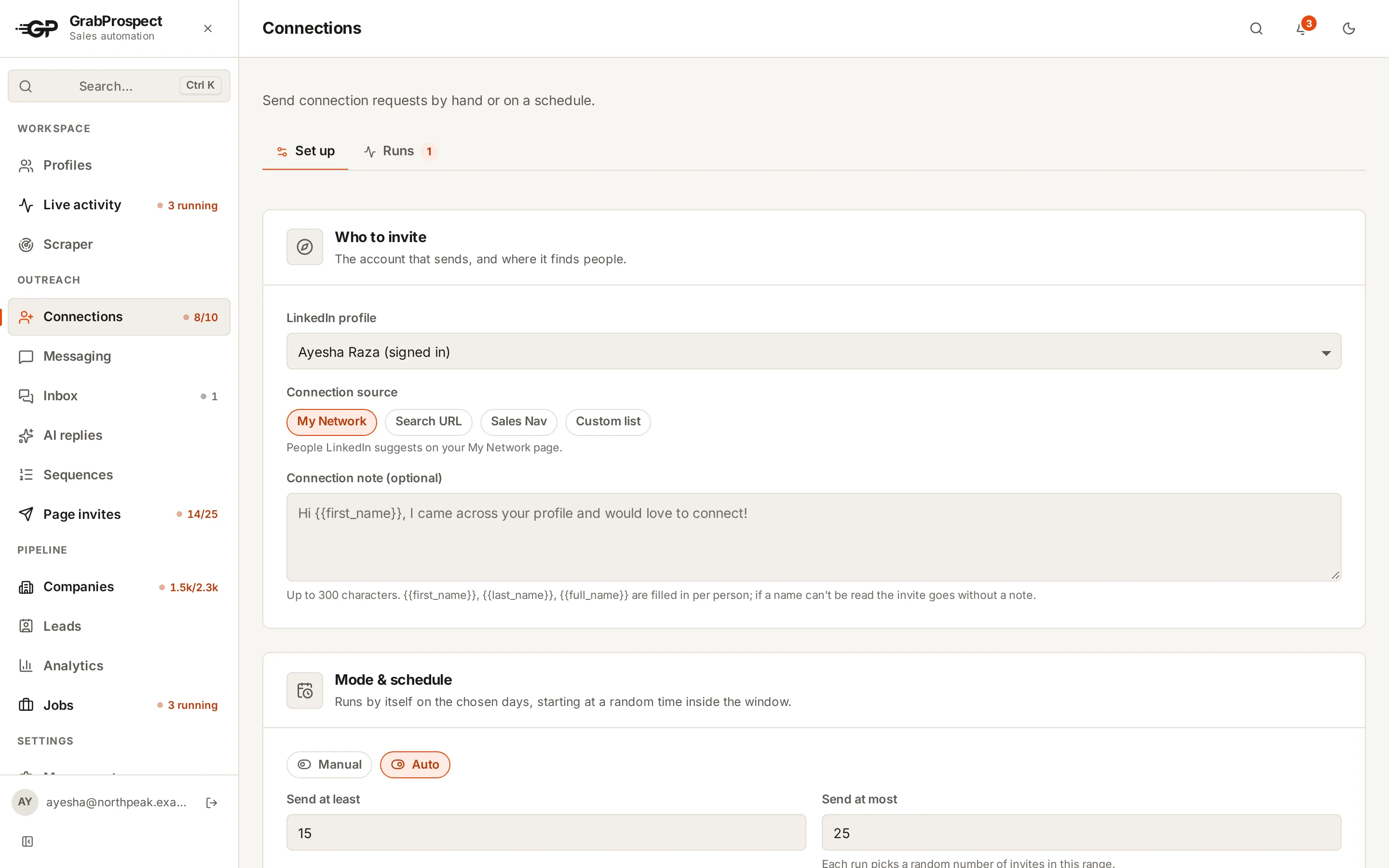
GrabProspect's connection invites log every invitation in a runs history, so you can see who each run reached and whether each invite was sent or skipped, and why.
Frequently asked questions
Should I withdraw old LinkedIn connection requests?
Yes. Withdraw requests pending for more than two to three weeks. They're unlikely to be accepted and a large pending list can lower your invitation limit.
Does the person know if I withdraw an invitation?
No. LinkedIn doesn't notify them.
Can I re-invite someone after withdrawing?
Yes, but only after up to three weeks. LinkedIn blocks re-inviting the same person in that time.
How many pending invitations is too many?
There's no official number. Keeping it under a few hundred at any time is a safe habit.
Written by Mehran Iqbal, Co-Founder & CEO of GrabProspect, who builds LinkedIn outreach software and runs outreach with it. Facts checked on 2026-10-14. Spotted something out of date? Email contact@grabprospect.com.