LinkedIn Message Limits: How Many Messages Can You Send Per Day?
The limits that apply to LinkedIn messages, InMail and connection notes, the numbers that keep accounts safe, and how follow-ups fit in.
By Mehran Iqbal, Co-Founder & CEO of GrabProspect2 min read
Short answer
LinkedIn doesn't publish a daily limit for messages to your connections. Established accounts that send around 30 to 50 messages a day, spread through working hours, rarely have problems; sudden bursts of identical messages are what get flagged. InMail is limited by your monthly credits, connection notes by your weekly invitation limit, and every message can be up to 8,000 characters.
The weekly invitation limit gets all the attention, but messages have limits too, and they work differently. Here's what applies to each kind of message and how to plan your daily volume.
The limits at a glance
| What you send | Limit | Notes |
|---|---|---|
| Messages to 1st-degree connections | No published number | Watched for patterns and spam reports |
| Connection request notes | Weekly invitation limit (about 100 a week) | 300 characters on paid accounts, 200 on free |
| InMail | Monthly credits (50 on Sales Navigator) | Credit returned if they respond within 90 days |
| Open Profile messages | Free for Premium senders | Limited for free accounts |
| Message length | 8,000 characters | Shorter is far better |
How many messages per day is safe?
LinkedIn doesn't say. What experience shows:
| Account | Careful daily range |
|---|---|
| New or rarely used | 10 to 20 |
| Established, active | 30 to 50 |
| Established, high reply rates | Up to around 80 to 100, spread out |
What matters more than the number:
- Spread through the day, not in one burst.
- Personalised, not the same text to everyone.
- Low spam reports. Messages people answer are messages LinkedIn is happy to deliver.
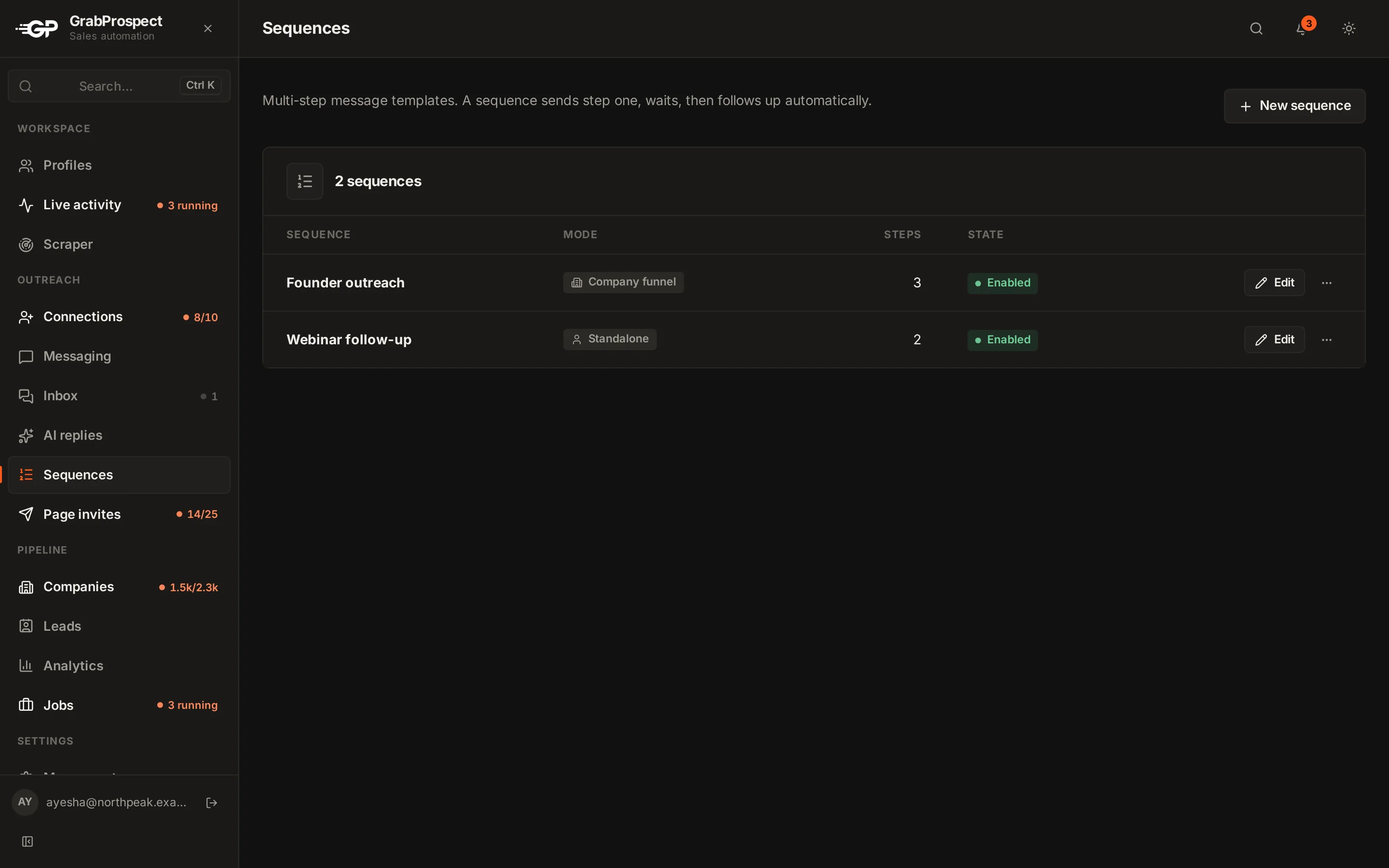
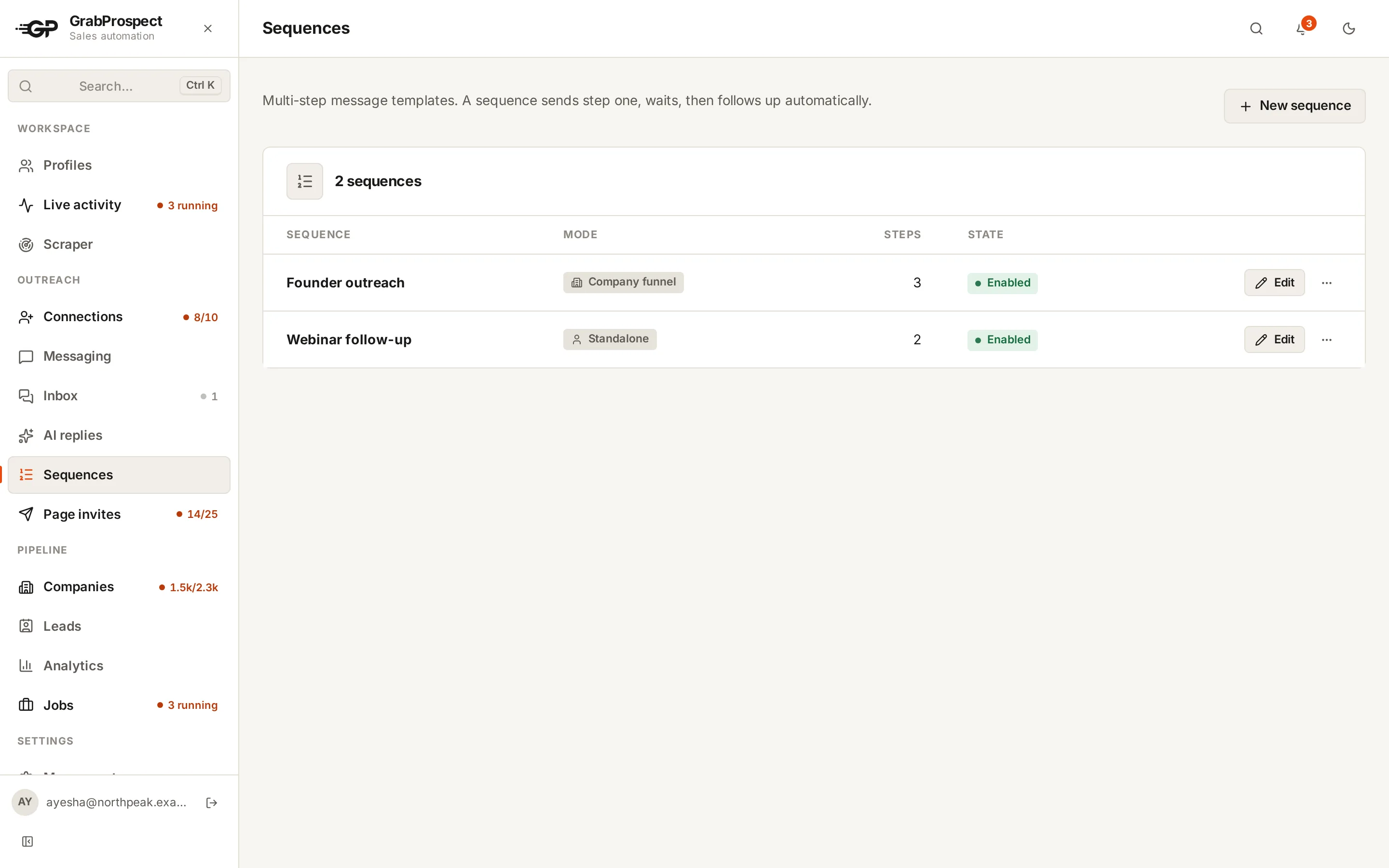
GrabProspect's Standard plan allows 40 messages a day per LinkedIn account, with follow-ups counted separately, inside the account's working hours. High volume raises it to 80.
Follow-ups count too
Every follow-up in a sequence is a message. If 30 people accept your invites each week and your sequence has three follow-ups, that's up to 120 messages a week from one campaign, before new conversations and replies. Plan your daily cap around the whole sequence, and remember that follow-ups stop when people reply, which lowers the real number.
Signs you're sending too much
- LinkedIn asks you to verify your identity or complete a security check.
- A warning that your messages look like spam.
- Replies dropping while volume rises.
Stop, cut volume in half, and rebuild slowly. See what to do if your account is restricted.
Do this on autopilot with GrabProspect
Scrape Sales Navigator (even searches over 2,500), send personal invites, follow up until people reply and answer every reply from one inbox. Try it free for 7 days with your own LinkedIn account.
Writing messages that don't get reported
- Short: three to five lines.
- About them, with one specific detail.
- One question, no link in the first message.
- A real reason you're writing.
Templates are in LinkedIn follow-up messages, and the full process is in the cold outreach playbook.
Frequently asked questions
Is there a daily message limit on LinkedIn?
LinkedIn doesn't publish one for messages to connections. Around 30 to 50 a day, spread through working hours, is a careful range for an established account.
How long can a LinkedIn message be?
Up to 8,000 characters, but messages of three to five lines get far more replies.
Do follow-up messages count toward limits?
Yes. Every follow-up is a message, so plan your daily caps around the whole sequence.
How many InMails can I send?
As many as your credits allow: Sales Navigator includes 50 a month, and credits come back when people respond within 90 days.
Written by Mehran Iqbal, Co-Founder & CEO of GrabProspect, who builds LinkedIn outreach software and runs outreach with it. Facts checked on 2026-10-14. Spotted something out of date? Email contact@grabprospect.com.