LinkedIn Outreach for Recruiters: Finding and Reaching Candidates at Scale
A recruiter's playbook for LinkedIn and Sales Navigator, from searches that find passive candidates to messages that get replies and a weekly routine that fills pipelines.
By Mehran Iqbal, Co-Founder & CEO of GrabProspect3 min read
Short answer
Recruiters get the best LinkedIn results by searching narrowly (current title, years in role, location, past companies), inviting candidates with a short note that names the role's appeal, following up once or twice with the specifics (salary range, remote policy, team), and answering replies within hours. Steady daily volume of 15 to 25 invites per recruiter beats occasional bursts.
Most good candidates aren't applying for jobs; they're doing them. LinkedIn is where you find them, and the challenge is doing it at volume without your messages sounding like everyone else's. This is a practical playbook for recruiters and in-house talent teams.
Step 1: Searches that find passive candidates
In Sales Navigator (or LinkedIn search), combine:
| Filter | Example | Why |
|---|---|---|
| Current job title (Boolean) | ("backend engineer" OR "software engineer") AND (Go OR Golang) | The role they do today |
| Years in current position | 2 to 5 years | Settled, often ready for a next step |
| Geography | Berlin, or your hiring regions | Location and time zone |
| Past company | Companies known for strong teams | Quality signal |
| Seniority | Senior, Manager | Level match |
| Spotlight: Posted on LinkedIn in past 30 days | On | People who read messages |
Leave out people who changed jobs in the last 90 days: they rarely move again so soon. More strings in Boolean search for Sales Navigator.
Step 2: Build the list
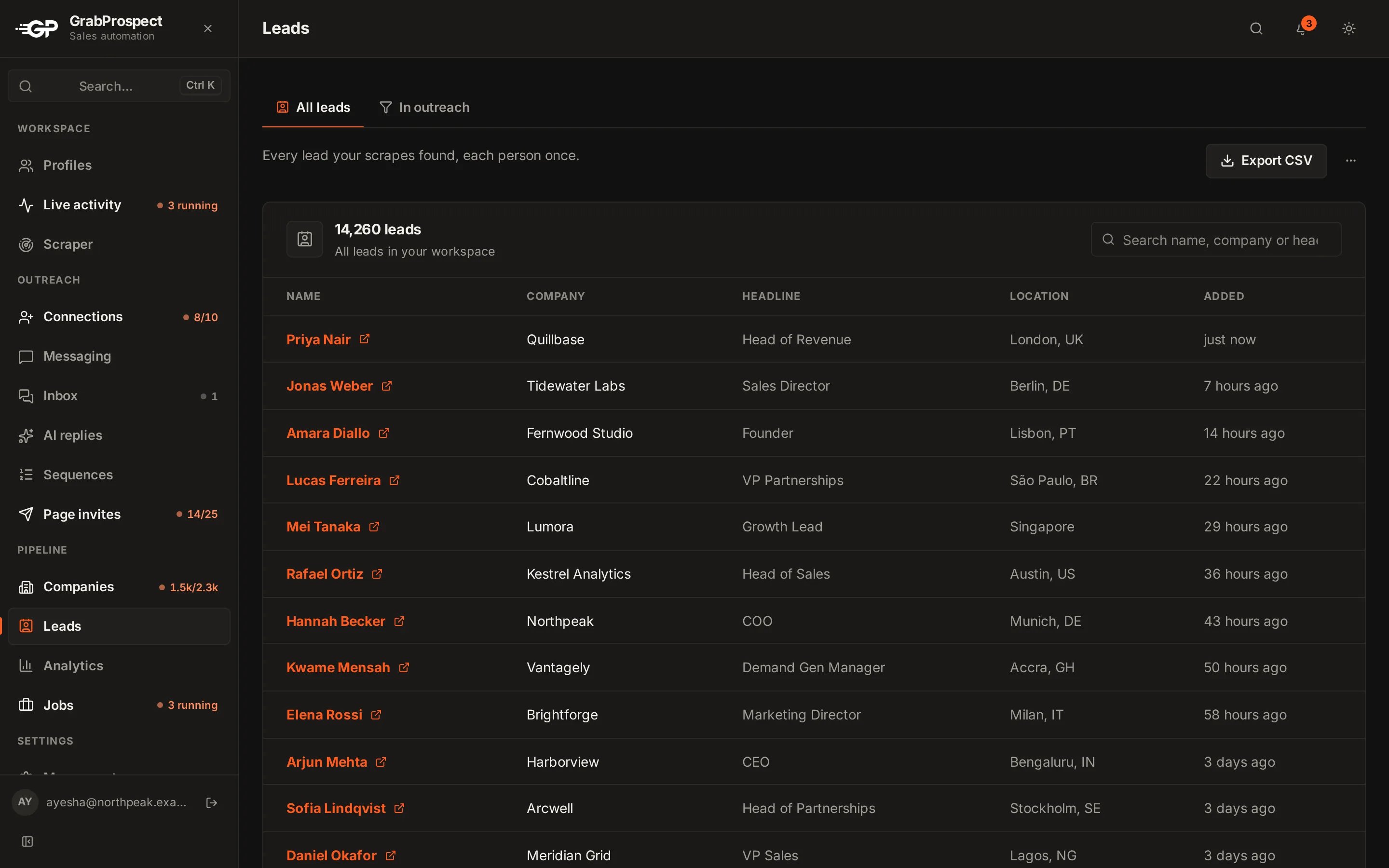
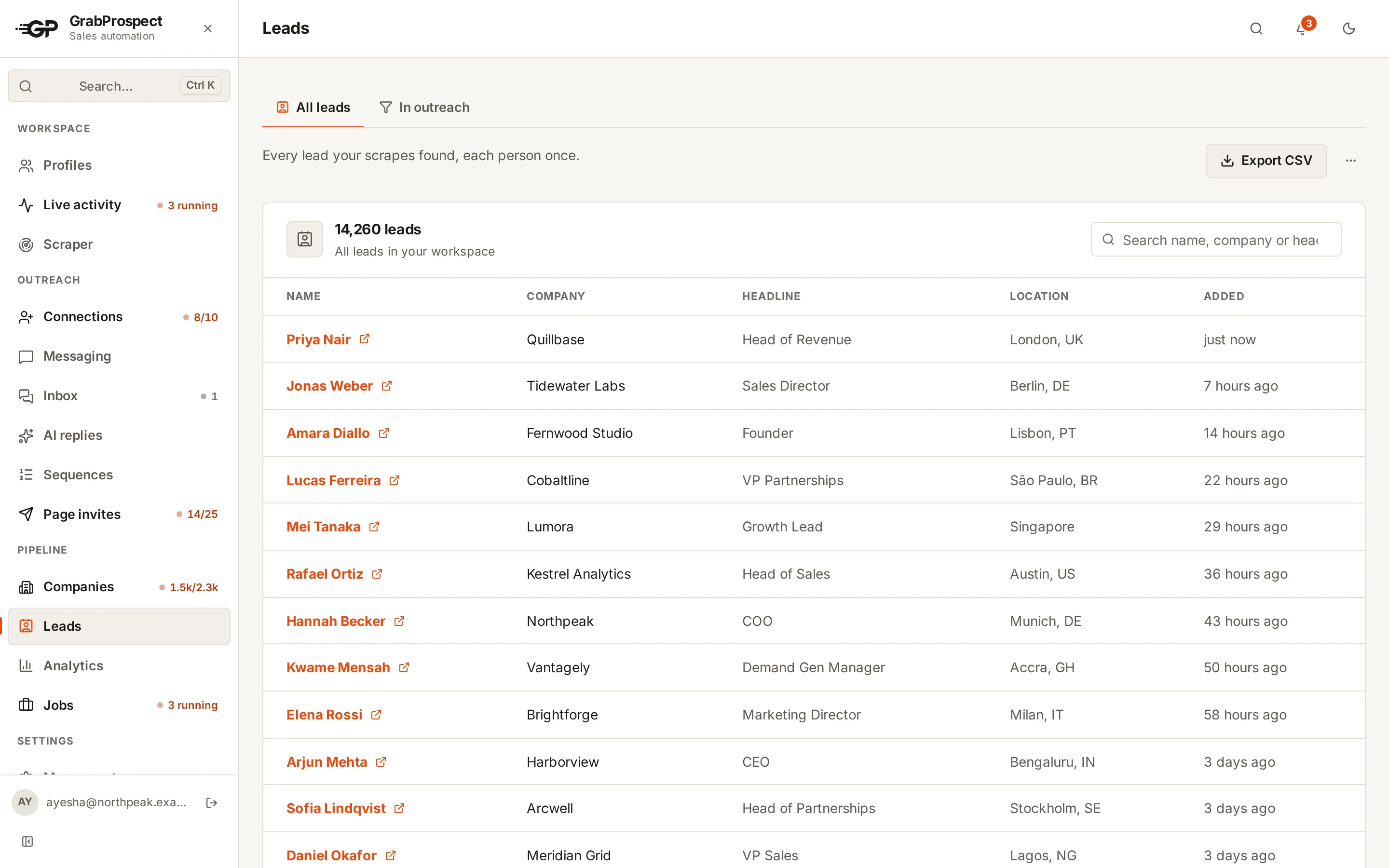
Scrape the search into a list, so you can work through it over days and keep track of who you've contacted. For talent pools over 2,500 people, split the search by seniority or location.
Step 3: The connection note
Candidates get recruiter invites every week. Yours should say something specific in under 200 characters:
- Hi {{first_name}}, I'm hiring a senior backend engineer (Go) for a 20-person fintech team in Berlin, fully remote-friendly. Your work at [company] stood out. Happy to connect.
- Hi {{first_name}}, I recruit for engineering teams in [city]. Not a pitch today, but your background in [skill] is rare. Would be glad to connect.
More in 50 connection request templates.
Step 4: Follow up with the specifics
Candidates reply when they can judge the role quickly:
Stop the sequence the moment they reply. Templates in LinkedIn follow-up messages.
Do this on autopilot with GrabProspect
Scrape Sales Navigator (even searches over 2,500), send personal invites, follow up until people reply and answer every reply from one inbox. Try it free for 7 days with your own LinkedIn account.
Step 5: Answer fast
A candidate who replies "tell me more" is interested now; tomorrow they may have spoken to two other recruiters. Check replies at set times through the day and answer within hours.
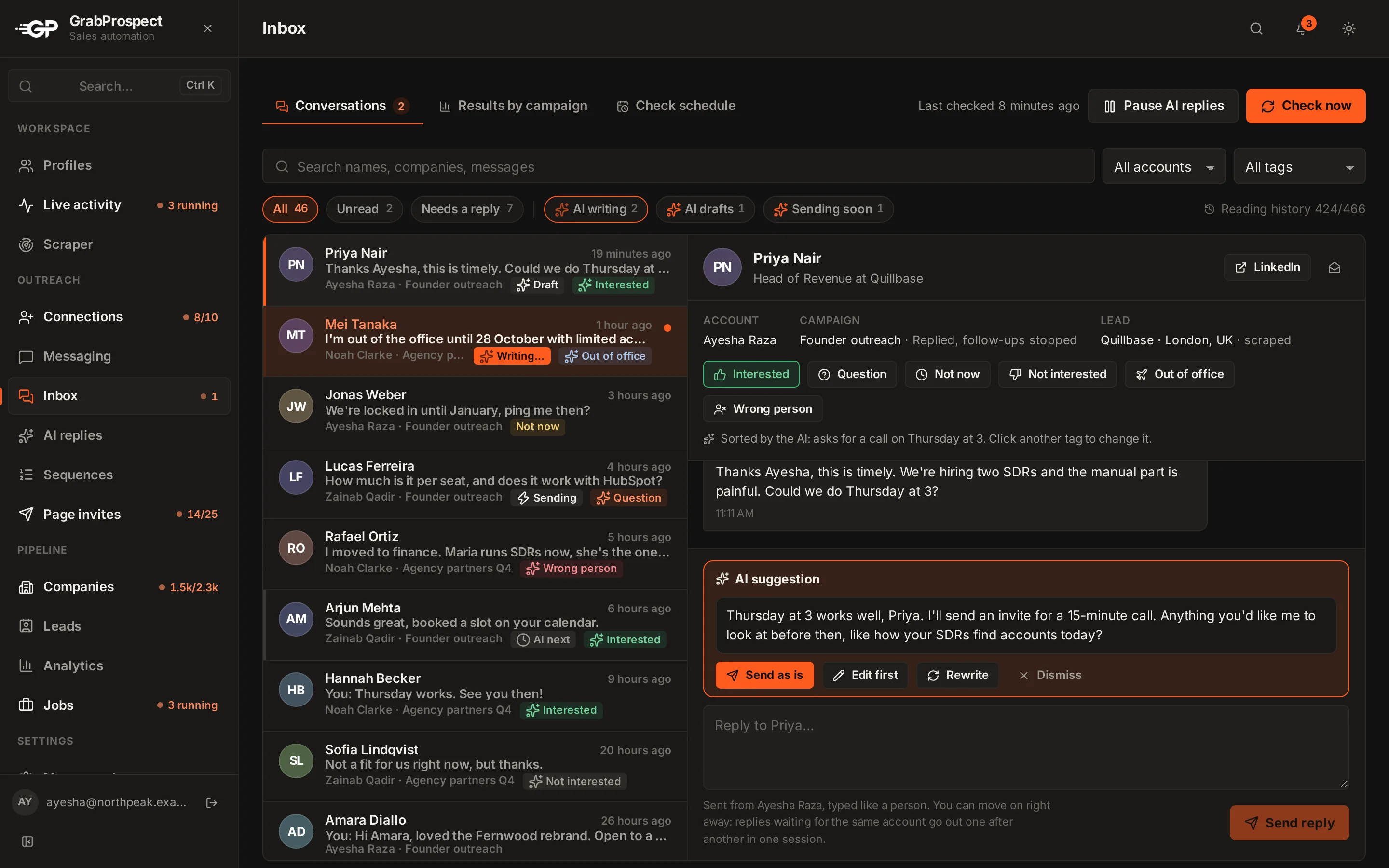
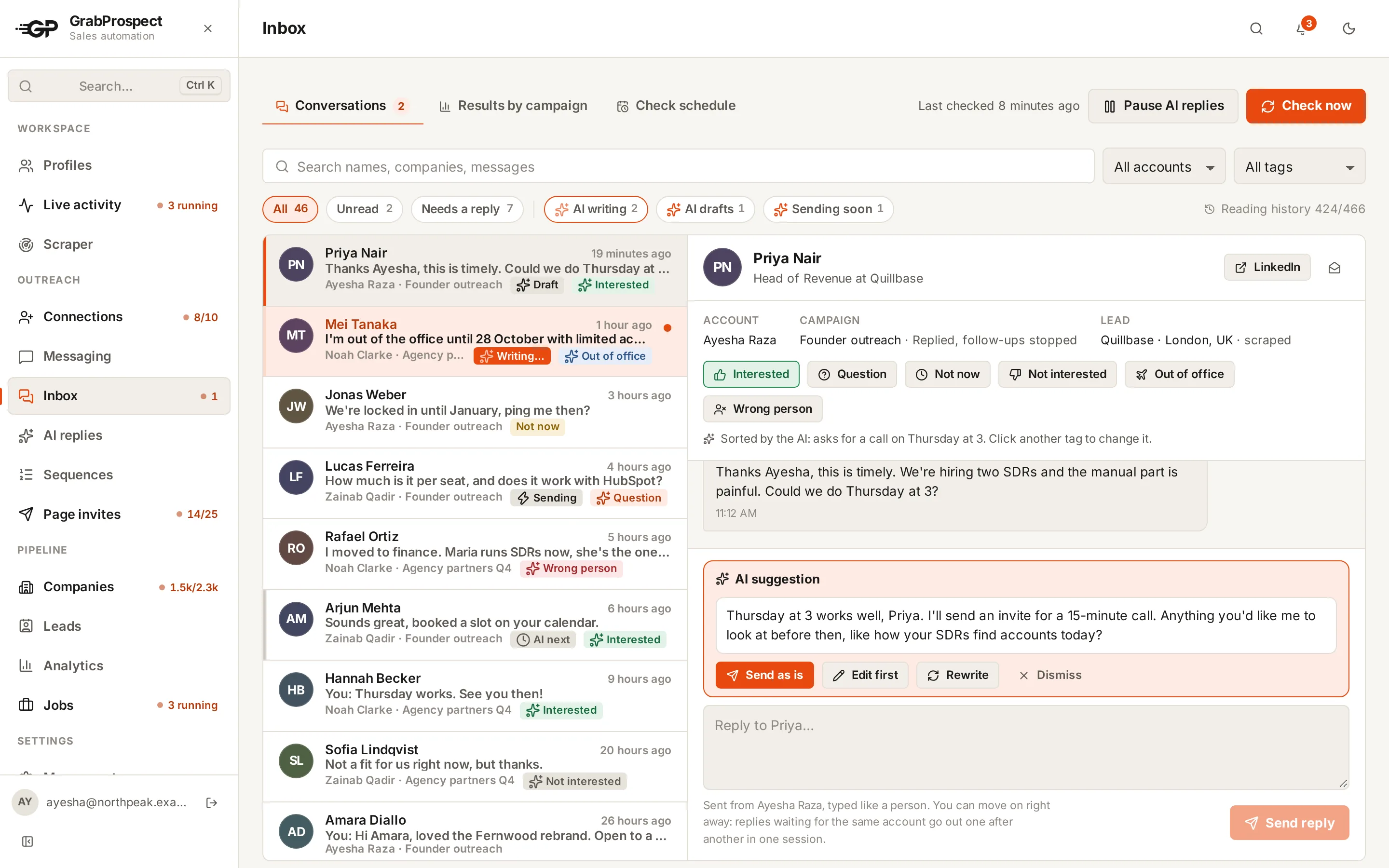
If several recruiters run outreach, put every reply in one inbox so nothing waits.
A weekly routine per recruiter
| Day | Task |
|---|---|
| Monday | Refresh searches; add new people to the list |
| Daily | 15 to 25 invites with notes, spread through the day |
| Daily, 3 times | Answer replies |
| Friday | Withdraw invites older than 3 weeks; review acceptance and reply rates per role |
Measuring what works
Track per role: acceptance rate (aim for 35%+), reply rate (15%+ of accepted), and interviews booked. When a role's acceptance rate is low, the note or targeting is off; when replies are low, the first message needs the specifics earlier.
GrabProspect is built for this: each recruiter's connection invites and follow-ups run on their own account, and the unified inbox keeps replies in one place. See GrabProspect for recruiters.
Frequently asked questions
How many candidates can a recruiter contact on LinkedIn per week?
Within LinkedIn's weekly invitation limit, about 100 connection requests per account. Messages to people who accept are on top of that.
Should recruiters use InMail or connection requests?
Connection requests for most candidates, and InMail for high-priority people who don't accept, or for Open Profiles, which are free to message.
What should a recruiting connection note say?
The role's most appealing specific (team, tech, remote policy) and why this person stood out, in under 200 characters. No links.
Can several recruiters share one outreach workspace?
Yes. In GrabProspect each recruiter gets a private workspace with their own LinkedIn account, lists and inbox, on one team plan.
Written by Mehran Iqbal, Co-Founder & CEO of GrabProspect, who builds LinkedIn outreach software and runs outreach with it. Facts checked on 2026-10-14. Spotted something out of date? Email contact@grabprospect.com.