Running LinkedIn Outreach for Clients: An Agency Guide to Multiple Accounts
How agencies run LinkedIn outreach for several clients safely, from connecting client accounts and separating campaigns to handling sign-in codes, replies and reporting.
By Mehran Iqbal, Co-Founder & CEO of GrabProspect4 min read
Short answer
Agencies run client outreach from each client's own LinkedIn account, never their own. Keep every client separate (account, sequences, lists, replies), connect accounts with the client's approval, give each account its own working hours and limits, answer replies from one inbox labelled by client, and report acceptance, replies and meetings per client every week.
LinkedIn outreach is one of the easiest services for an agency to sell and one of the hardest to run well at scale. Ten clients means ten LinkedIn accounts, ten sets of sequences, ten inboxes and ten weekly reports. This guide is the operating model that keeps it manageable.
Rule one: outreach comes from the client's account
Messages should come from the person the prospect will actually talk to: the founder, the sales lead, the partner. That means the client's own LinkedIn account, connected to your tool with their approval.
Never send client outreach from your agency's profiles or from fake or rented profiles. It's less effective (people check who they're talking to) and riskier.
Connecting client accounts
Options, from most to least convenient for the client:
- Browser extension: the client installs an extension, signs in to LinkedIn in their own browser, and approves sharing the session. Nothing to send you.
- Email and password: the client enters their LinkedIn login into the tool directly (stored encrypted), and enters any sign-in code LinkedIn sends.
- Session cookie: technical, and best avoided with clients.
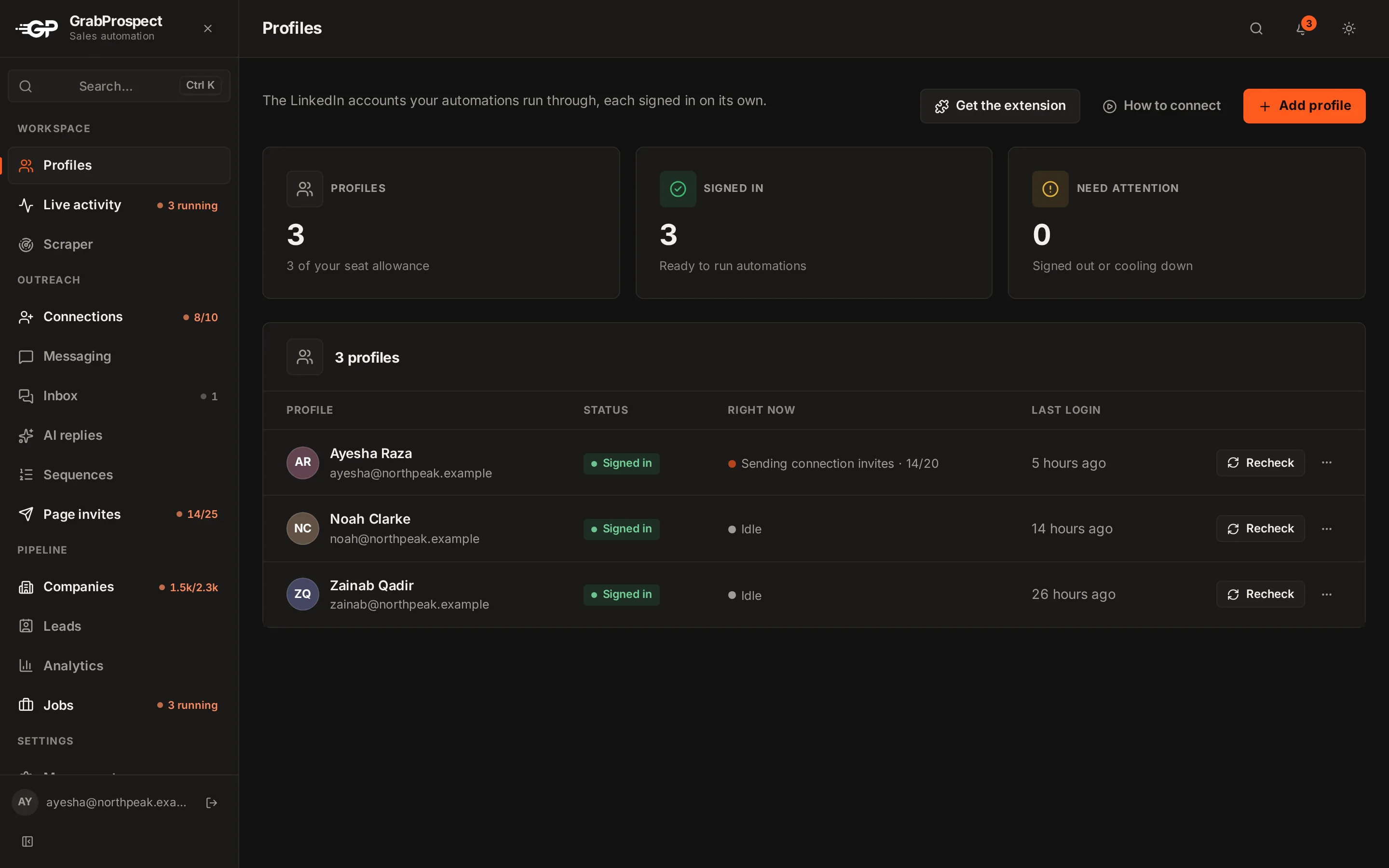
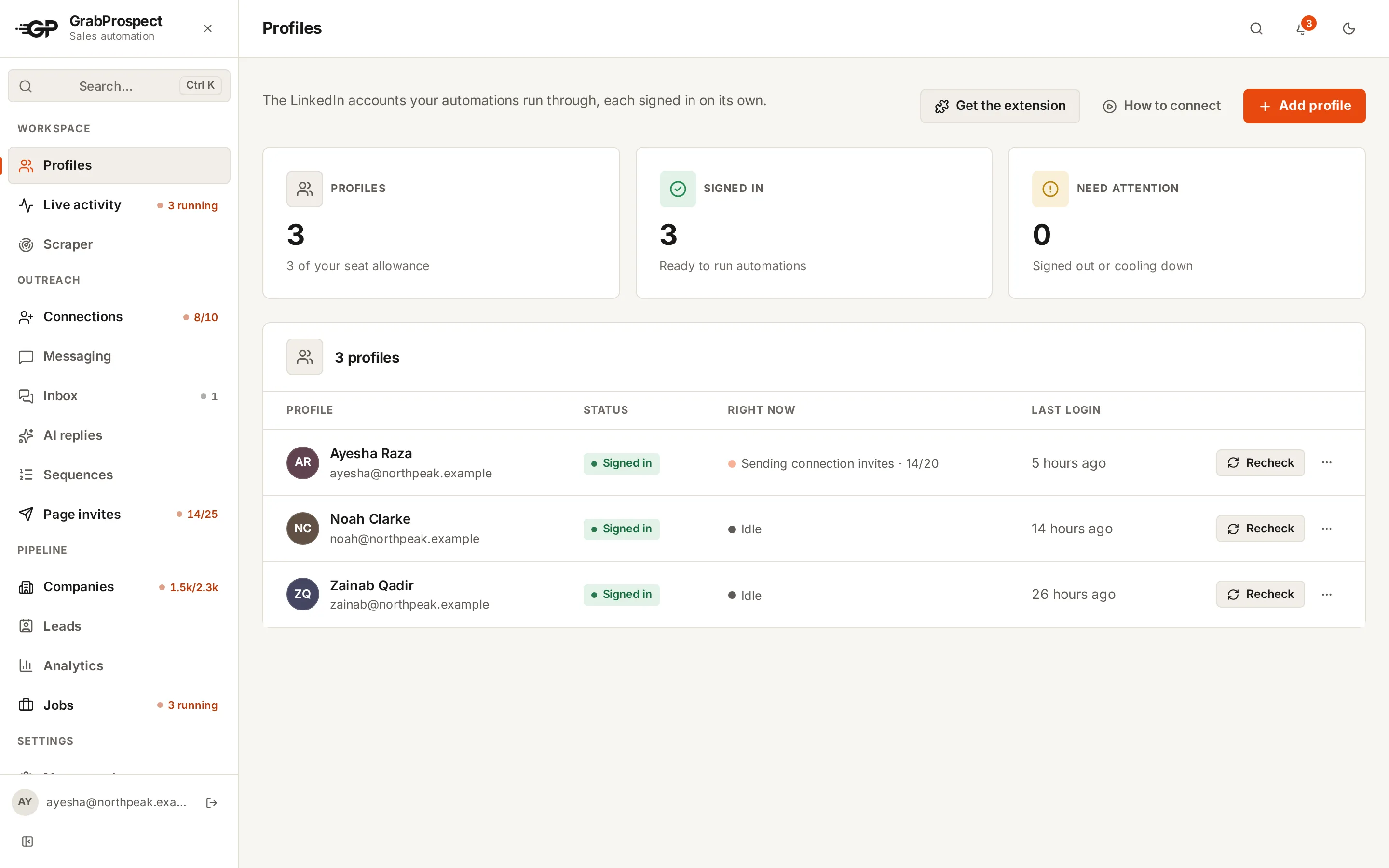
When LinkedIn asks a client account for a sign-in code, a good tool waits for the code (and tells you which account needs it) rather than failing the campaign. GrabProspect marks the account "Needs you" and picks up where it left off once the code is entered.
Keep every client separate
| Keep separate per client | Why |
|---|---|
| LinkedIn account and its limits | One client's volume never affects another's |
| Lead lists and searches | No prospect is contacted by two clients |
| Sequences and messages | Each client's voice and offer |
| Replies and tags | Clean reporting per client |
| Working hours | Each account runs in its owner's time zone |
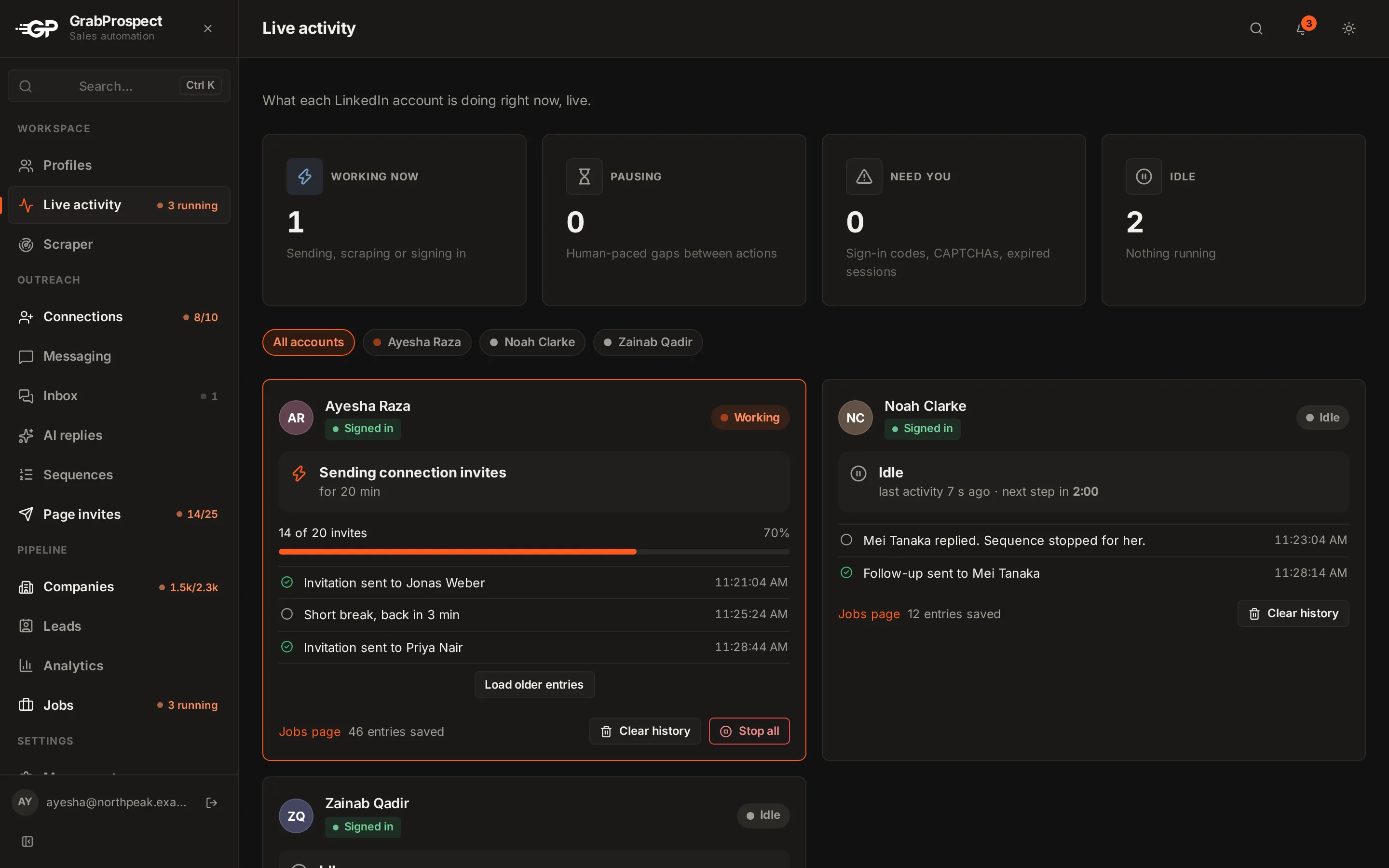
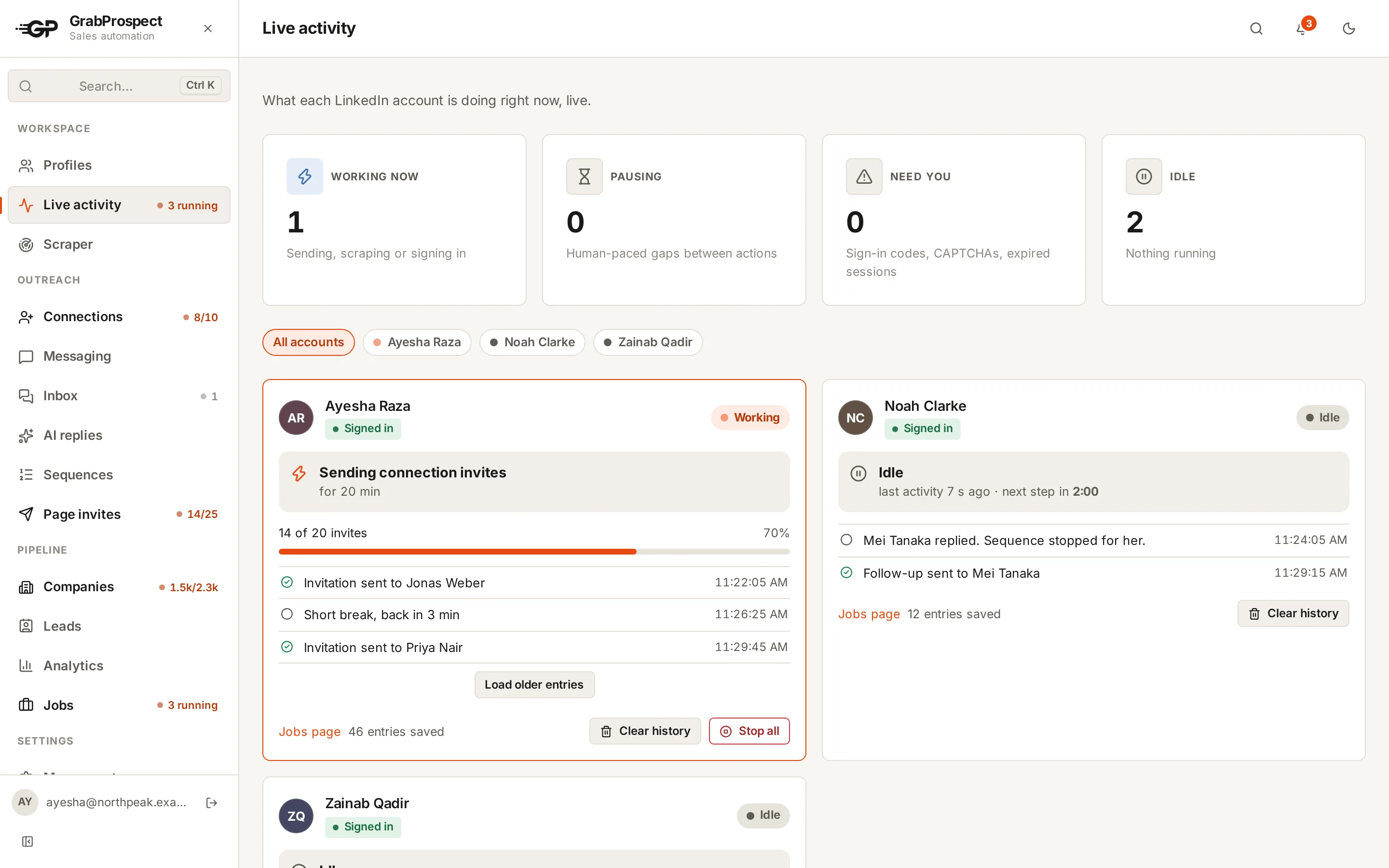
In GrabProspect, every limit applies to each LinkedIn account on its own, and team members can each have a private workspace, so an account manager sees only their clients.
Safe volume per client account
| Week | Invites a day | Notes |
|---|---|---|
| 1 | 5 to 10 | New to automation: start slow |
| 2 | 10 to 15 | Check acceptance rate |
| 3 | 15 to 20 | |
| 4+ | 20 to 25 | Stay under ~100 a week |
If a client's acceptance rate drops under 25%, fix targeting before adding volume. See using LinkedIn automation without getting restricted.
Do this on autopilot with GrabProspect
Scrape Sales Navigator (even searches over 2,500), send personal invites, follow up until people reply and answer every reply from one inbox. Try it free for 7 days with your own LinkedIn account.
Replies: one inbox, labelled by client
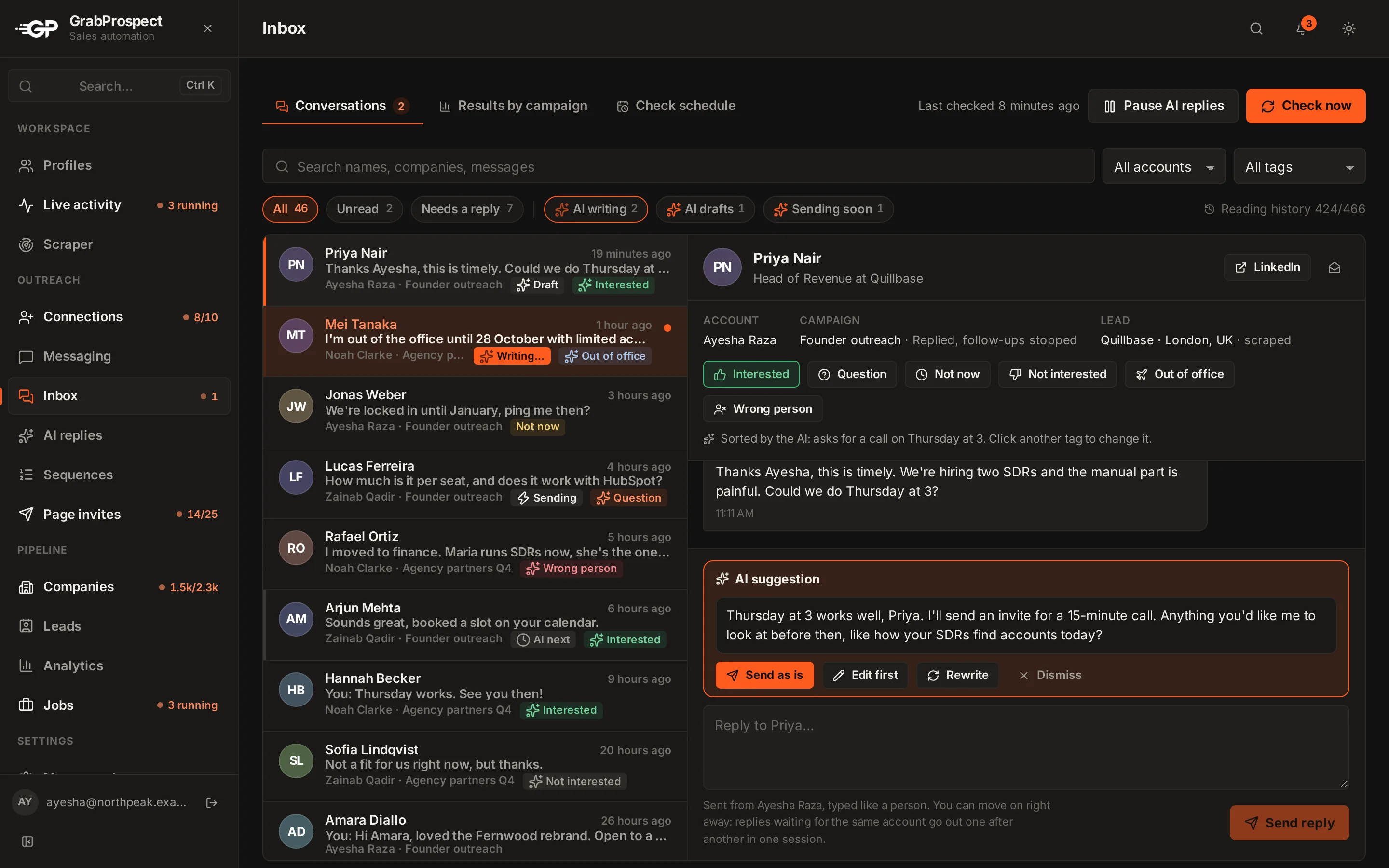
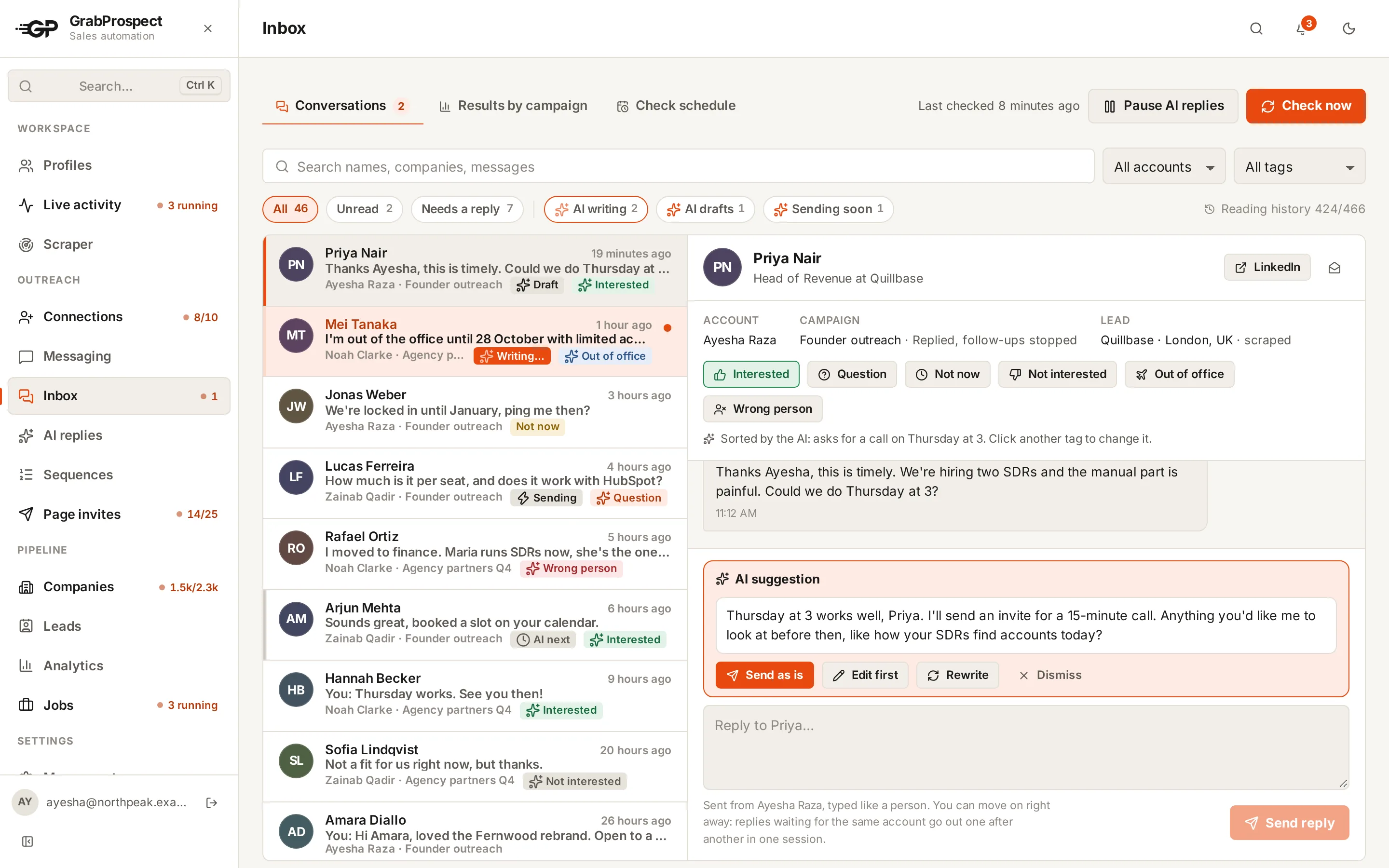
The fastest way to lose a client is a missed reply from their best prospect. Put every client's replies in one inbox, labelled by account, and agree who answers:
- Agency answers first replies with agreed wording, then hands warm leads to the client.
- Client answers everything, with the agency checking nothing goes unanswered.
Either works; decide per client and write it down. In GrabProspect, replies from every account land in one inbox, are answered from the right account, and are tagged Interested, Not now or Not interested.
See how the unified inbox and the live activity view work for agencies, or read the agency overview.
Weekly client report
Keep it to five numbers and one insight:
| Metric | This week | Last week |
|---|---|---|
| Invites sent | 110 | 105 |
| Acceptance rate | 44% | 39% |
| Replies | 9 | 7 |
| Positive replies | 4 | 2 |
| Meetings booked | 2 | 1 |
Insight: "Founders responded better to the case-study follow-up; we're moving it to step 2."
Grow the client's Company Page too
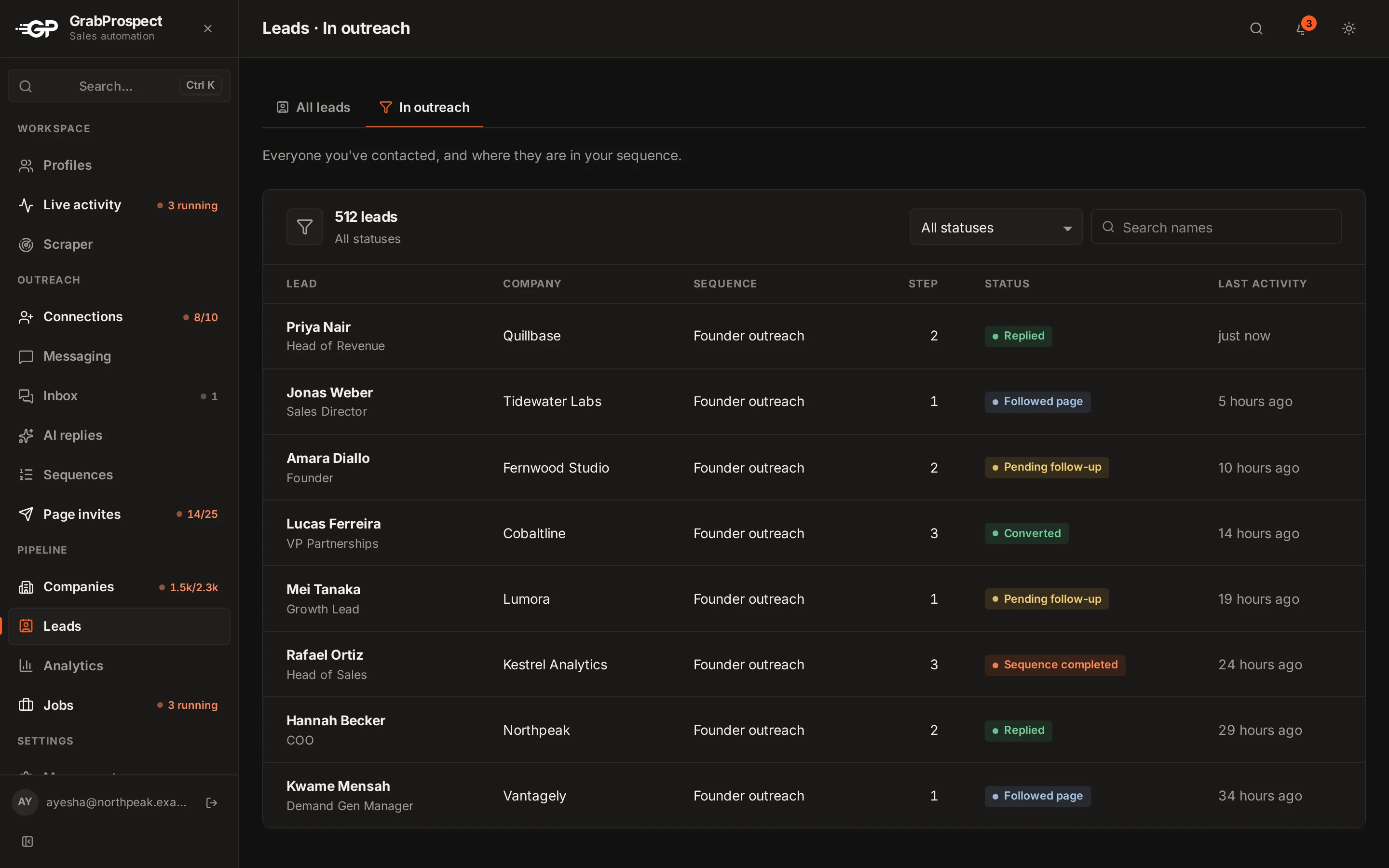
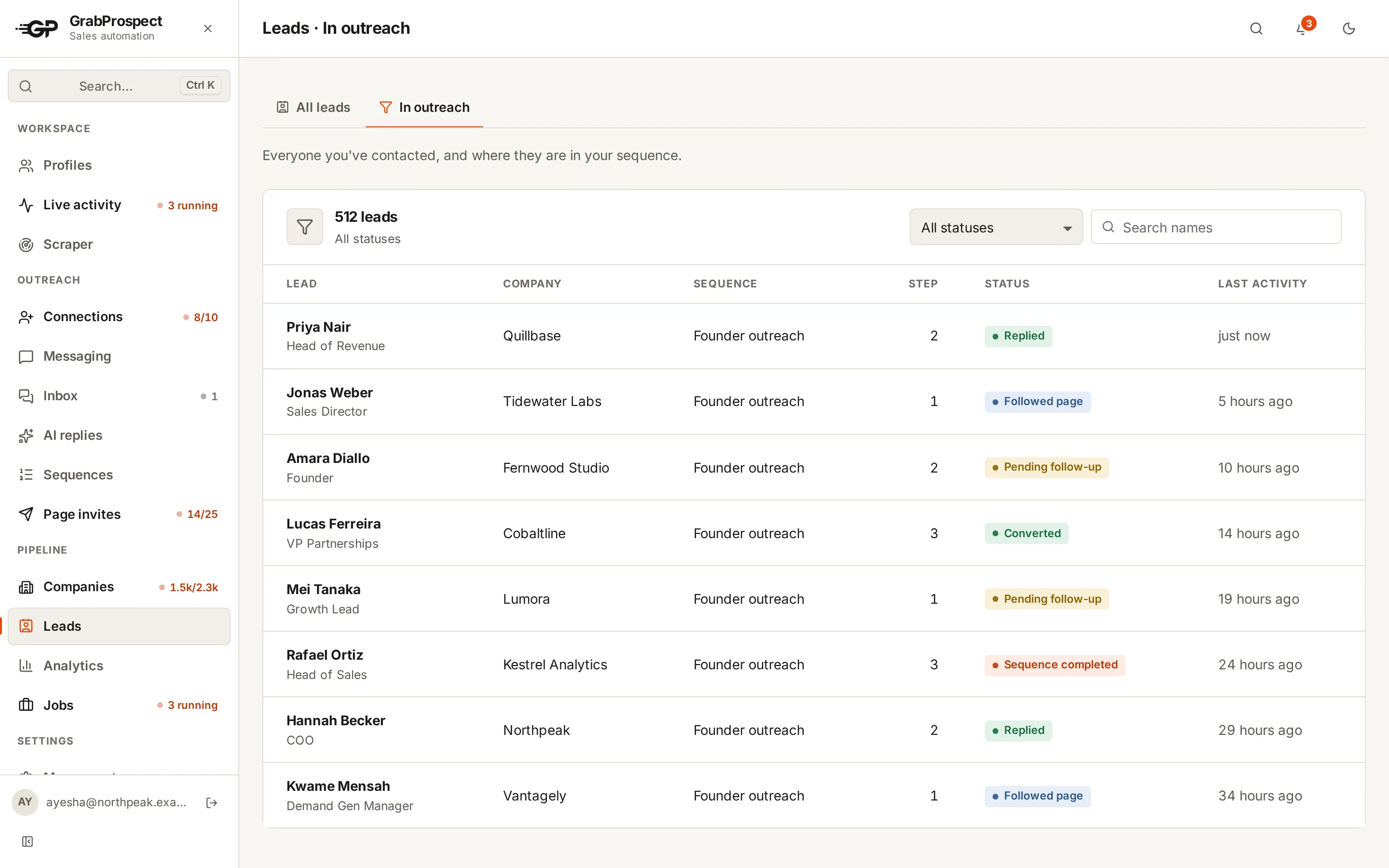
Most clients have a Company Page with few followers. Inviting each client account's connections to follow the Page every month (within LinkedIn's credits) is an easy extra deliverable. See Company Page invites.
Pricing your service
Your tool cost is per LinkedIn account. With GrabProspect, the first account is $29 a month, accounts 2 to 9 are $19 and the 10th onward is $15, with every module. For 10 client accounts that's $196 a month in tool cost (see pricing), so a typical agency fee leaves plenty of margin for strategy, copy and reply handling.
Frequently asked questions
Can an agency send LinkedIn messages on a client's behalf?
Yes, from the client's own account with their permission. The client stays responsible for their account, so agree volume and wording with them, and who handles data requests (see LinkedIn outreach and GDPR).
How many client LinkedIn accounts can one agency manage?
As many as your team can handle replies for. Tools support many accounts in one workspace; GrabProspect allows up to 1,000.
What if a client's LinkedIn asks for a verification code?
The client enters the code. A good tool pauses that account, tells you it needs a code, and continues once it's entered.
Should each client have separate sequences?
Yes. Each client has their own audience, offer and voice. Shared templates are fine as a starting point.
Written by Mehran Iqbal, Co-Founder & CEO of GrabProspect, who builds LinkedIn outreach software and runs outreach with it. Facts checked on 2026-10-13. Spotted something out of date? Email contact@grabprospect.com.