Account-Based Prospecting With Sales Navigator: From Target Companies to Buying Committees
How to build a target account list in Sales Navigator, find the right people at each company, and run coordinated LinkedIn outreach to the buying committee.
By Mehran Iqbal, Co-Founder & CEO of GrabProspect3 min read
Short answer
Account-based prospecting on LinkedIn has three steps: build an account search for the companies that fit (industry, headcount, growth, location) and save it as an account list; run a lead search filtered to that list for the roles in the buying committee; then reach two or three people per company with messages tailored to each role. GrabProspect scrapes both the account and lead searches and runs the outreach.
Most LinkedIn outreach starts with people: "marketing managers in the UK". Account-based prospecting starts with companies: "these 200 companies are a perfect fit; who there buys?" It's slower to set up and far more effective for B2B deals with several decision makers.
Step 1: Define the companies
Write down what your best customers have in common:
| Attribute | Sales Navigator account filter |
|---|---|
| Industry | Industry |
| Size | Company headcount, annual revenue |
| Momentum | Headcount growth, department headcount growth |
| Location | Headquarters location |
| Need | Job opportunities (hiring for roles you support), technologies used |
Example: software companies, 50 to 500 employees, headquartered in the UK or Germany, sales team grew over 15% in a year.
Step 2: Build and save the account list
Run the account search, review the results, remove poor fits, and save the rest as an account list. 100 to 300 accounts is a workable list for one person.
You can also export the companies for research: GrabProspect detects account searches automatically and exports every company with industry, size, employees on LinkedIn, description and links.
Step 3: Map the buying committee
For each account, who influences the purchase? Typically:
| Role | Cares about |
|---|---|
| Economic buyer (VP, Head of) | Results, cost, risk |
| Champion (manager who'll use it) | Saving time, looking good |
| User (team member) | Ease of use |
| Blocker (IT, security, finance) | Compliance, budget |
Run a lead search filtered to your account list, with title and seniority filters for these roles. Use Boolean title strings to catch variants.
Do this on autopilot with GrabProspect
Scrape Sales Navigator (even searches over 2,500), send personal invites, follow up until people reply and answer every reply from one inbox. Try it free for 7 days with your own LinkedIn account.
Step 4: Coordinated outreach
Reach two or three people per account, with messages tailored to their role, over two to three weeks:
- Champion first: they feel the problem most and can introduce you upward.
- Economic buyer a few days later: a results-focused note, and mention you've been talking with their team if it's true.
- User or adjacent manager if the first two don't respond.
Each person gets their own short sequence that stops when they reply. Don't send the same message to everyone at one company: they talk to each other.
Step 5: Track by account, not just by person
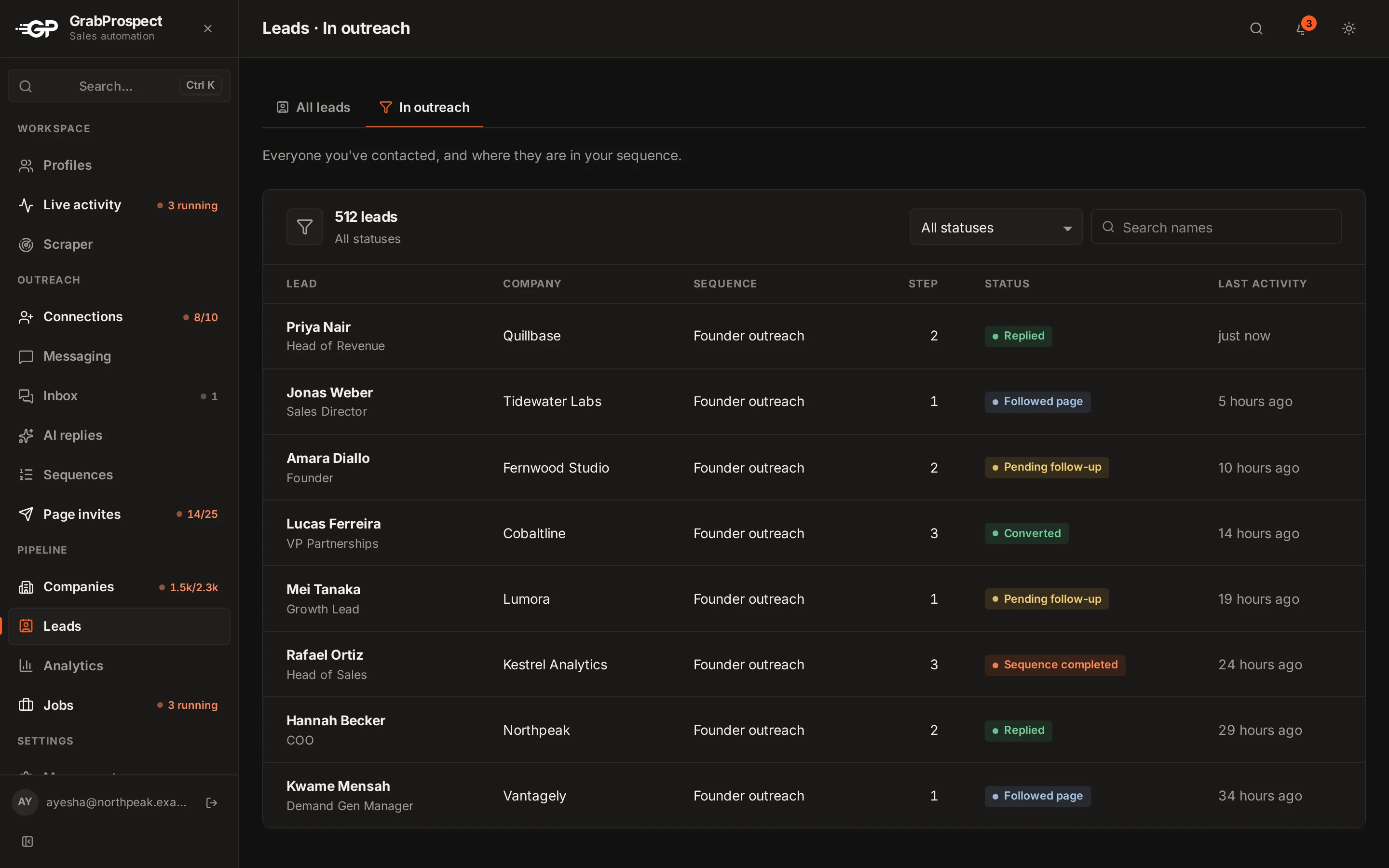
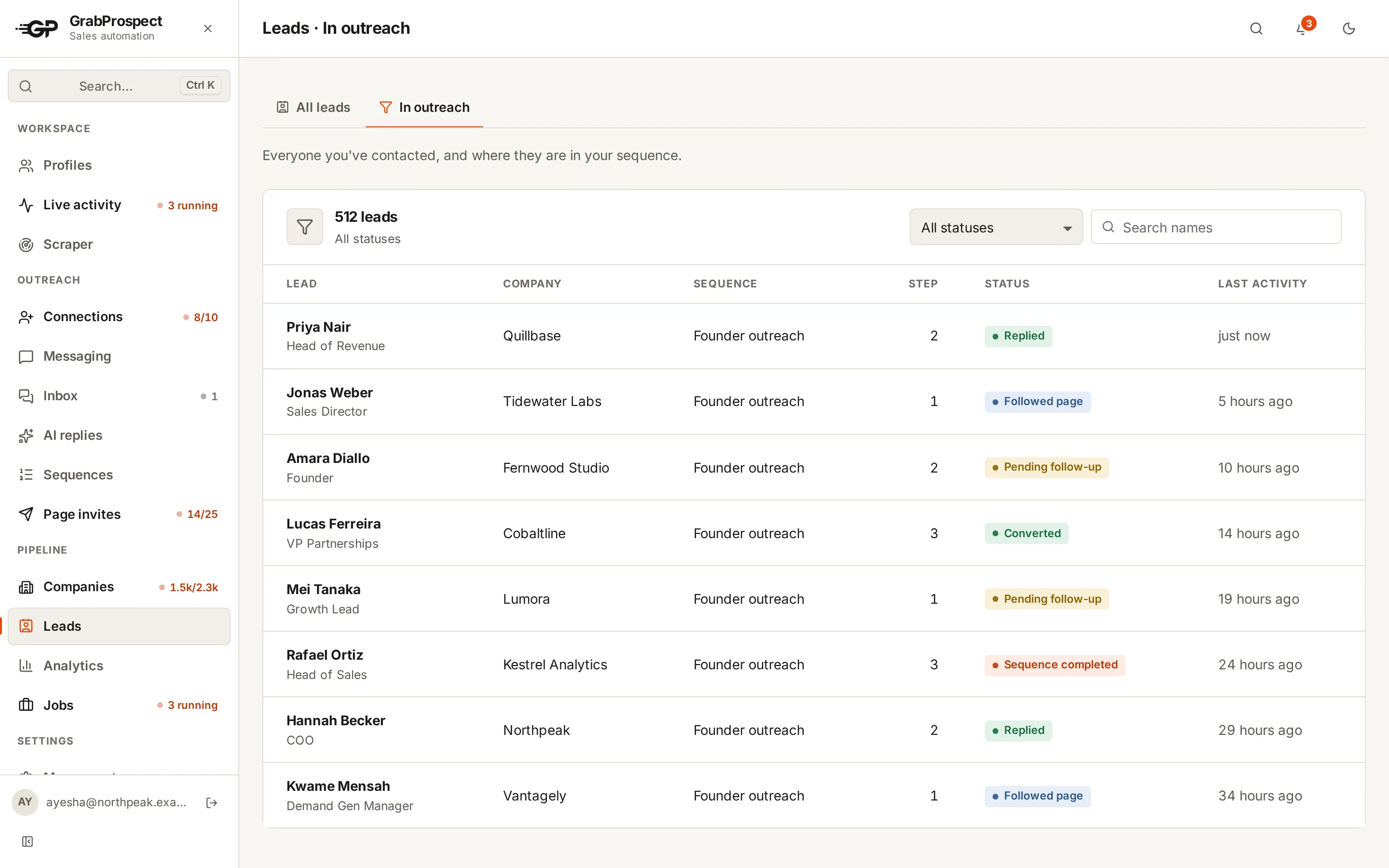
An account is "engaged" when anyone there replies. Review weekly:
- Accounts with at least one reply
- Accounts with a meeting booked
- Accounts with no response after the full sequence (try again next quarter with a different angle)
Doing it in GrabProspect
- Scrape the account search for your company list.
- Scrape the lead search filtered to your account list (split it if it's over 2,500 with the query splitter).
- Run connection invites with a role-specific note, and a follow-up sequence for each role.
- Answer replies from the unified inbox and tag them.
Frequently asked questions
What is account-based prospecting on LinkedIn?
Choosing target companies first, then finding and contacting the people involved in buying at each one, with messages tailored to their role.
How do I build an account list in Sales Navigator?
Run an account search with filters like industry, headcount, growth and headquarters location, review the results, and save the good fits as an account list.
How many people should I contact per company?
Two or three, with different messages for each role, spaced over two to three weeks.
Can I export Sales Navigator account searches?
Yes, with a scraper. GrabProspect detects account searches and exports companies with their industry, size, employees on LinkedIn, description and links.
Written by Mehran Iqbal, Co-Founder & CEO of GrabProspect, who builds LinkedIn outreach software and runs outreach with it. Facts checked on 2026-10-14. Spotted something out of date? Email contact@grabprospect.com.