Get past Sales Navigator’s 2,500-result limit
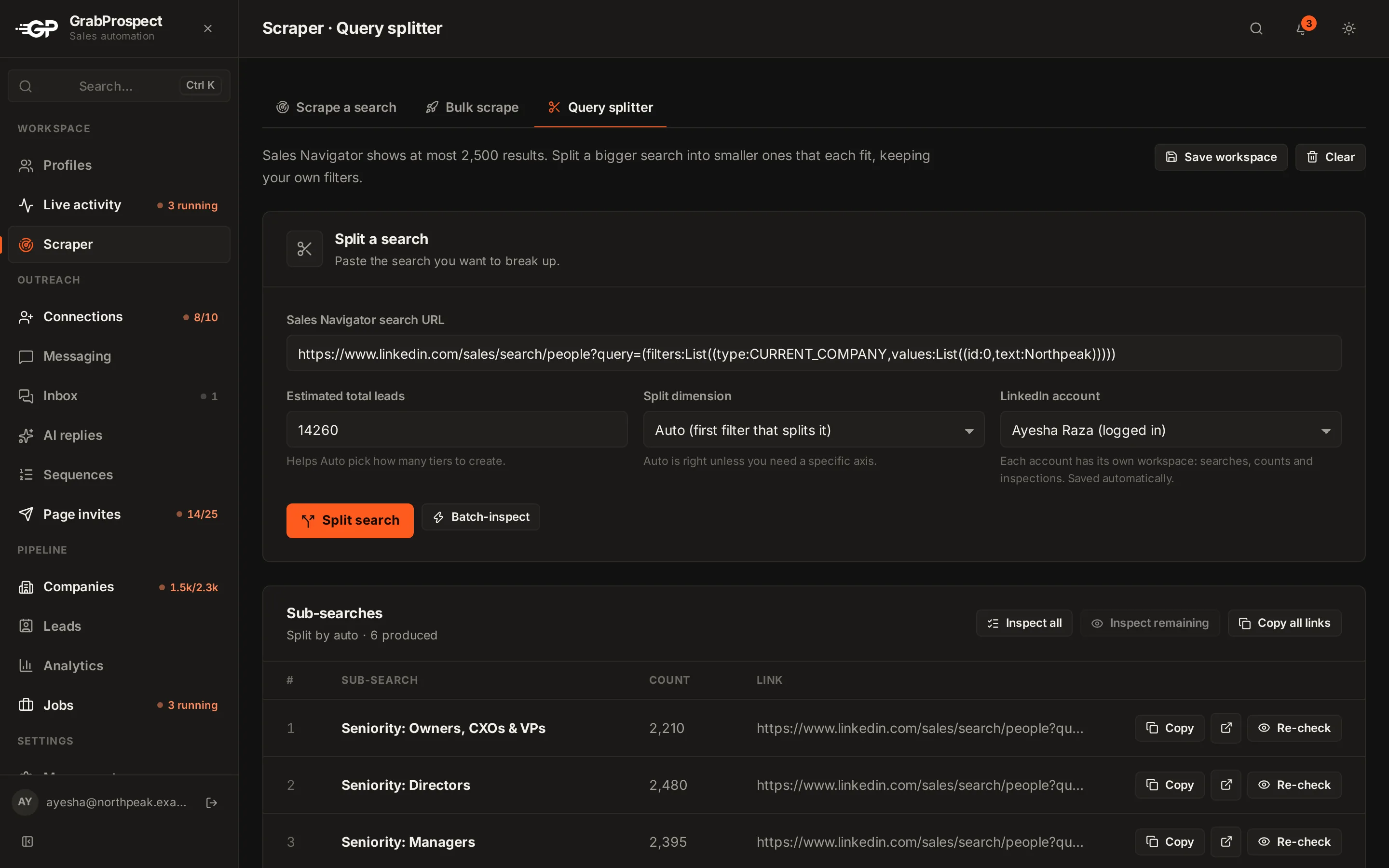
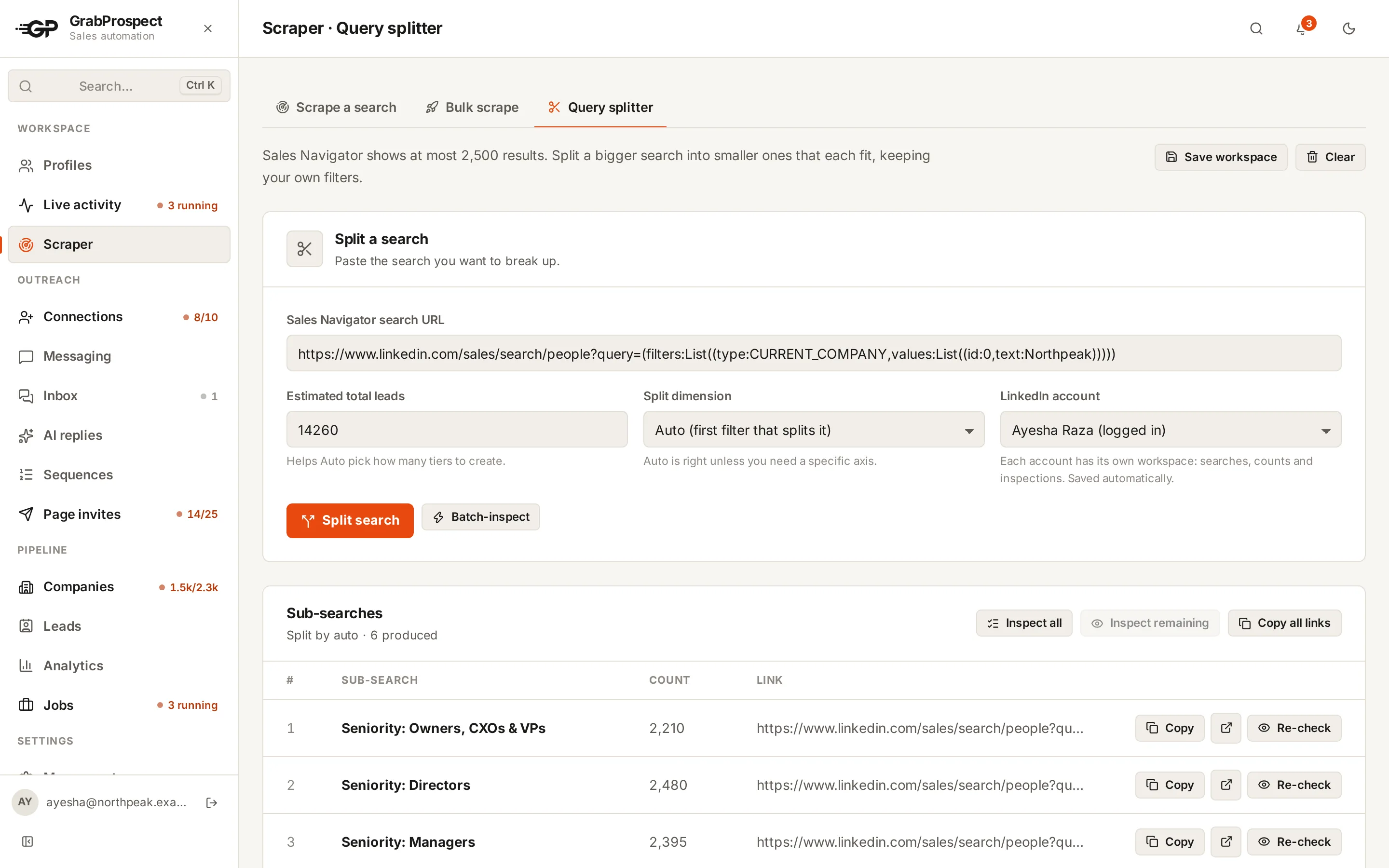
Sales Navigator never shows more than 2,500 results for one search. The query splitter keeps your filters, divides the search into smaller searches that each fit, checks every piece against the live count and tells you how much of the original search they cover.
Try every feature free for 7 days, no card needed.
How it works
- 1
Paste a big search
Any Sales Navigator search, however many results it reports.
- 2
It checks the live count
The splitter opens the search and reads the real number of results.
- 3
It splits until every piece fits
It adds one filter value at a time (seniority, job title, function and more), checks each piece's count, and splits again any piece that's still too big.
- 4
Coverage, then scrape
You see every piece, its count and the share of the original search the pieces reach. Copy all the links and paste them into the Bulk scrape tab to scrape them together.
The details
Keeps your filters
Your own filters stay as they are; the splitter only adds values to divide the results.
Real counts, not guesses
Each piece is checked against Sales Navigator's live count before it's used.
Coverage you can trust
It reports how many of the original results the pieces reach, so you know whether anyone is left out.
Live progress
Running inspections show the pieces as they're created, so a long split never looks stuck.
Into one campaign
Copy all links in one click and paste them into Scraper › Bulk scrape › Add in bulk, which scrapes them across your accounts; leads found by more than one piece are stored once.
Runs in the cloud
Splitting and scraping keep going with your computer off, on the account's working hours.
Query splitter: questions
Why does Sales Navigator stop at 2,500 results?
Sales Navigator shows 25 results per page and stops at page 100. The limit is per search, so smaller searches can together reach everyone.
Which filters does the splitter use?
Seniority, job title, function and other filters that divide people into groups without overlap, while keeping your original filters.
Does splitting miss anyone?
Profiles with no value for a splitting filter can fall outside every piece. That's why the splitter reports coverage: you see exactly how much of the original search is reached.
How do I scrape all the pieces?
Click Copy all links on the sub-search list and paste them into Scraper › Bulk scrape › Add in bulk. Each link becomes a scrape, shared out across the accounts you pick.
Can I split account (company) searches?
The splitter is built for lead searches. Company searches can be scraped directly; split large ones by headcount or geography in Sales Navigator.
Guides on this
- Sales NavigatorHow to Export More Than 2,500 Leads From Sales NavigatorSales Navigator stops at 2,500 results per search. Here is how to split a big search into pieces that each fit, so you can export every lead.7 min read
- Sales NavigatorEvery Sales Navigator Filter Explained (and Which Ones Actually Matter)A practical tour of Sales Navigator's lead and account filters, the Spotlights that show timing, and how to stack them into a search that finds buyers.5 min read
- Sales NavigatorSales Navigator Boolean Search: Operators, Rules and 20 Ready-to-Use StringsHow Boolean search works in LinkedIn Sales Navigator, which fields accept it, the rules that silently break searches, and 20 strings you can copy.5 min read
See it run on your own search
Start a 7-day free trial with your own LinkedIn account, or book a call with Mehran, our co-founder, and see a Sales Navigator search split, invited and followed up, live.
7 days free. No card needed.