Scrape Sales Navigator searches into clean lead lists
Paste a Sales Navigator search and GrabProspect reads it page by page at a human pace, saving every lead with 16 columns of detail. Company searches are detected and saved with company fields. Then invite and follow up the same people, from the same place.
Try every feature free for 7 days, no card needed.
How it works
- 1
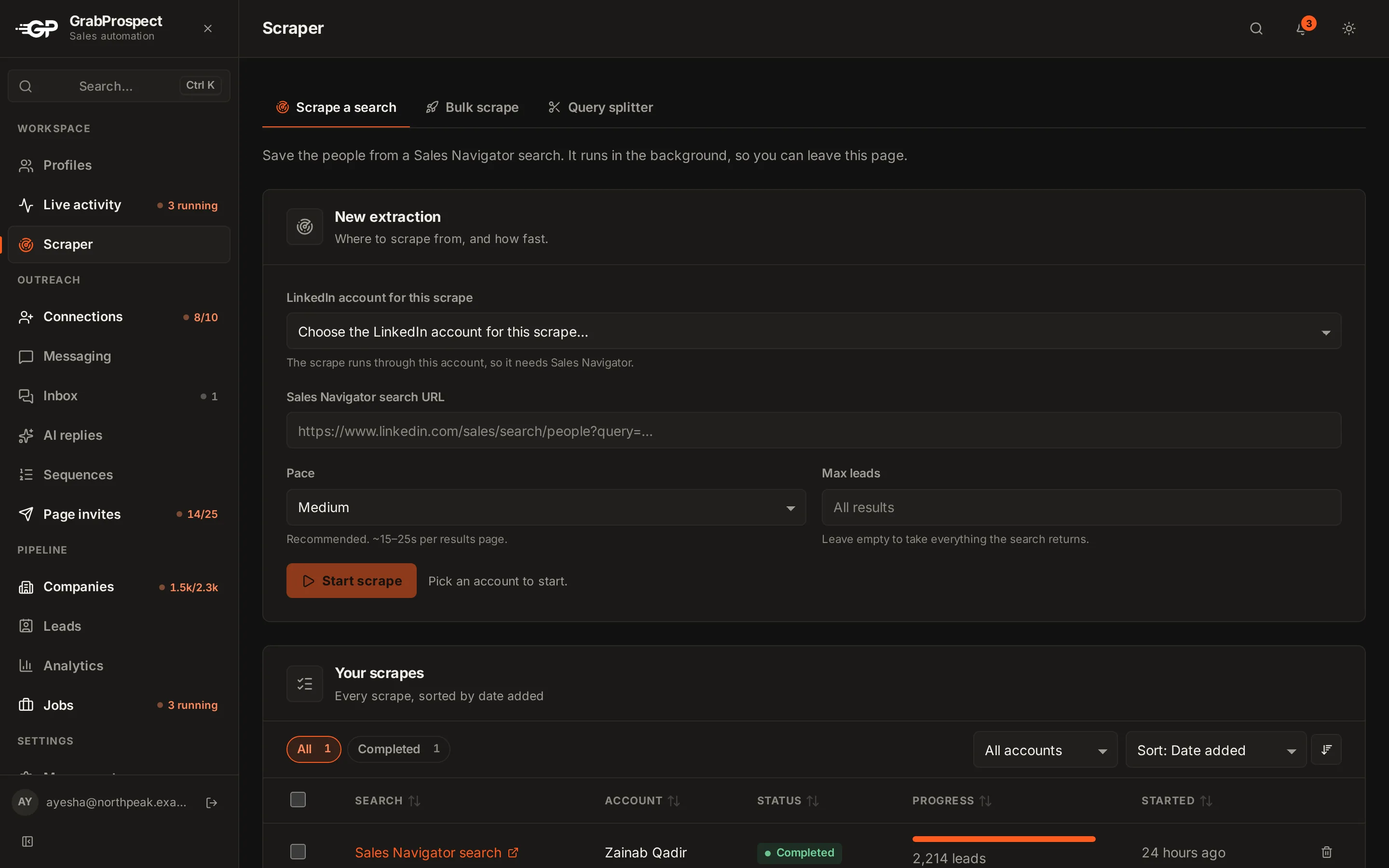
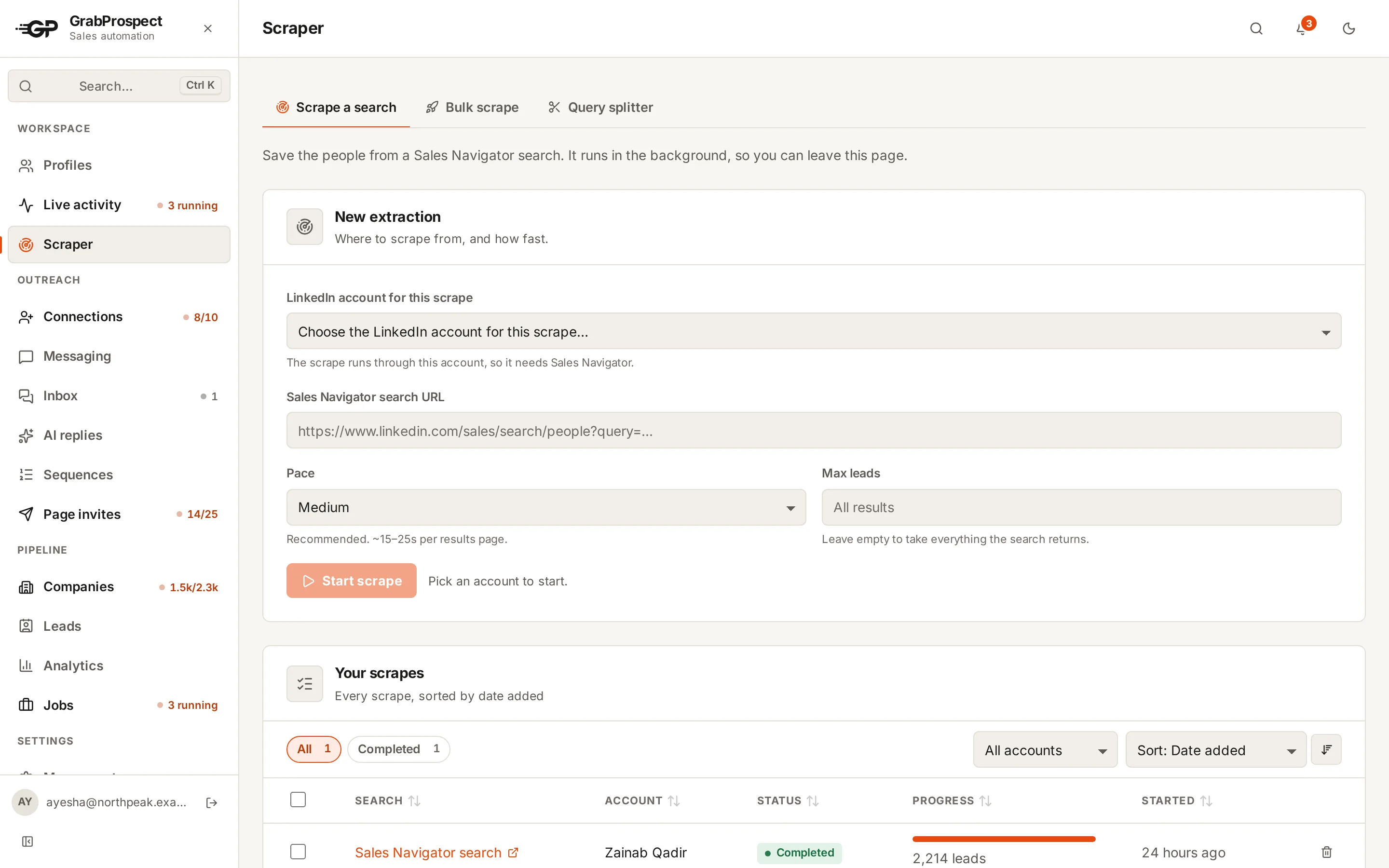
Paste your search
Copy the URL of any Sales Navigator lead or account search, long #query= links included. Add many at once on the Bulk scrape tab, each with an optional name.
- 2
Pick the LinkedIn account
Choose which of your accounts runs it. Each account has its own browser session in the cloud and its own limits.
- 3
Watch it work
Each scrape shows what it's doing right now: opening the browser, reading page 7, waiting for a slow page, trying again.
- 4
Download or reach out
Download the CSV, a ZIP of several scrapes, or one merged file. Or send the leads straight into a connection campaign.
The details
16 columns per lead
Name, title, company, Sales Navigator link, public /in/ link, Premium status, company page and id, location, time in company, time in role, connection degree, scrape time and the account used.
Company searches too
Account searches are detected automatically and saved with industry, size, employees on LinkedIn, description, highlights and links.
Doesn't skip slow pages
Each results page gets 3 tries with longer waits. If a scrape still fails, Retry waits twice as long and carries on from the page where it stopped.
Every lead stored once
Your workspace keeps one record per person however many searches find them, while each scrape's own CSV lists everyone it found.
Bulk actions
Sort, filter, select many scrapes and download them as a ZIP (one CSV each) or one merged file with a Found In Search column, or delete them.
5,000 leads a month per account
Included on Standard. High volume and Custom raise it, per LinkedIn account.
Sales Navigator scraper: questions
Do I need Sales Navigator to use the scraper?
Yes. The scraper reads Sales Navigator searches, so the LinkedIn account that runs it needs a Sales Navigator subscription.
Can it scrape more than 2,500 leads from one search?
Sales Navigator shows at most 2,500 results per search. The query splitter divides bigger searches into pieces that each fit, then the scraper saves them all.
Does it find email addresses?
No. It exports the LinkedIn data Sales Navigator shows and lets you reach people on LinkedIn itself.
How fast does it scrape?
At a human pace: a page of 25 leads every few seconds plus pauses, so roughly 15 to 30 minutes for 2,500 leads. Big exports are best spread over days.
Does it work with long #query= Sales Navigator links?
Yes. Links of any length work, including the newer #query= format.
Guides on this
- Sales NavigatorHow to Export Sales Navigator Leads to CSV (Every Way, Compared)Sales Navigator has no export button. Here are the ways to get your leads into a CSV or spreadsheet, what each gives you, and which to pick.6 min read
- Sales NavigatorHow to Export More Than 2,500 Leads From Sales NavigatorSales Navigator stops at 2,500 results per search. Here is how to split a big search into pieces that each fit, so you can export every lead.7 min read
- Tools and comparisonsThe Best Sales Navigator Scrapers in 2026 (Compared Honestly)Tools that export LinkedIn Sales Navigator searches to CSV, compared on price, data fields, searches over 2,500, emails and what you can do with the list afterwards.4 min read
See it run on your own search
Start a 7-day free trial with your own LinkedIn account, or book a call with Mehran, our co-founder, and see a Sales Navigator search split, invited and followed up, live.
7 days free. No card needed.