Grow your Company Page with every invite credit
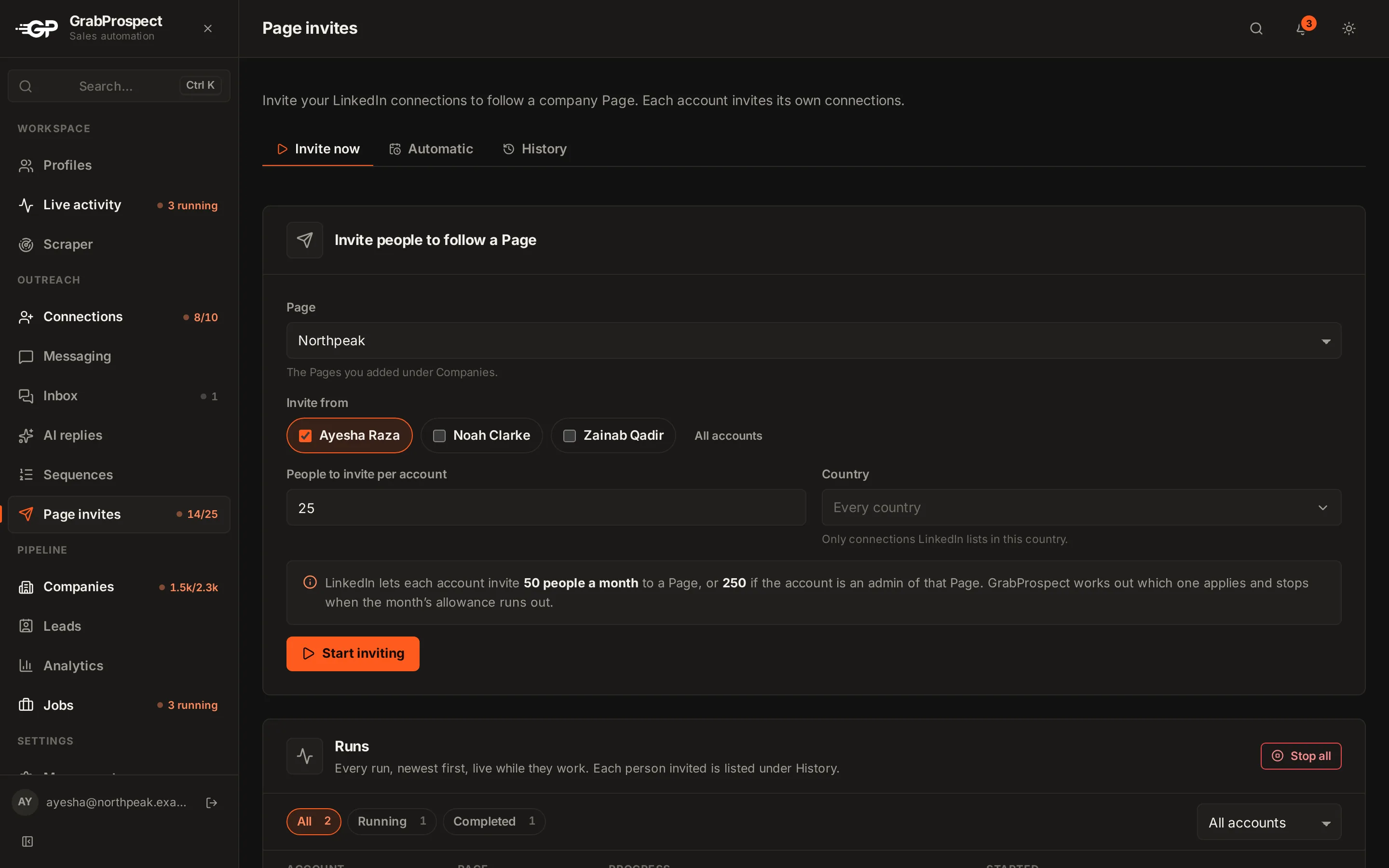
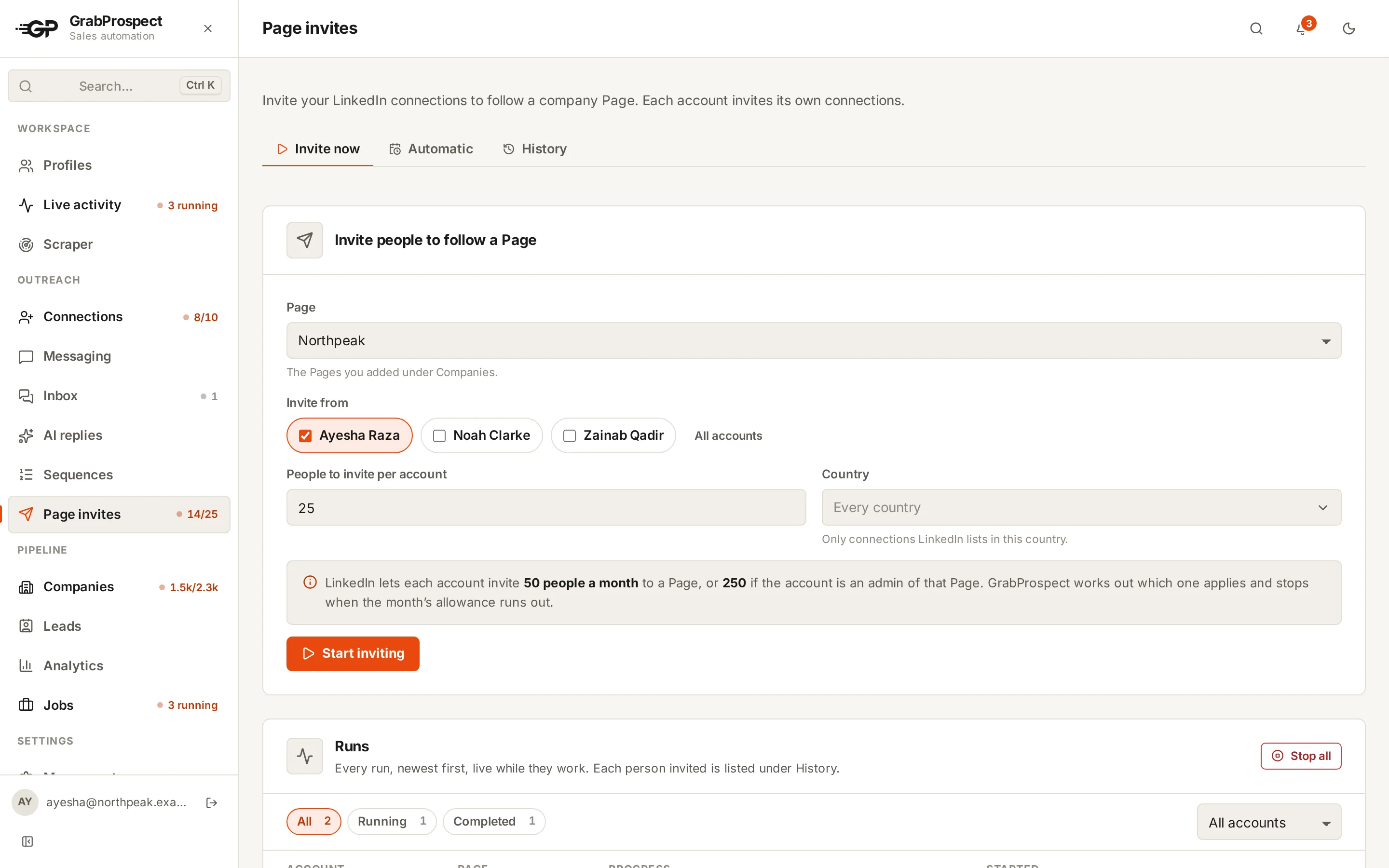
LinkedIn gives Pages monthly credits to invite connections to follow. Most go unused because ticking hundreds of boxes takes an hour. GrabProspect invites each account's connections for you, within the allowance, now or on a schedule, and skips people who already follow.
Try every feature free for 7 days, no card needed.
How it works
- 1
Pick the Page
The Company Page to grow.
- 2
Pick the accounts
One or several LinkedIn accounts whose connections to invite.
- 3
Invite now or on a schedule
Run it once, or automatically each month for several accounts.
- 4
Followers stay in sync
A quick sync checks for new followers on a schedule; a deep sync reads the whole list on request.
The details
Within LinkedIn's allowance
250 invites a month from a Page admin's account, 50 from anyone else's. Ask for more than is left and it invites what's left.
Skips followers
People who already follow, or that LinkedIn won't allow, are skipped, not charged.
Several accounts
One schedule can cover several accounts, each inviting their own connections.
History
Every run with who was invited and why anyone was skipped.
25 a day per account
Standard pace per LinkedIn account; raise it with High volume or Custom.
For agencies
Grow each client's Page from their own accounts as an easy monthly deliverable.
Company Page invites: questions
How many people can I invite to follow my Company Page?
LinkedIn typically gives 250 invite credits a month from a Page admin's account; GrabProspect plans 50 from a non-admin's. Accepted invites give credits back.
Do Page invites count toward my connection request limit?
No. They use the Page's own monthly credits.
Can it invite on a schedule?
Yes, automatically each month, for one or several accounts.
Will it invite people who already follow?
No. Follower sync keeps track of who follows, and those people are skipped.
Guides on this
- LinkedIn limits and safetyLinkedIn Company Page Invites: Credits, Limits and How to Grow FollowersHow LinkedIn's invite-to-follow credits work for Company Pages, how many you get, how to earn them back, and how to use every credit every month.3 min read
- OutreachRunning LinkedIn Outreach for Clients: An Agency Guide to Multiple AccountsHow agencies run LinkedIn outreach for several clients safely, from connecting client accounts and separating campaigns to handling sign-in codes, replies and reporting.4 min read
- LinkedIn limits and safetyHow to Use LinkedIn Automation Without Getting RestrictedAn honest guide to LinkedIn automation risk, what LinkedIn actually watches for, safe daily numbers, and a checklist for running outreach that looks and behaves human.5 min read
See it run on your own search
Start a 7-day free trial with your own LinkedIn account, or book a call with Mehran, our co-founder, and see a Sales Navigator search split, invited and followed up, live.
7 days free. No card needed.