Analytics, the funnel and jobs
Read your outreach results in Analytics, see where every contacted lead is in the Funnel, and find every task's history in Jobs.
Updated
Quick answer
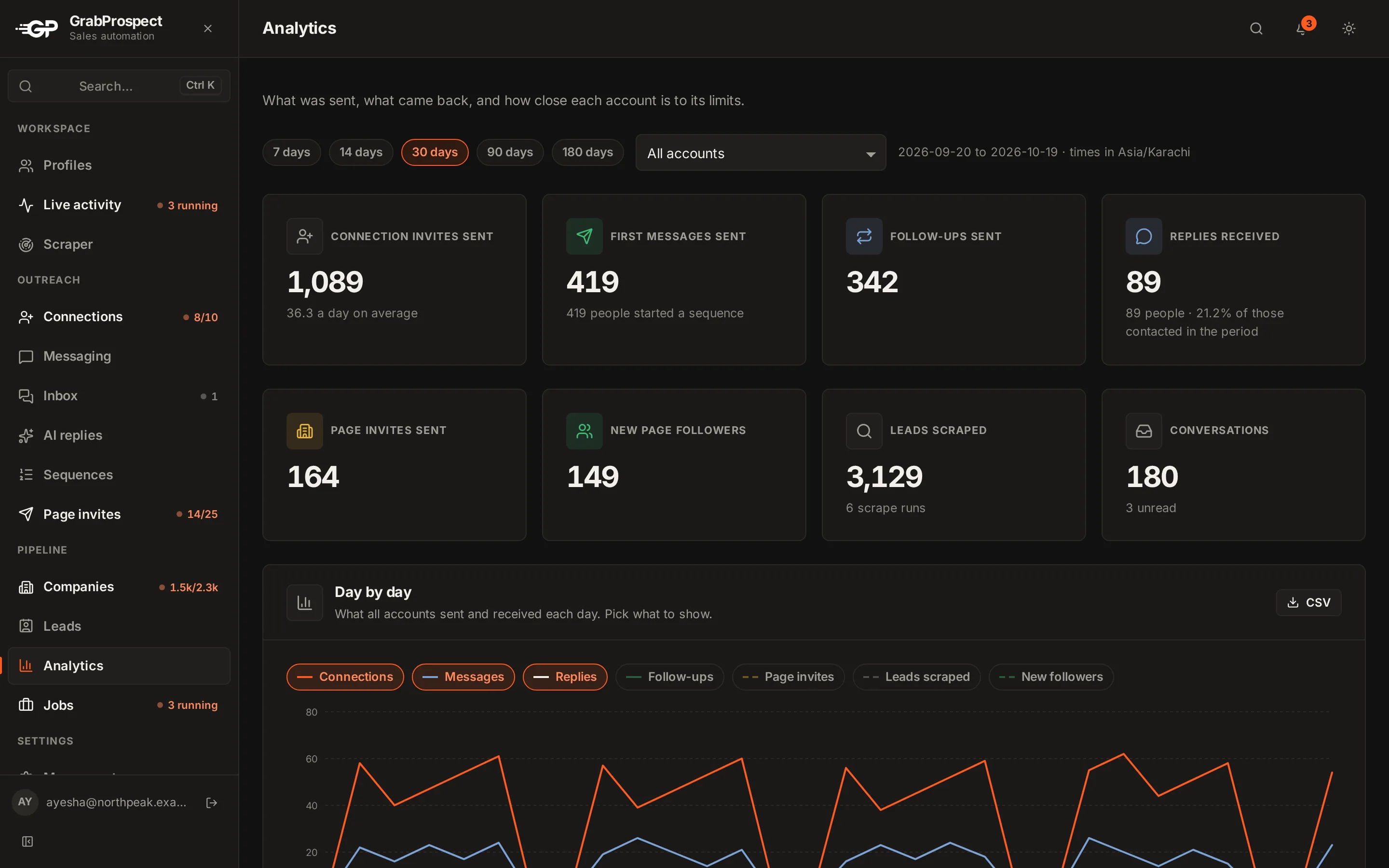
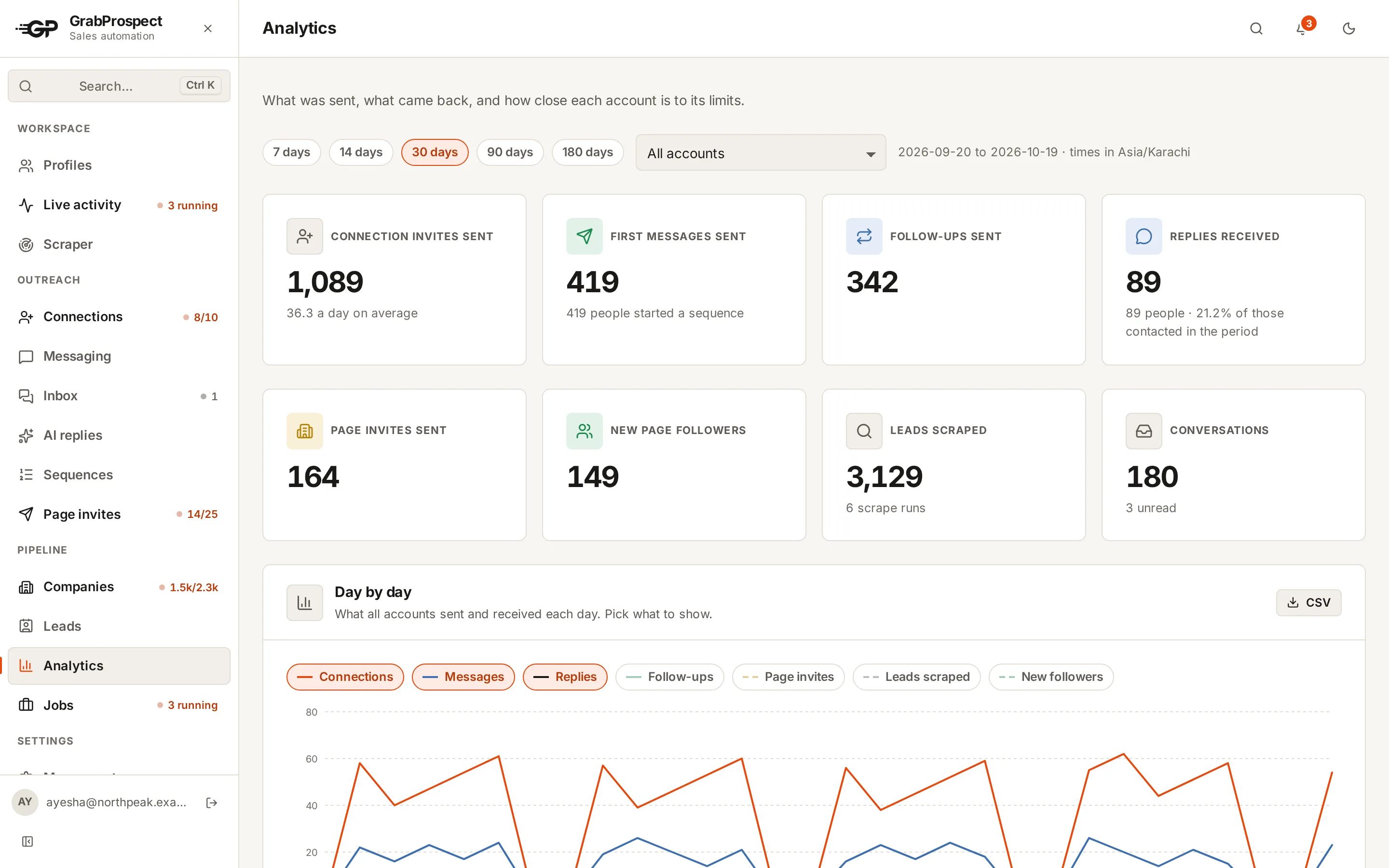
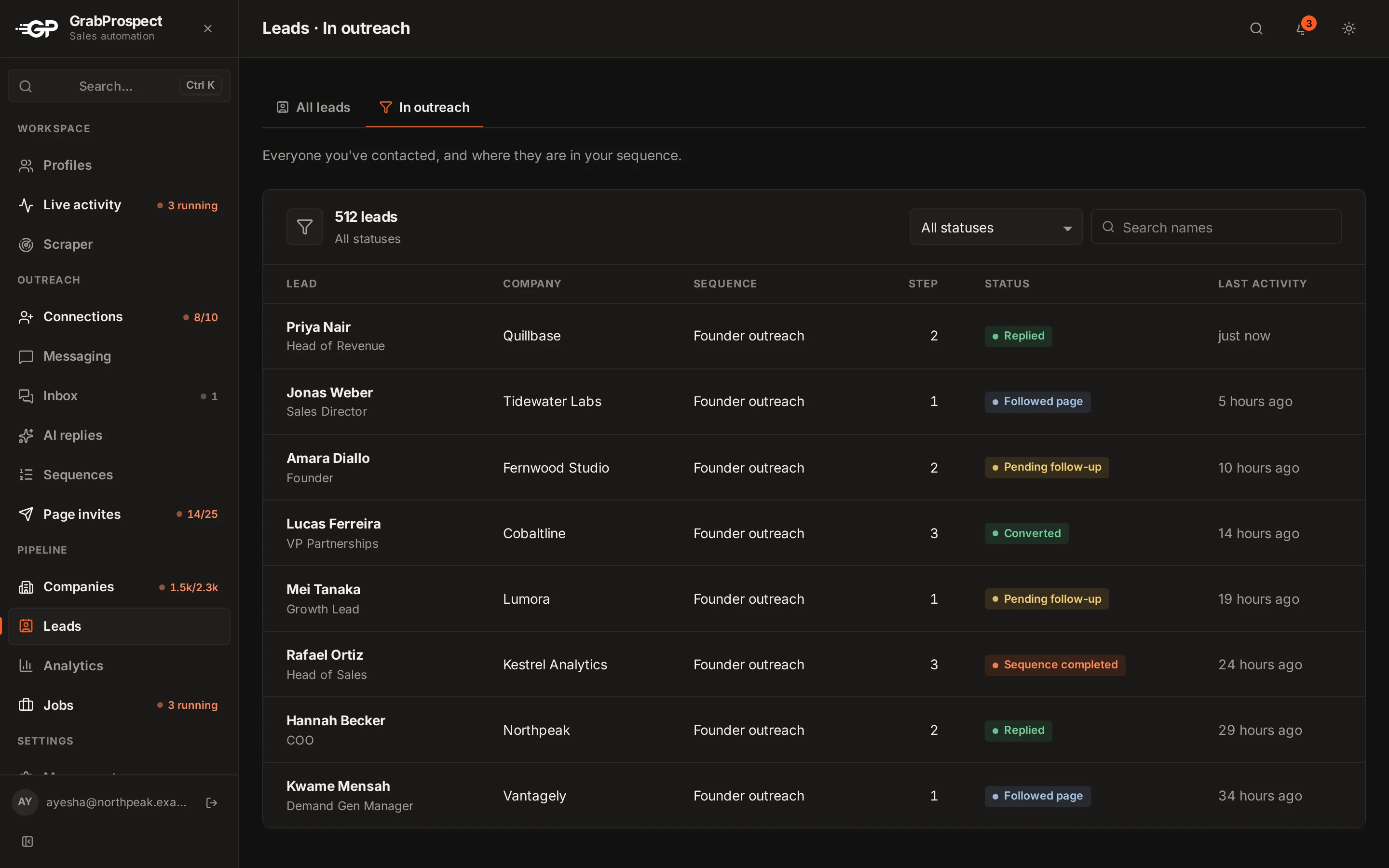
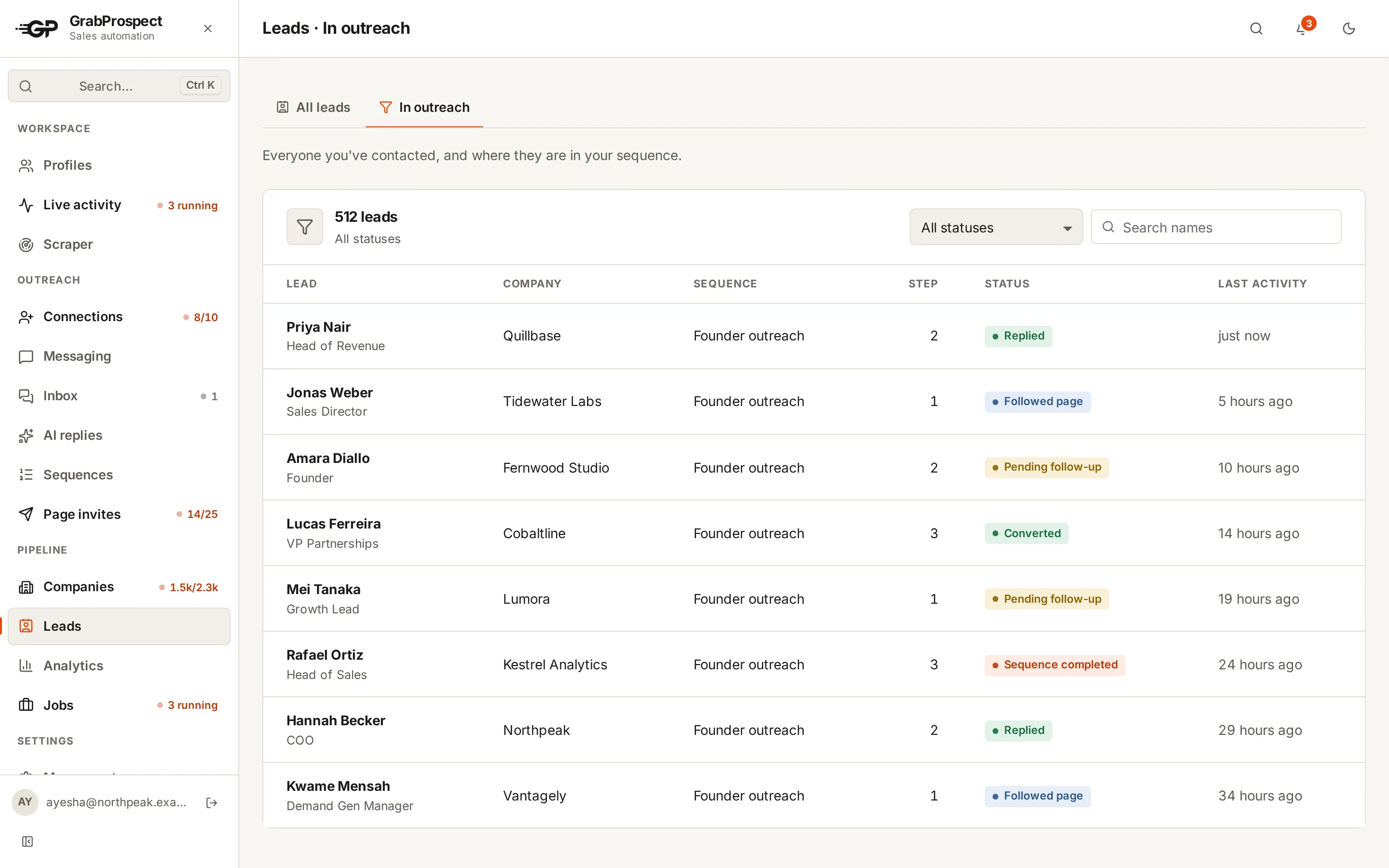
Analytics shows totals (step 1 sent, replied, followed the Page, converted, pending follow-up, sequence completed) and daily usage per account. Funnel lists every contacted lead with their sequence, step and status. Jobs lists every task, live and past, with filters, pages, downloads and delete.
Analytics
Totals across your workspace, and Daily usage: what each automation used per day, so you can see how much of your allowance you're using.
Funnel
Every contacted lead with their company, sequence, current step and status (for example Replied, Followed Page, Pending follow-up, Converted, Sequence completed). Filter by status or search by name.
Jobs
Every task (scrapes, invites, messages, Page invites, syncs), newest first, a page at a time, live while running. Filter by status, account and task type; select several to delete or merge scrape results; download any job's results as CSV.
Frequently asked questions
What counts as converted?
A lead you've marked as converted, for example after a meeting or a sale.
Can I export results?
Yes. Download any job's results as CSV from Jobs, and leads from Leads.
How long is history kept?
All of it, a page at a time, until you delete it.
Still stuck? Ask us and we’ll help.
Contact us