Sign-in codes, app approvals and security checks
What to do when LinkedIn asks a connected account for a verification code, an approval in the LinkedIn app, or a security check.
Updated
Quick answer
When LinkedIn asks a connected account for a code or an approval, the account is marked Needs you and GrabProspect asks for it. Enter the code LinkedIn sent (or approve the sign-in in the LinkedIn mobile app), and the account carries on where it left off. Security checks that need a person, such as a CAPTCHA, must be completed by the account owner.
LinkedIn sometimes asks for extra proof that it's really you, especially when an account signs in from a new place. GrabProspect pauses that account instead of failing.
Where you'll see it
- Live activity shows the account under Need you.
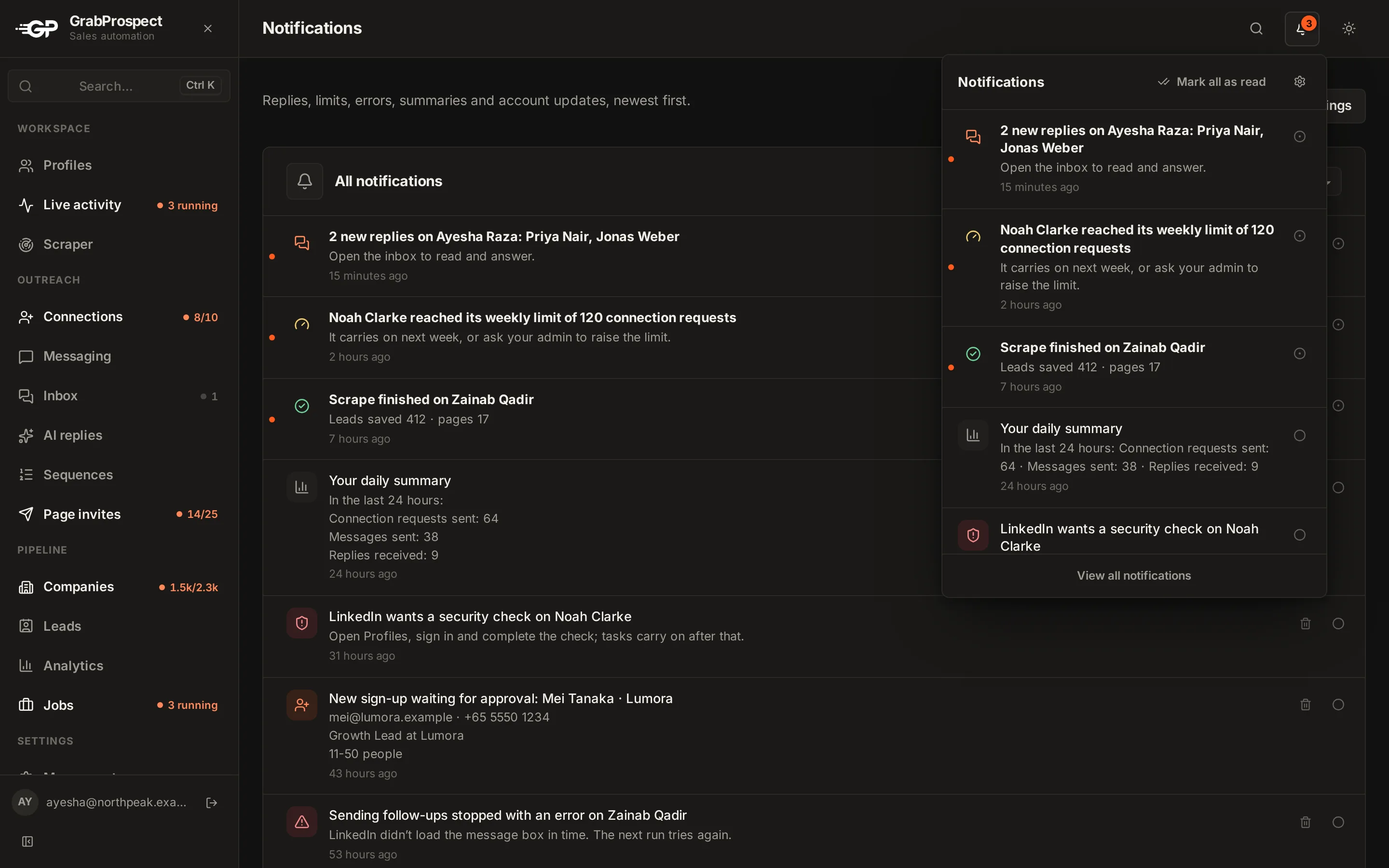
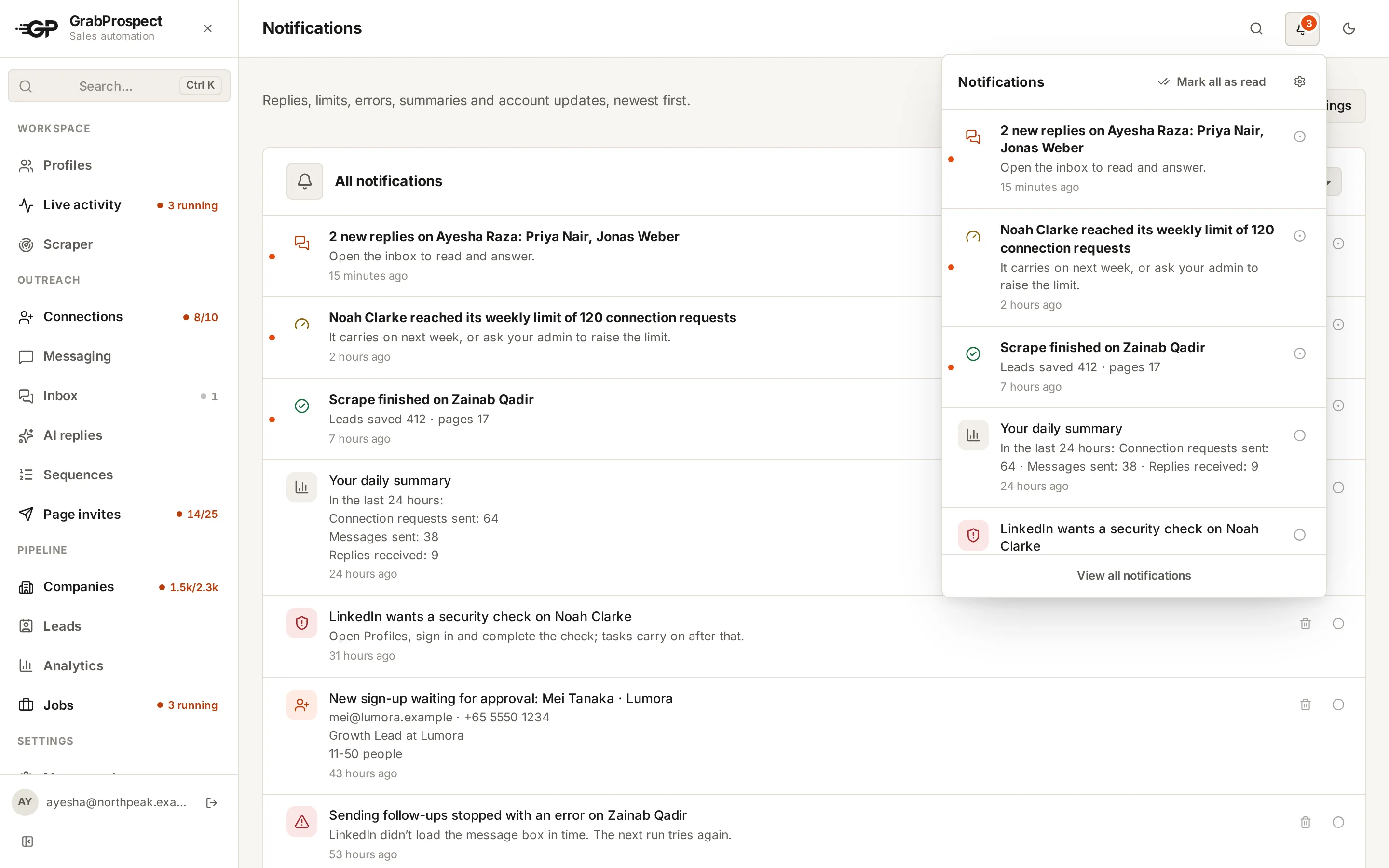
- The bell at the top shows a notification, and you can get an email too (see notifications).
- On Profiles, the account shows it needs attention.
Verification code
- Open the sign-in window for the account (it opens when you sign in, or from Profiles).
- Enter the Verification code LinkedIn sent by email or text.
- The account signs in and resumes its tasks.
Approval in the LinkedIn app
If LinkedIn says "check your LinkedIn mobile app", open the LinkedIn app on the phone signed in to that account and tap to approve. GrabProspect continues once LinkedIn confirms.
Security checks
If LinkedIn shows a CAPTCHA or asks to verify identity, the account owner should sign in to linkedin.com and complete it there. Then click Recheck on the profile.
Frequently asked questions
Will my campaigns stop while an account waits for a code?
Only that account's tasks wait. Other accounts carry on.
How often will LinkedIn ask for codes?
Usually only when an account is first connected or signs in from a new place. A stable session rarely needs codes.
What if I miss the code?
Request a new sign-in from Profiles; LinkedIn sends a fresh code.
Still stuck? Ask us and we’ll help.
Contact us