Getting started with GrabProspect
Create your account, connect a LinkedIn account, run your first Sales Navigator scrape and start your first connection campaign, step by step.
Updated
Quick answer
Sign up (the 7-day free trial needs no card), connect your LinkedIn account on the Profiles page, then paste a Sales Navigator search into the Scraper and start a connection campaign from Connections. Everything runs in the cloud on the hours you choose, so you can close the tab.
GrabProspect runs LinkedIn outreach for you in the cloud. This page takes you from sign-up to your first campaign in about 15 minutes.
1. Create your account
Go to the sign-up page and register with the same email your LinkedIn account uses. The free trial lasts 7 days, needs no card, and turns on every feature. See the free trial for its limits.
2. Connect your LinkedIn account
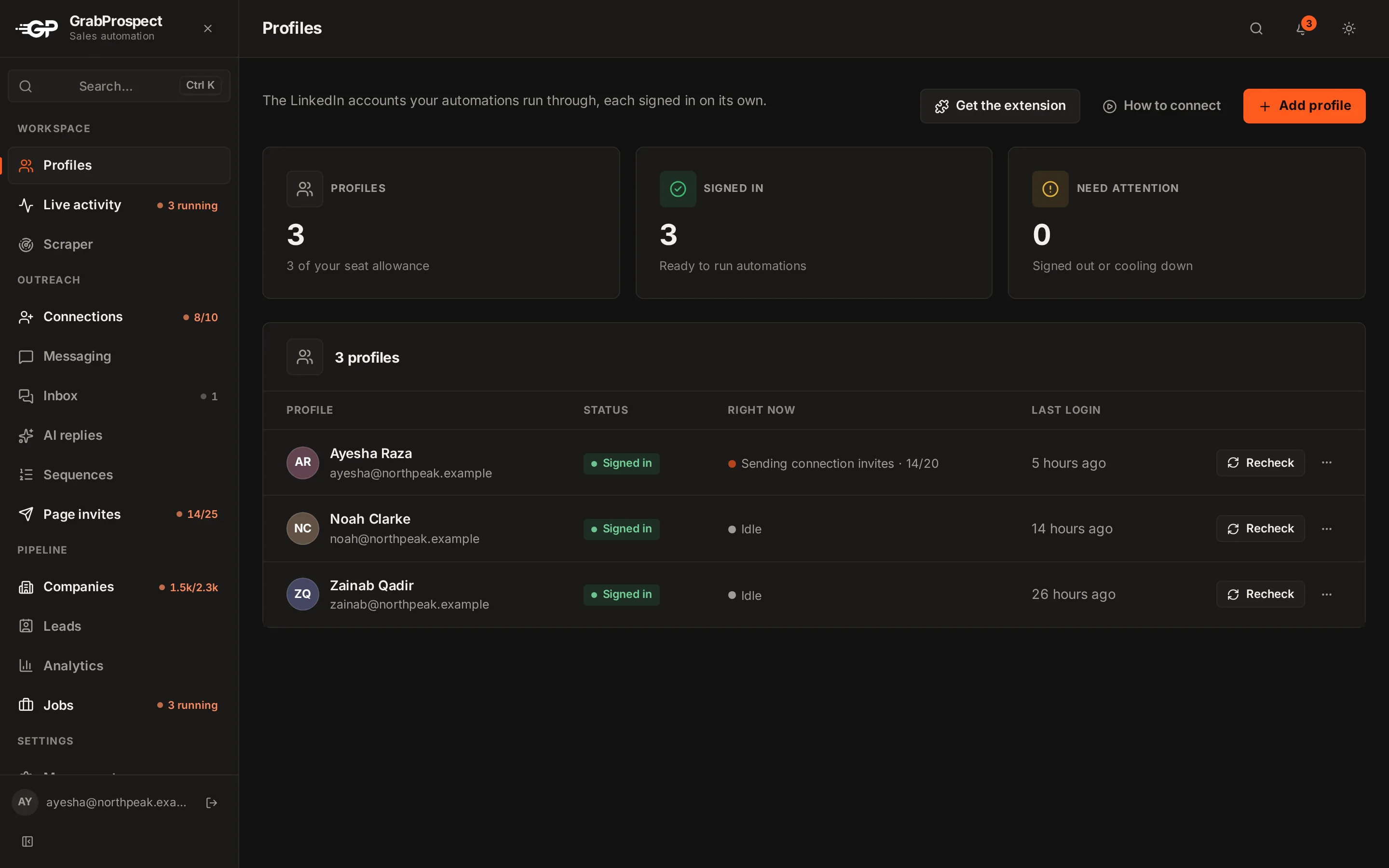
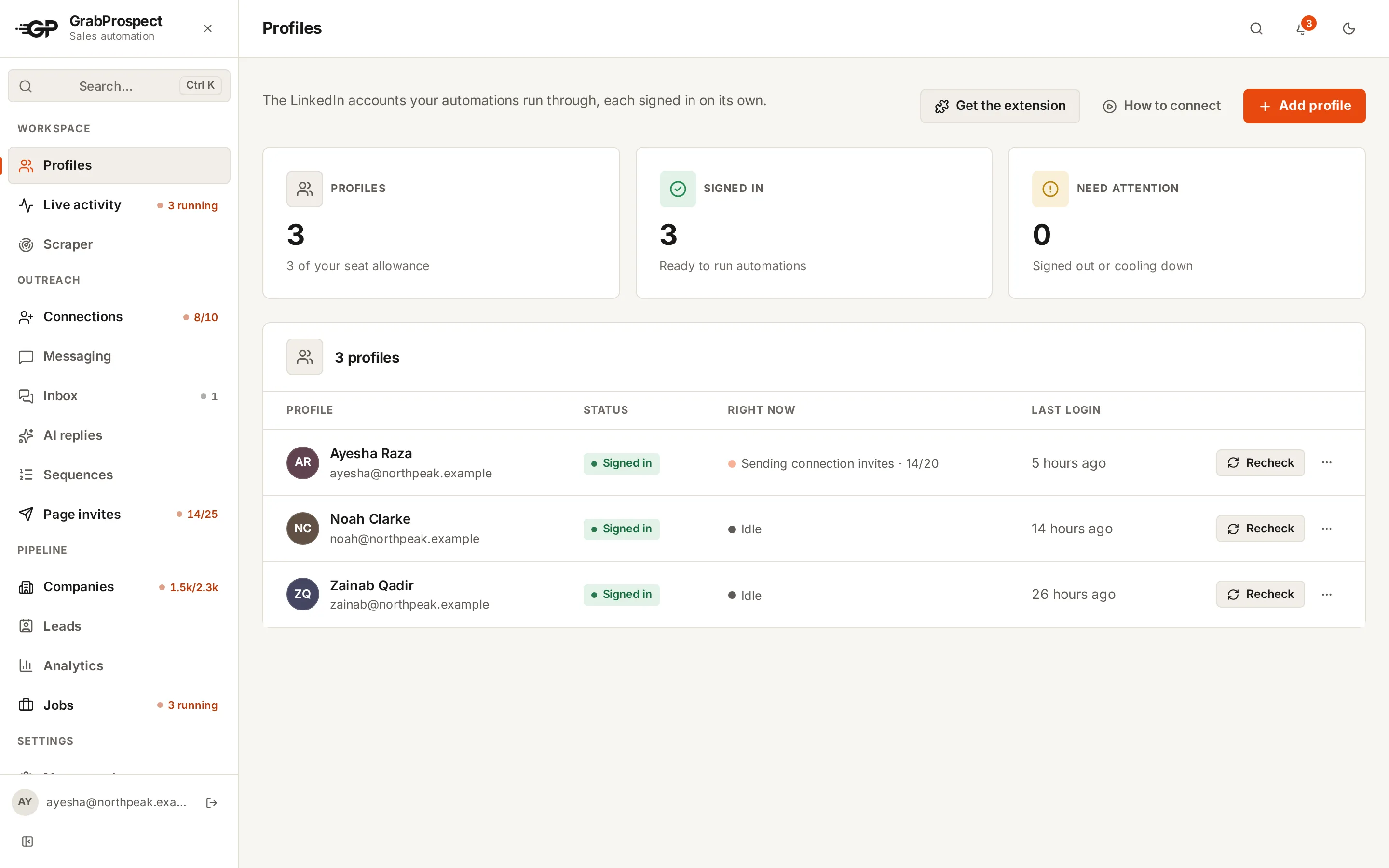
Open Profiles and add your LinkedIn account. During the trial you connect with your LinkedIn email and password; on paid plans you can also use the browser extension. Full steps: connect a LinkedIn account.
3. Find people: scrape a Sales Navigator search
Build a search in Sales Navigator, copy its URL, and paste it into Scraper. Choose the LinkedIn account and the pace, then Start scrape. Leads appear in Leads as they're saved. See run a Sales Navigator scrape.
Over 2,500 results? Use the query splitter first.
4. Reach out: send connection invites
Open Connections, choose the account and where to find people (My Network, a Search URL, Sales Nav or a Custom list), write an optional note with {{first_name}}, and choose Auto or Manual. See send connection invites.
5. Follow up and answer replies
Create a Sequence (a first message and follow-ups), run it from Messaging, and answer replies in the Inbox. Follow-ups stop by themselves when someone replies. See message sequences and the inbox.
6. Watch it work
Live activity shows what every account is doing right now, and the sidebar shows running tasks with their progress.
Frequently asked questions
Do I need Sales Navigator?
Only to scrape Sales Navigator searches. Invites and messages can also go to your network, a LinkedIn search or an uploaded list.
Do I need to keep the browser open?
No. Everything runs in the cloud on each account's working days and hours.
How long does setup take?
About 15 minutes for one account and a first campaign.
Still stuck? Ask us and we’ll help.
Contact us