Download, merge and export leads
Download one scrape's CSV, several scrapes as a ZIP or one merged file, export all leads, and sort, filter and delete scrapes in bulk.
Updated
Quick answer
Click CSV on a scrape for its leads. To export several, tick them under Your scrapes and choose Download ZIP (one CSV per scrape) or Merge into one file (every row, plus a Found In Search column). Leads › Export CSV exports your whole lead list. Sort scrapes by any column and filter by status or account.
One scrape
Click CSV on the scrape's row. Lead searches export 16 columns per lead; company searches export company columns. The file is named after the search.
Several scrapes
- Under Your scrapes (on Scraper or Campaign), tick the scrapes, or tick the header box for the whole page and Select all for every scrape matching your filters (up to 1,000).
- Choose:
- Download ZIP: one CSV per scrape.
- Merge into one file: every scrape's rows one after another, with a Found In Search column naming the search each row came from. People and company searches come as a ZIP of two merged files, because their columns differ.
- Delete: removes the scrapes (leads stay in your workspace).
Scrapes with nothing saved yet are left out, and you're told how many.
Sort and filter
- Click a column header (Search, Account, Status, Progress, Started) to sort; click again to flip.
- The Sort picker adds date finished, results in the search and time taken.
- Filter by status (Running, Waiting, Completed, Failed, Stopped) and by account.
All leads
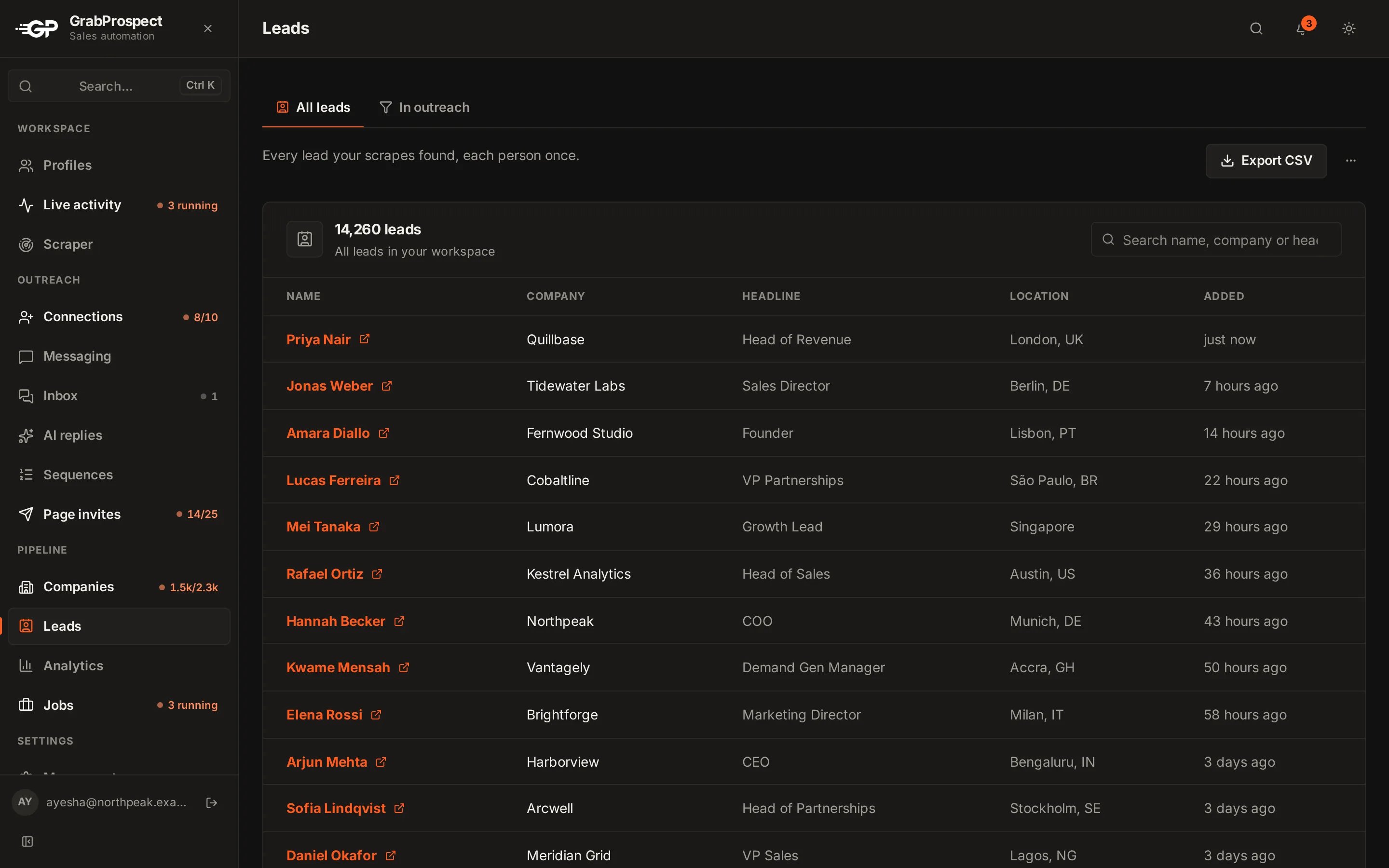
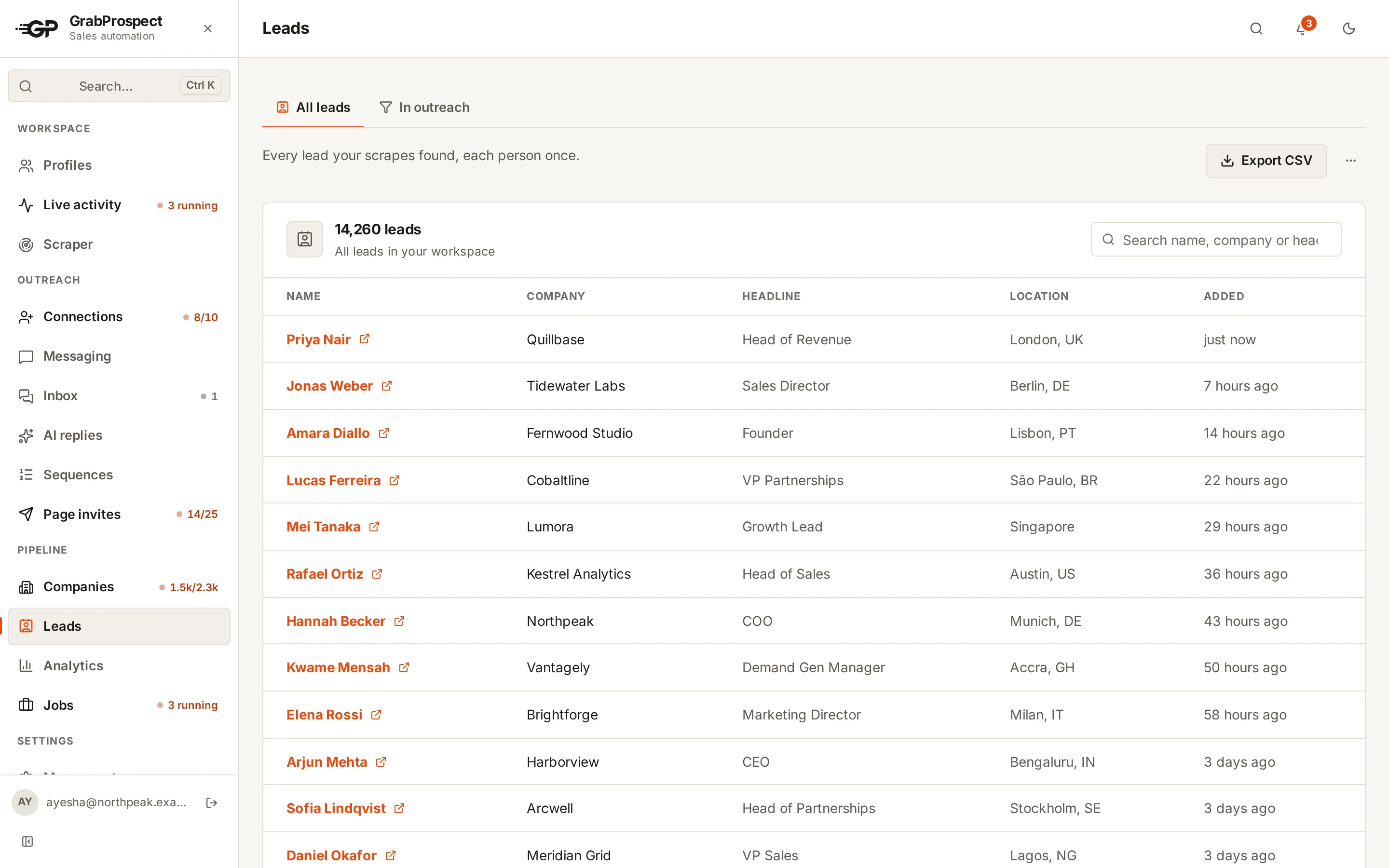
Leads › Export CSV exports every lead in your workspace.
Frequently asked questions
What columns does the lead CSV have?
First Name, Last Name, Full Name, Title, Company, Profile Link, LinkedIn Profile Link, isPremium, Company Profile URL, Company ID, Location, Time in Company, Time in Role, Connection Degree, Scraped At and Account Used.
Does merging remove duplicates?
No. A merged file lists every row from every scrape, so a person found by two searches appears twice, each with its search name.
Does deleting a scrape delete its leads?
No. Leads stay in your workspace.
Still stuck? Ask us and we’ll help.
Contact us