Run a Sales Navigator scrape
Scrape a Sales Navigator lead or company search into GrabProspect, choose the account and pace, follow its progress and download the results.
Updated
Quick answer
Open Scraper, choose the LinkedIn account (it needs Sales Navigator), paste the Sales Navigator search URL, pick a pace (Medium is recommended) and an optional maximum, then Start scrape. Progress shows under Your scrapes, leads appear in Leads, and the CSV downloads from the scrape's row.
Start a scrape
- In Sales Navigator, build your lead or company search and copy the URL from the address bar. Long
#query=links work. - Open Scraper.
- LinkedIn account for this scrape: choose an account with Sales Navigator.
- Sales Navigator search URL: paste the link.
- Pace: Slow (safest, about 20 to 40 seconds per page), Medium (recommended, about 15 to 25 seconds) or Fast (short runs only).
- Max leads: leave empty to take everything the search returns, or set a number.
- Click Start scrape.
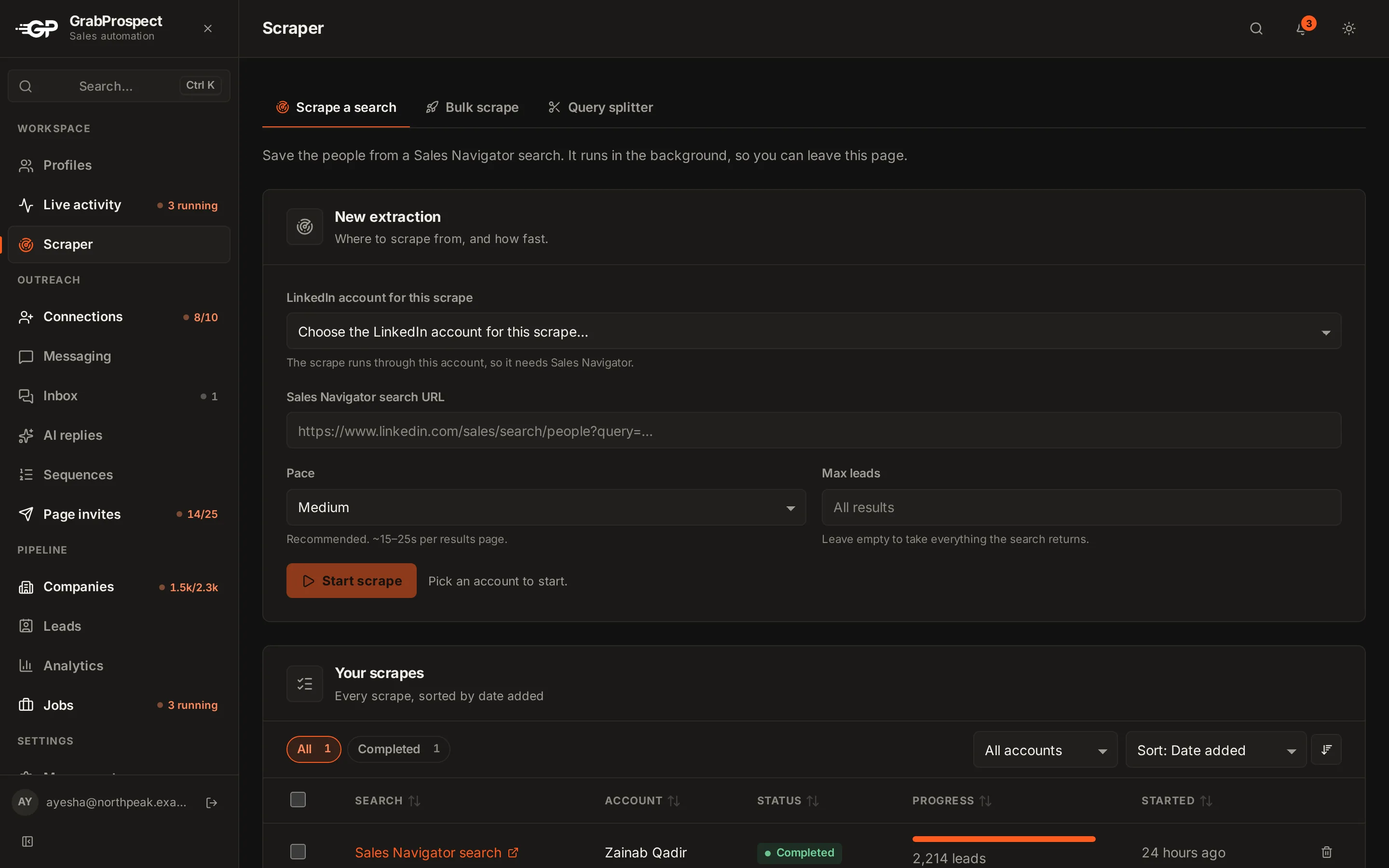
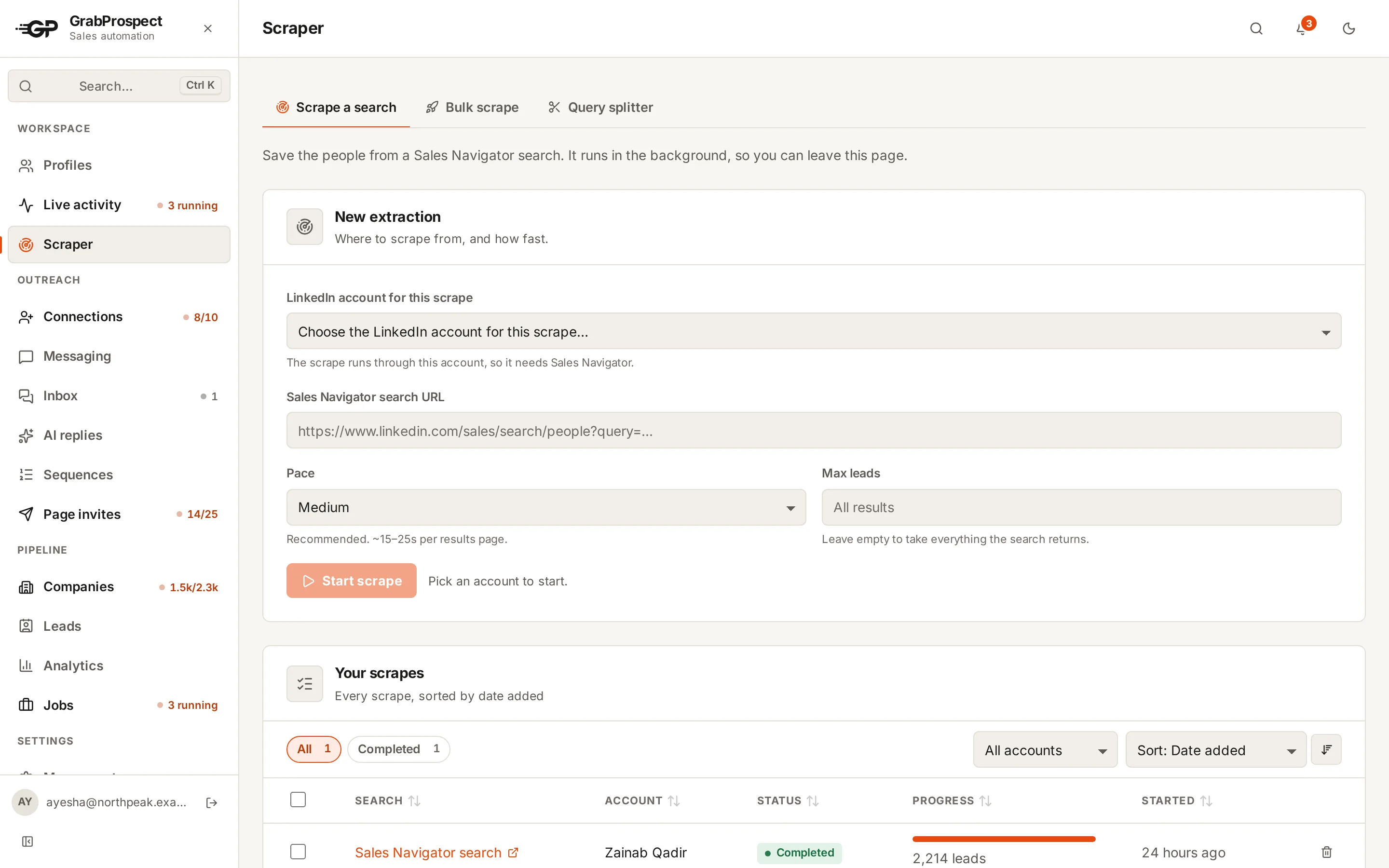
You can leave the page; the scrape runs in the background.
Follow its progress
Under Your scrapes, each scrape shows what it's doing (opening the browser, reading page 7, trying a slow page again), how many leads it has saved, and the total in the search. Waiting scrapes say what they're waiting for.
Company searches
Paste a Sales Navigator account search and GrabProspect detects it and saves companies with their own fields: industry, size, employees on LinkedIn, description and links.
Results
- Leads appear in Leads, each person stored once however many searches find them.
- Click CSV on the scrape's row to download what that scrape found (16 columns per lead).
- To download several scrapes, see download and export.
Frequently asked questions
How long does a scrape take?
About 15 to 30 minutes for 2,500 leads at Medium pace. Sales Navigator pages sometimes load slowly; GrabProspect waits and retries.
Why does my search stop at 2,500?
Sales Navigator shows at most 2,500 results per search. Split the search to get more.
Can I scrape with an account that doesn't have Sales Navigator?
No. Sales Navigator searches only open for accounts with Sales Navigator.
Still stuck? Ask us and we’ll help.
Contact us