The inbox and replies
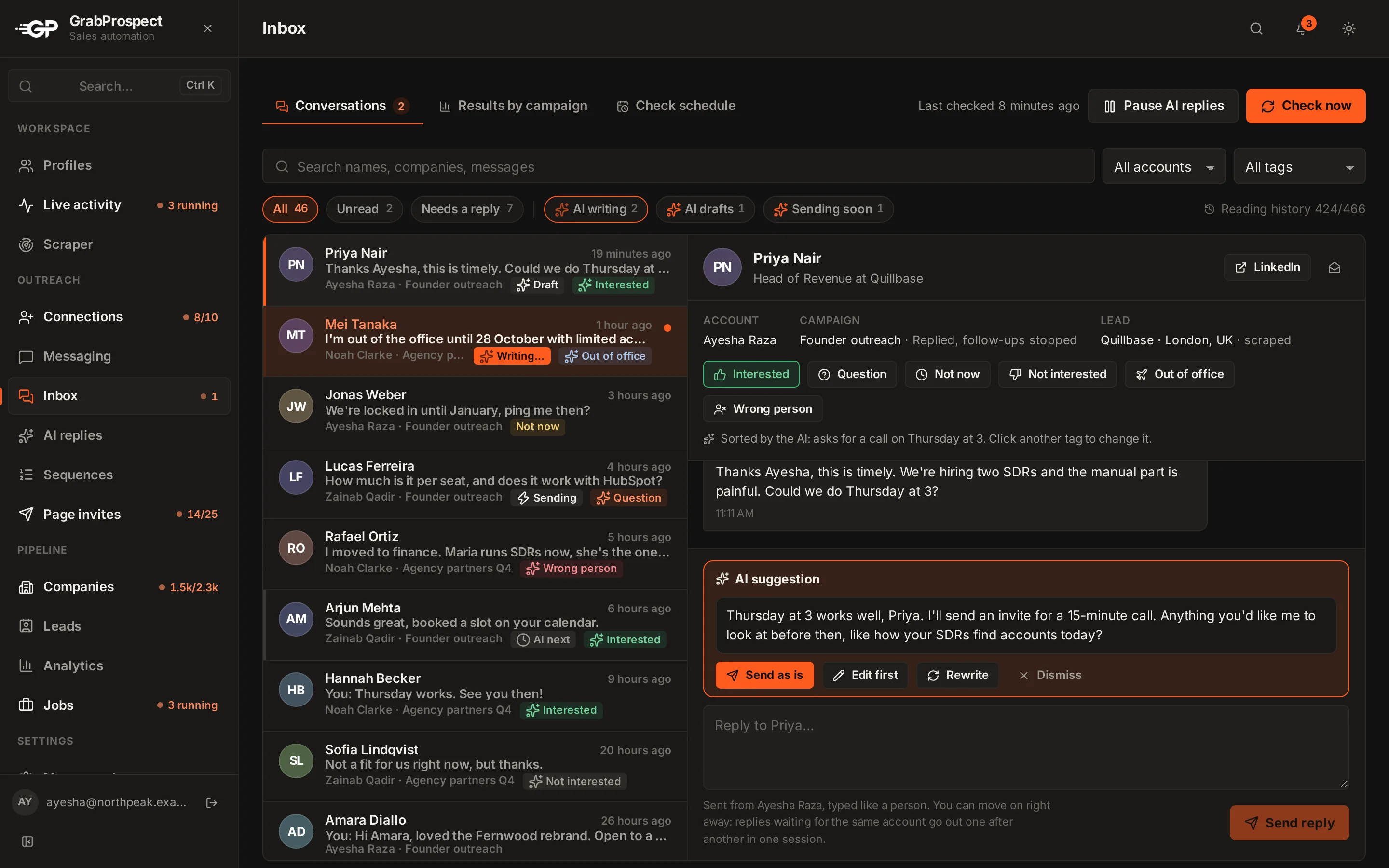
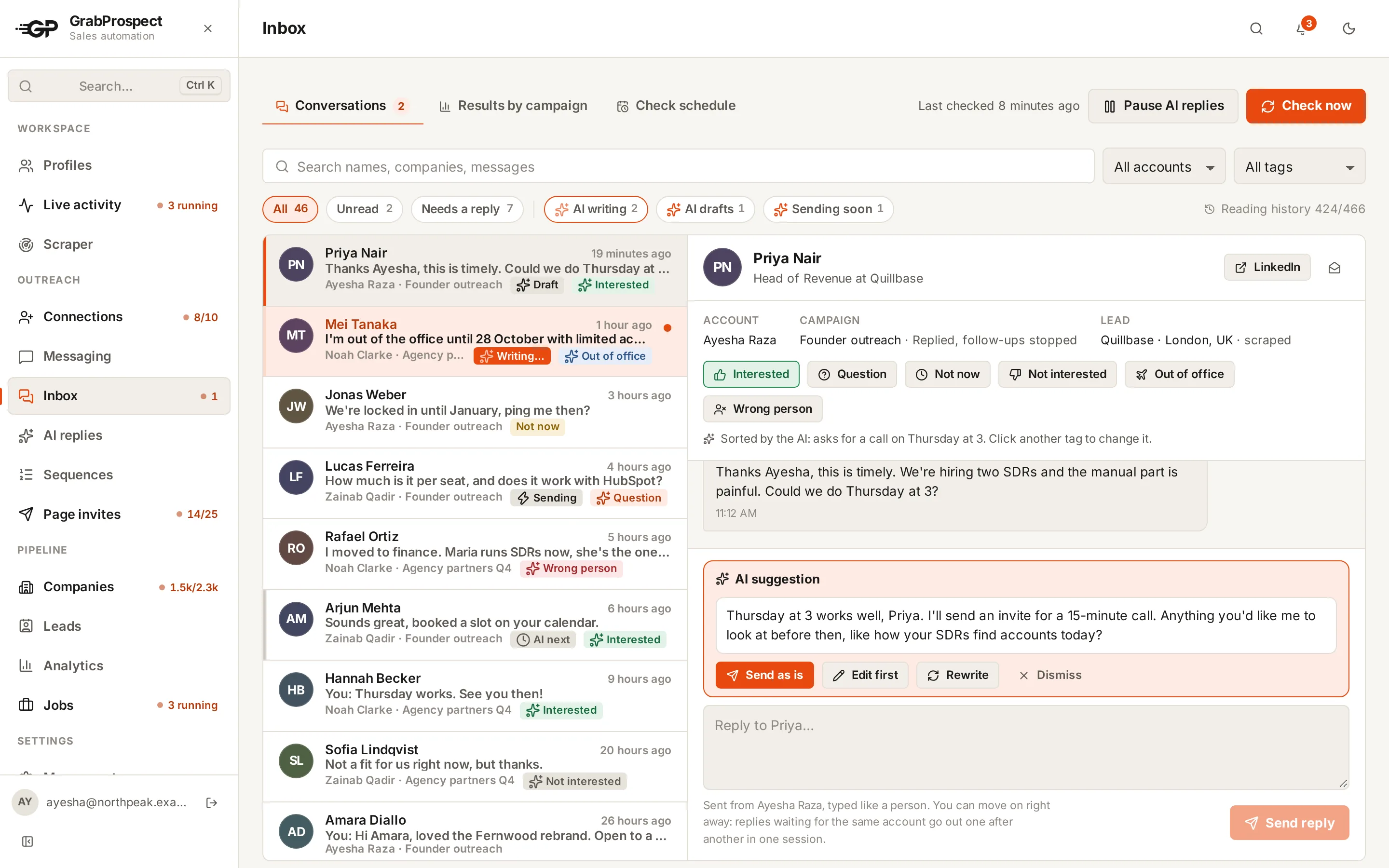
See replies from every LinkedIn account in one inbox with the full conversation, choose when replies are checked, answer from the right account without waiting, and tag conversations.
Updated
Quick answer
Inbox collects replies from every LinkedIn account in your workspace, with each conversation read back to its first message. Set Check schedule to choose when replies are checked (each check runs at a random minute and never marks anything as read), or click Check now. Open a conversation to reply from the account it belongs to, and tag it Interested, Question, Not now, Not interested, Out of office or Wrong person.
Checking for replies
- Check schedule: choose the time slots; each check runs at a random minute inside the slot.
- Check now: checks immediately.
- Checks never mark a conversation as read on LinkedIn.
The full conversation, not just the last message
LinkedIn's conversation list only shows each conversation's newest message. GrabProspect reads more:
- New messages: every check adds all the messages that arrived since the last one, not only the newest.
- Older history: once per LinkedIn account, every conversation is read back to its very first message, a few minutes per check, without opening anything on screen and without marking anything as read. People who replied come first. The top of the inbox shows how far it has got, for example Full history: 420 of 466 conversations.
- Right away when you open one: if a conversation isn't complete yet, opening it reads it in full straight away (usually within a minute), ahead of the rest.
Reading and answering
- Filter by All accounts or one account, search names, companies or messages, and use the tabs (Unread, Needs a reply, Interested, Question, Not now, Not interested, Out of office, Wrong person, Not tagged).
- Open a conversation. You see the account, the campaign it came from, and the lead.
- Type your reply and press Send reply. It shows as Sending and the box is ready for the next one straight away: you don't have to wait.
- Tag it, or let the AI replies add-on tag it for you.
How replies are sent
Each reply goes out from the account the conversation belongs to, typed like a person after a short pause to read the conversation. When you answer several people from the same account, the replies go out one after another in the same browser session, so the first one goes out within a minute or two and the rest follow a minute or so apart. If an account is busy with another task, its replies wait for it and then go out together.
Results by campaign
Results by campaign shows, for each sequence, how many people were messaged, how many replied, the reply rate, and how their replies were tagged.
Frequently asked questions
Does a reply stop the sequence?
Yes. Anyone who replies is stopped automatically. The one exception is an out-of-office reply tagged by the AI: the sequence carries on after the person is back.
Is the whole conversation really there, even old ones?
Yes. Each conversation is read back to its first message once (up to 2,000 messages per conversation), and every check adds the new ones.
Can I open a conversation on LinkedIn?
Yes, each conversation has a link to open it on LinkedIn.
Can teammates see my inbox?
No. Each team member sees only their own workspace's inbox.
Still stuck? Ask us and we’ll help.
Contact us